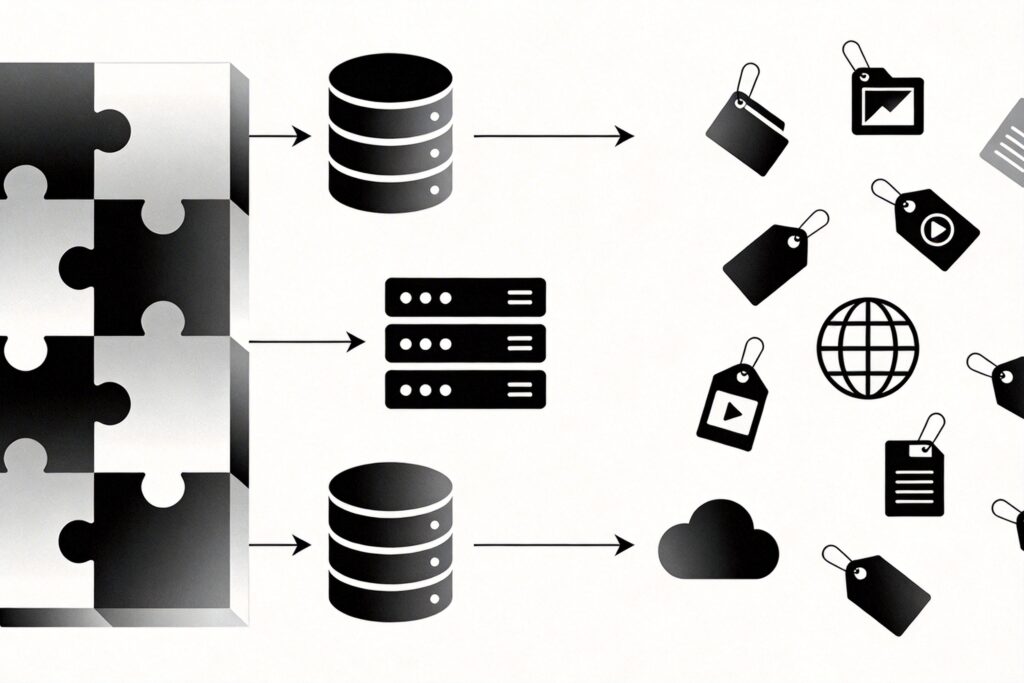
What is Block Storage?
Block Storage organizes data into fixed-size, individually addressable blocks, appearing to the user as a raw, formatable disk volume.
Core Characteristics and Typical Applications
- Structure: Data is divided into equal-sized blocks (e.g., 512 bytes, 4KB), each with a unique address.
- Access Method: Mounted by an OS as a local disk, supporting full file system operations (formatting, directories, file I/O).
- Performance: Delivers low latency and high IOPS, ideal for performance-sensitive workloads.
- Typical Applications:
- Primary storage for databases (MySQL, PostgreSQL).
- System and data disks for enterprise application servers or virtual machines.
- Scenarios requiring high-performance random read/write operations.
- Cloud Service Examples: AWS EBS, Google Persistent Disk, Azure Managed Disks.
What is Object Storage?
Object Storage manages data as discrete objects, each containing the data itself, extensible metadata, and a globally unique identifier.
Core Characteristics and Typical Applications
- Structure: Data stored as objects comprising data, metadata, and a unique identifier (e.g., URL or Key).
- Access Method: Primarily via RESTful APIs (HTTP/HTTPS); cannot be mounted as a local filesystem.
- Scalability: Designed for near-infinite horizontal scale, suitable for massive unstructured data.
- Cost & Durability: Typically lower cost with very high data durability (e.g., 99.999999999% reliability).
- Typical Applications:
- Static website hosting (images, CSS, JS).
- Backup, archive, and data lake storage.
- User-generated content (images, videos, documents).
- Cloud Service Examples: AWS S3, Google Cloud Storage, Azure Blob Storage.
Core Differences: Block Storage vs. Object Storage
| Dimension | Block Storage | Object Storage |
|---|---|---|
| Data Organization | Fixed-size blocks | Objects (data + metadata + ID) |
| Access Protocol | SCSI, iSCSI, FC (OS-mounted) | HTTP/HTTPS RESTful API |
| Performance | Low latency, high IOPS, random I/O | High throughput, sequential I/O, higher latency |
| Scalability | Vertical (scale-up) | Horizontal (scale-out), near-infinite |
| Primary Use | Databases, VM disks, high-performance apps | Static files, backup/archive, massive unstructured data |
| Metadata | Limited (managed by filesystem) | Rich, customizable |
| Cost Model | Provisioned capacity | Pay-as-you-go (storage, requests, egress) |
How to Choose?
Your choice depends on specific requirements:
- Choose Block Storage if: Your application needs low-latency, high-IOPS random access (e.g., databases, ERP systems, VM boot disks).
- Choose Object Storage if: You need to store vast amounts of unstructured data (images, videos, logs) for direct web access or analytics, prioritizing scalability, cost, and durability.
Modern cloud architectures often combine both. For example, place a core database on high-performance block storage, while storing generated reports and user uploads in cost-effective, scalable object storage.