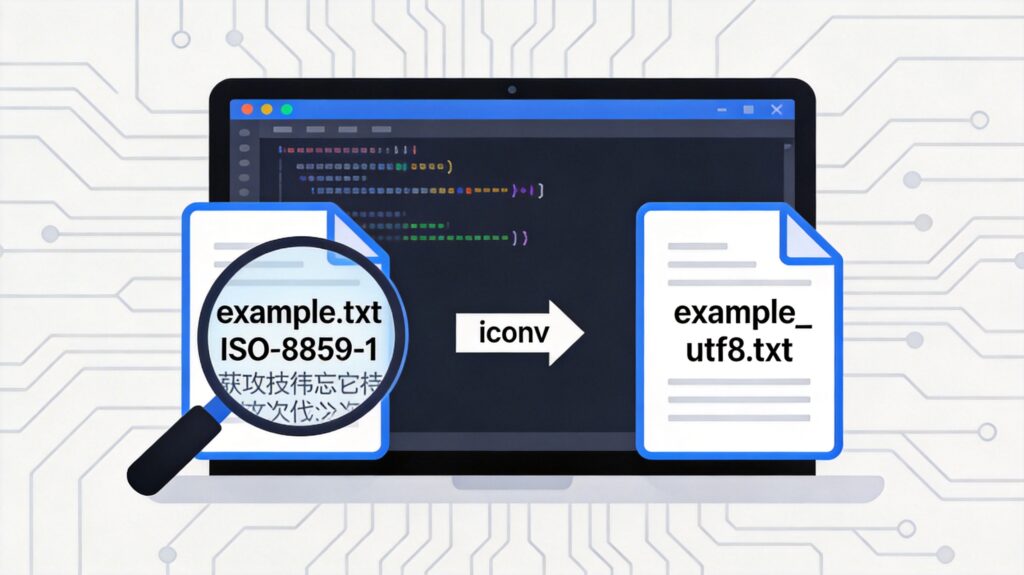
Checking File Encoding in Linux
To determine the character encoding of a file, use the file command with the -bi (brief, mime-type) option. For example, to check the encoding of example.txt and extract just the charset name in uppercase:
file -bi example.txt | sed -e 's/.*[ ]charset=//' | tr '[a-z]' '[A-Z]'If the output is something like ISO-8859-1, the file is encoded in the ISO-8859-1 (Latin-1) character set.
Verifying Encoding Support in iconv
Before converting, verify that iconv supports the source encoding. List all supported encodings and filter for the one you need:
iconv -l | grep ISO-8859-1If the output includes ISO-8859-1//, the encoding is supported for conversion.
Checking the System Locale Encoding
Knowing your system's default locale encoding helps choose a target encoding. Check it with:
echo $LANGAn output like zh_CN.UTF-8 indicates the UTF-8 encoding is in use. For Chinese environments, converting files to UTF-8 is often the best solution to prevent garbled text.
Converting File Encoding with iconv
The basic syntax for iconv is:
iconv -f SOURCE_ENCODING -t TARGET_ENCODING input_fileFor example, to convert example.txt from ISO-8859-1 to UTF-8:
iconv -f ISO-8859-1 -t UTF-8 example.txtThis prints the converted content to the terminal. To save the output to a new file, use output redirection:
iconv -f ISO-8859-1 -t UTF-8 example.txt > example_utf8.txtCommon Issues and Notes
- Command Correction: The original command
tr '[a-z]' '[A-Z'had a mismatched bracket. It has been corrected totr '[a-z]' '[A-Z]'. - Garbled Text: Chinese text often appears garbled when the file's storage encoding (e.g., GBK, GB2312) differs from the encoding used by the system or viewing tool (e.g., UTF-8). Converting to a consistent UTF-8 encoding via
iconvis a standard fix. - Encoding Detection: The
file -bicommand is not 100% accurate, especially for plain text files. If garbled text persists after conversion, try other source encodings like GB18030 or GBK. - Batch Conversion: To convert multiple files, combine
findwith a shell loop script.