Problem Background
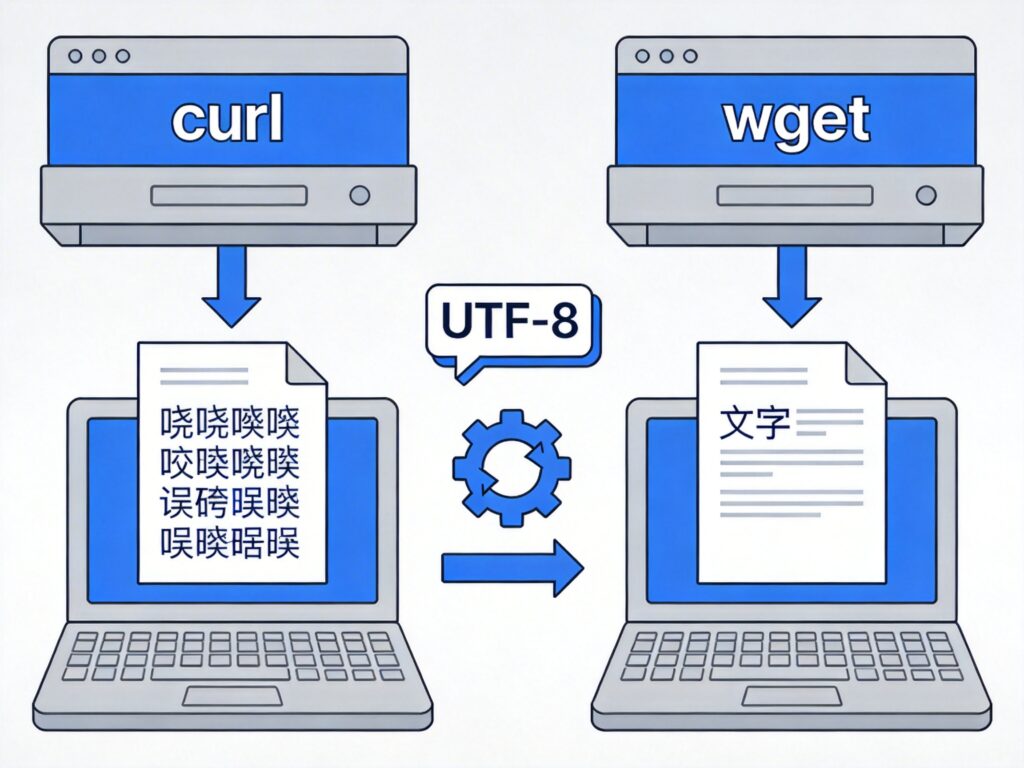
When using the curl or wget commands to download files from certain servers, if the server returns filenames or content using non-UTF-8 encodings (such as GB2312, GBK, etc.), the downloaded filenames or file contents may appear garbled. This is particularly common when dealing with resources in Chinese environments.
Solutions
There are different methods to solve Chinese character encoding issues for the curl and wget commands.
1. Using curl with Encoding Conversion
If the downloaded file content is encoded in GB2312 or similar, you can use a pipe (|) with the iconv command for real-time transcoding.
curl -s http://www.example.com/123.txt | iconv -f gb2312 -t utf-8 > 123.txtCommand Explanation:
-s: Silent mode, suppresses progress output.iconv -f gb2312 -t utf-8: Converts the input stream from GB2312 encoding to UTF-8 encoding.> 123.txt: Outputs the converted content to the file123.txt.
This method is suitable for garbled file content but does not solve filename garbling in the HTTP headers returned by the server.
2. Using wget with Filename Encoding Restrictions
wget provides the --restrict-file-names option to control how filenames are saved, which can prevent garbled filenames due to encoding issues.
wget --restrict-file-names=nocontrol http://www.example.com/123.txtCommand Explanation:
--restrict-file-names=nocontrol: This option strips non-ASCII control characters from filenames, often effectively preventing garbled filenames caused by encoding mismatches. The downloaded file will be saved with a safe name.
For more precise encoding control, you could combine this with the --remote-encoding option (note: newer versions of wget have removed this option; --restrict-file-names is recommended).
3. General Advice and Advanced Handling
For more complex situations, consider these approaches:
- Check Server Encoding: Use
curl -Ito inspect the server'sContent-Typeheader and confirm the declared charset. - Specify Request Headers: Use
curl -H 'Accept-Charset: utf-8'to request UTF-8 encoded content. - Post-process Filenames: If downloaded filenames remain garbled, use tools like
convmvfor batch filename transcoding.
Note: The above methods primarily target GNU/Linux or macOS systems. In Windows Command Prompt or PowerShell, garbled text may originate from the system console's own encoding settings, requiring adjustments to system locale settings or using a UTF-8 capable terminal.
Summary
The key to solving Chinese character garbling when downloading with curl or wget is identifying the source encoding and performing conversion. For content garbling, use iconv; for filename garbling, use the wget --restrict-file-names=nocontrol option. Choose the appropriate method based on your situation to effectively avoid encoding problems.