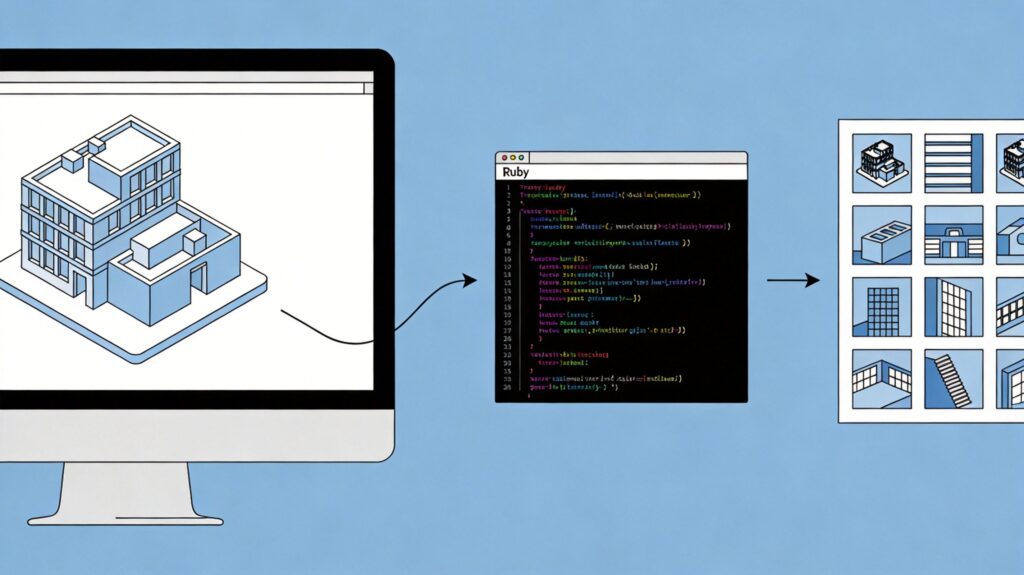
Complete Guide to Batch Generating SKP Model Thumbnails in SketchUp (with Ruby Script)
This guide provides a robust Ruby script to batch generate thumbnail images (PNG format) for all SketchUp (.skp) files within a selected folder directly from the SketchUp Ruby Console.
Script Code and Usage
Copy and paste the following code into the SketchUp Ruby Console (Window > Ruby Console).
# Select the folder containing SKP files
folder_path = UI.select_directory(title: "Select folder containing SKP files")
if folder_path
  # Define the output subfolder
  thumbnails_folder = File.join(folder_path, 'Thumbnails')
  Dir.mkdir(thumbnails_folder) unless Dir.exist?(thumbnails_folder)

  # Process each .skp file
  Dir.glob(File.join(folder_path, "*.skp")).each do |skp_file|
    begin
      model = Sketchup.open_file(skp_file, with_status: false)
      if model
        puts "Processing: #{skp_file}"
        png_filename = File.join(thumbnails_folder, File.basename(skp_file, ".skp") + ".png")
        model.save_thumbnail(png_filename)
        puts "Thumbnail saved to: #{png_filename}"
        # Close the model to free memory
        Sketchup.active_model.close if Sketchup.active_model && !Sketchup.active_model.path.empty?
      end
    rescue => exception
      puts "Error processing #{skp_file}: #{exception.message}"
    end
  end
  # Open the output folder upon completion
  UI.openURL("file:///#{thumbnails_folder}")
  puts "Batch thumbnail generation complete!"
else
  puts "No folder selected. Operation cancelled."
end
How the Script Works
- Folder Selection: A dialog prompts you to select the source folder containing your .skp files.
- Output Directory: Creates a 'Thumbnails' subfolder within the selected folder to store all generated PNGs.
- Batch Processing: Iterates through every .skp file, opens it, and generates a thumbnail using SketchUp's built-in method.
- Error Handling: Includes a rescue block to catch and report errors for individual files without stopping the entire batch process.
- Resource Management: Closes each model after processing to prevent excessive memory usage.
- Completion: Opens the Thumbnails folder in your file explorer and prints a completion message.
Important Notes
- Model State: Save and close all open SketchUp models before running the script for best results.
- File Permissions: Ensure SketchUp has read/write permissions for the selected folder.
- Thumbnail Quality: The
model.save_thumbnailmethod uses SketchUp's preset size and quality. For custom resolution or rendering, more advanced API calls are required. - SketchUp Version: This script is compatible with SketchUp 2017 and later. API details may vary slightly between versions.
Tip: Processing many or complex models can take time. Let the script run to completion without closing SketchUp.