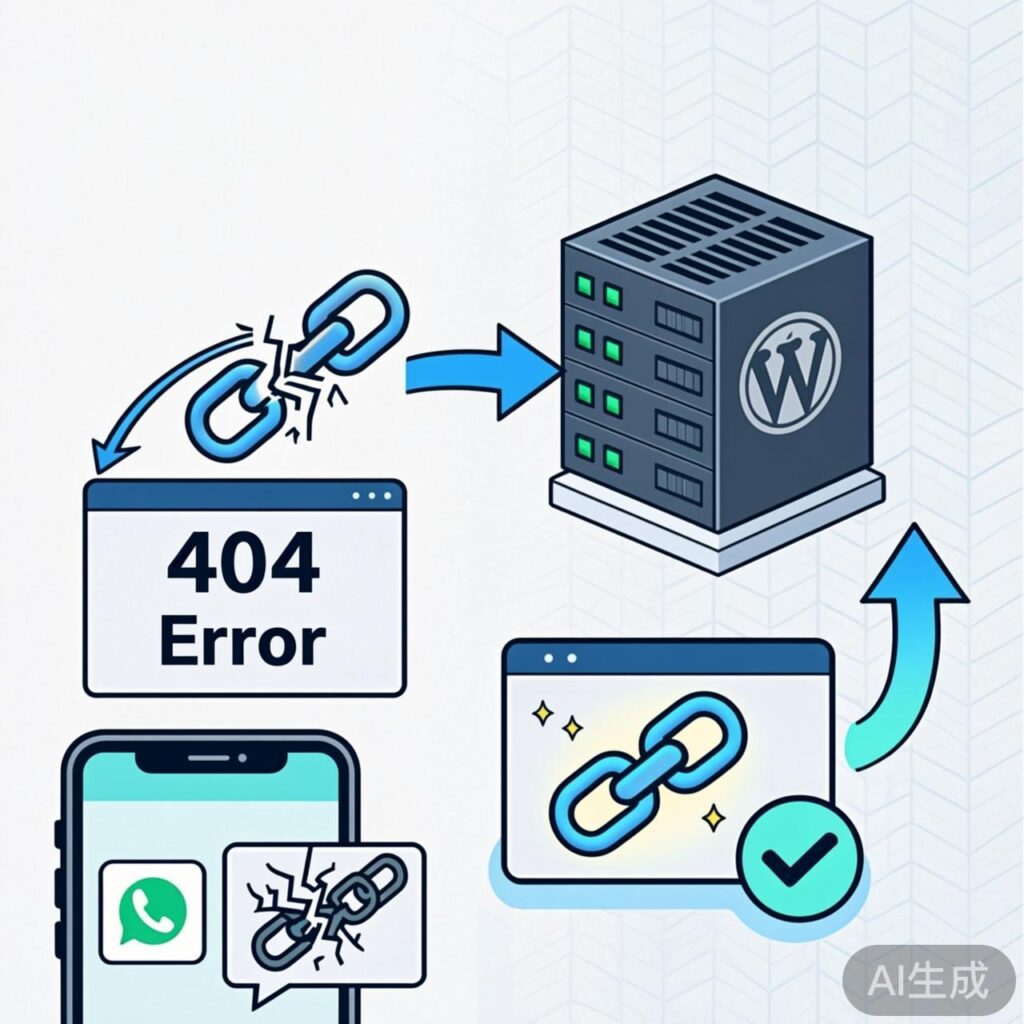
Why Do WeChat Robot Links to WordPress Posts Return 404 Errors?
When using a WeChat robot plugin (e.g., WeChat Robot, WeChat Broadcast) to push WordPress posts to a WeChat Official Account, users may encounter a 404 error when clicking the article link. The page sometimes redirects to a Tencent charity site. This is not a problem with your website but occurs because WeChat automatically appends query parameters to the generated URL, such as &subscene=number and &sessionid=number. These parameters prevent WordPress from correctly matching the post path, triggering the 404 error.
How to Fix the 404 Error for WeChat Robot Links
The core solution is to redirect URLs containing WeChat's appended parameters to the correct article address. You can achieve this via a WordPress plugin or server configuration (e.g., Nginx). Below are two primary methods.
Method 1: Use a WordPress Redirect Plugin (Recommended for Beginners)
This method requires no code editing and is done through plugin settings.
Step 1: Install and Activate the Redirection Plugin
In your WordPress admin, go to Plugins → Add New, search for Redirection (by John Godley), install and activate it. Ensure your site's REST API is available (usually enabled by default).
Step 2: Add a Redirect Rule
Navigate to Tools → Redirection, click Add New, and configure:
- Source URL:
/&subscene=(.*)&sessionid=(.*) - Target URL: Leave empty or enter
/(redirects to the original post) - Regex: Check this box
- Group: Select Redirections
Save the rule. It will automatically redirect URLs containing &subscene and &sessionid parameters to the correct post.
Method 2: Configure Redirect via Nginx (For Server Administrators)
To avoid plugin dependency, handle this directly in your Nginx configuration. Add the following rule to your site's Nginx config file (typically in /etc/nginx/sites-available/ or your virtual host config):
location / {
    if ($args ~* "subscene=[^&]*&sessionid=[^&]*") {
        rewrite ^/(.*)$ /$1? permanent;
    }
}
This rule detects if the query string contains both subscene and sessionid parameters. If present, it strips all parameters and redirects to the original path. After editing, restart Nginx (e.g., sudo systemctl reload nginx).
Notes and Testing
- The rules above are based on WeChat's current parameter format. Adjust the regex if WeChat changes its parameters.
- Test by clicking the link within WeChat or simulating a URL with parameters in a browser.
- If issues persist, check for conflicts with other plugins or themes, or provide specific error details for further troubleshooting.
Using either method will resolve the 404 errors caused by WeChat's appended parameters, ensuring users can access your posts normally from the Official Account.