Project Background and Goal
Data quality is critical in machine learning projects. Natural Language Processing (NLP) projects often handle human-written text, where spelling errors are common. For instance, datasets collected from social media or forums may contain numerous typos, which can degrade model performance. Therefore, building a spell checker is a valuable project for improving data quality.
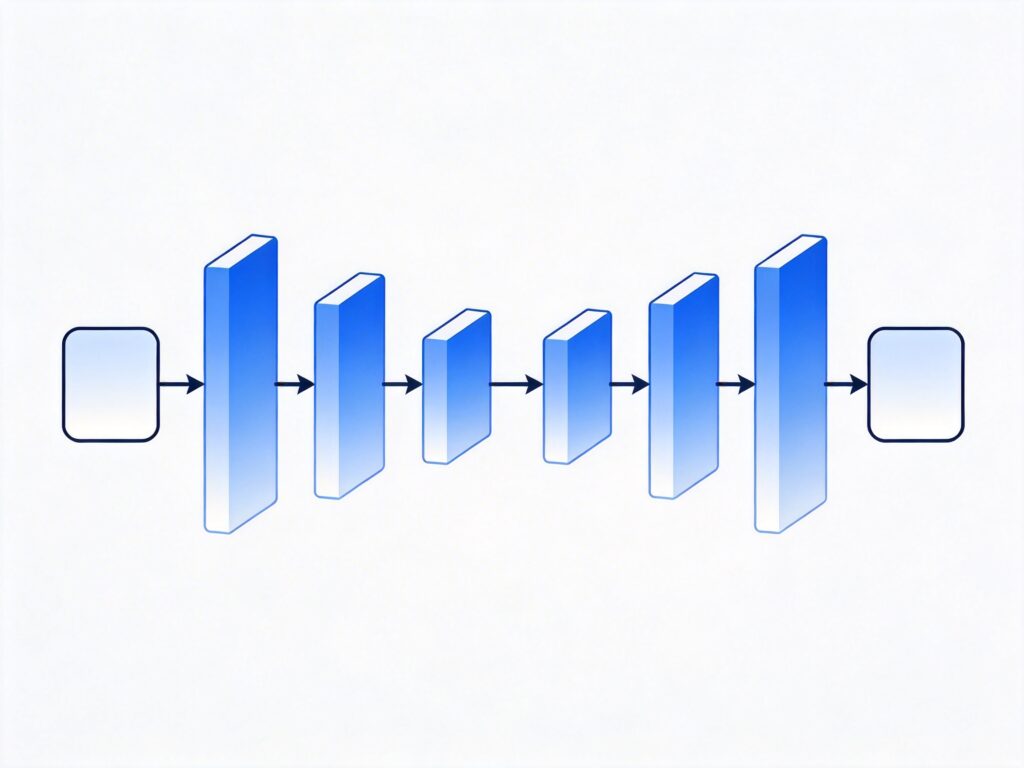
This project uses a sequence-to-sequence (seq2seq) model implemented with TensorFlow. We will focus on preparing data for the model and discuss its capabilities. The project uses Python 3 and TensorFlow 1.x (note that TensorFlow 2.x is now standard, but core concepts remain similar). The data source is twenty popular books from the Gutenberg Project; more books can be added to improve model accuracy.
Full code is available on GitHub: https://github.com/Currie32/Spell-Checker
Model Capabilities Preview
Here are examples of the model correcting spelling errors:
- Input: Spellin is difficult, whch is wyh you need to study everyday.
Output: Spelling is difficult, which is why you need to study everyday. - Input: The first days of her existence in th country were vrey hard for Dolly.
Output: The first days of her existence in the country were very hard for Dolly. - Input: Thi is really something impressiv thaat we should look into right away!
Output: This is really something impressive that we should look into right away!
Data Loading and Preprocessing
Loading Book Text
First, place all book files in a folder named 'books'. Here is a function to load a single book:
def load_book(path):
    input_file = os.path.join(path)
    with open(input_file) as f:
        book = f.read()
    return book
Get the list of book files:
path = './books/'
book_files = [f for f in listdir(path) if isfile(join(path, f))]
book_files = book_files[1:]
Load all book texts into a list:
books = []
for book in book_files:
    books.append(load_book(path+book))
To check the word count per book:
for i in range(len(books)):
    print("There are {} words in {}.".format(len(books[i].split()), book_files[i]))
Note: Without .split(), the code returns character count, not word count.
Text Cleaning
Since the model takes characters as input, we don't need stemming or stopword removal. We only remove unwanted characters and extra spaces:
def clean_text(text):
    '''Remove unwanted characters and extra spaces from the text'''
    text = re.sub(r'n', ' ', text)
    text = re.sub(r'[{}@_*>()#%+=[]]','', text)
    text = re.sub('a0','', text)
    text = re.sub("'92t","'t", text)
    text = re.sub("'92s","'s", text)
    text = re.sub("'92m","'m", text)
    text = re.sub("'92ll","'ll", text)
    text = re.sub("'91",'', text)
    text = re.sub("'92",'', text)
    text = re.sub("'93",'', text)
    text = re.sub("'94",'', text)
    text = re.sub('.','. ', text)
    text = re.sub('!','! ', text)
    text = re.sub('?','? ', text)
    text = re.sub(' +',' ', text) # Removes extra spaces
    return text
Vocabulary Building
Vocabulary building is a standard step; the code is available on GitHub. The model input includes the following characters (78 total):
[' ', '!', '"', '$', '&', "'", ',', '-', '.', '/', '0', '1', '2', '3', '4', '5', '6', '7', '8', '9', ':', ';', '', '', '', '?', 'A', 'B', 'C', 'D', 'E', 'F', 'G', 'H', 'I', 'J', 'K', 'L', 'M', 'N', 'O', 'P', 'Q', 'R', 'S', 'T', 'U', 'V', 'W', 'X', 'Y', 'Z', 'a', 'b', 'c', 'd', 'e', 'f', 'g', 'h', 'i', 'j', 'k', 'l', 'm', 'n', 'o', 'p', 'q', 'r', 's', 't', 'u', 'v', 'w', 'x', 'y', 'z'] You could remove special characters or convert to lowercase, but we keep this set for practicality.
Sentence Splitting and Processing
Data must be organized into sentences before feeding to the model. We split by period plus space (". "). Note that sentences ending with question marks or exclamation marks may cause issues, but the model can handle them if the combined length doesn't exceed the maximum limit.
Examples:
- Today is a lovely day. I want to go to the beach. (Will be split into two sentences)
- Is today a lovely day? I want to go to the beach. (Will be treated as one long sentence)
Splitting code:
sentences = []
for book in clean_books:
    for sentence in book.split('. '):
        sentences.append(sentence + '.')
Sentence Length Filtering
To control training time, we filter sentences within a length range:
max_length = 92
min_length = 10

good_sentences = []

for sentence in int_sentences:
    if len(sentence) <= max_length and len(sentence) >= min_length:
        good_sentences.append(sentence)
Dataset Split
Split data into training and testing sets (15% test):
training, testing = train_test_split(good_sentences,
                                     test_size = 0.15,
                                     random_state = 2)
Sorting by Length
Sorting sentences by length improves training efficiency, as sentences in the same batch have similar lengths, requiring less padding:
training_sorted = []
testing_sorted = []

for i in range(min_length, max_length+1):
    for sentence in training:
        if len(sentence) == i:
            training_sorted.append(sentence)
    for sentence in testing:
        if len(sentence) == i:
            testing_sorted.append(sentence)
Generating Training Data with Errors
A key part of this project is generating sentences with spelling errors as model input. Error types include:
- Swapping two adjacent characters (e.g., hlelo → hello)
- Inserting an extra letter (e.g., heljlo → hello)
- Deleting a character (e.g., helo → hello)
Each error type has equal probability, and each character has a 5% chance of being erroneous. On average, one error occurs per 20 characters.
Define the letter list:
letters = ['a','b','c','d','e','f','g','h','i','j','k','l','m',
           'n','o','p','q','r','s','t','u','v','w','x','y','z',]
Error generation function:
def noise_maker(sentence, threshold):
    noisy_sentence = []
    i = 0
    while i < len(sentence):
        random = np.random.uniform(0,1,1)
        if random < threshold:
            noisy_sentence.append(sentence[i])
        else:
            new_random = np.random.uniform(0,1,1)
            if new_random > 0.67:
                if i == (len(sentence) - 1):
                    continue
                else:
                    noisy_sentence.append(sentence[i+1])
                    noisy_sentence.append(sentence[i])
                    i += 1
            elif new_random < 0.33:
                random_letter = np.random.choice(letters, 1)[0]
                noisy_sentence.append(vocab_to_int[random_letter])
                noisy_sentence.append(sentence[i])
            else:
                pass
        i += 1
    return noisy_sentence
Batch Data Generation
Unlike many projects, we dynamically generate input data during training. Each batch's target sentences (correct sentences) are passed through the noise_maker function to create new erroneous inputs. This greatly expands training data diversity.
def get_batches(sentences, batch_size, threshold):

    for batch_i in range(0, len(sentences)//batch_size):
        start_i = batch_i * batch_size
        sentences_batch = sentences[start_i:start_i + batch_size]

        sentences_batch_noisy = []
        for sentence in sentences_batch:
            sentences_batch_noisy.append(
                noise_maker(sentence, threshold))

        sentences_batch_eos = []
        for sentence in sentences_batch:
            sentence.append(vocab_to_int[''])
            sentences_batch_eos.append(sentence)

        pad_sentences_batch = np.array(
            pad_sentence_batch(sentences_batch_eos))
        pad_sentences_noisy_batch = np.array(
            pad_sentence_batch(sentences_batch_noisy))

        pad_sentences_lengths = []
        for sentence in pad_sentences_batch:
            pad_sentences_lengths.append(len(sentence))

        pad_sentences_noisy_lengths = []
        for sentence in pad_sentences_noisy_batch:
            pad_sentences_noisy_lengths.append(len(sentence))

        yield (pad_sentences_noisy_batch,
               pad_sentences_batch,
               pad_sentences_noisy_lengths,
               pad_sentences_lengths)
Summary and Outlook
This project demonstrates a seq2seq-based spell checker implementation. While results are encouraging, the model can be improved, e.g., by using more advanced architectures (like CNN or Transformer) or expanding training data. Community contributions for improvements are welcome.
We hope this guide helps you understand how to build a spell-checking model with TensorFlow. For questions or suggestions, feel free to discuss.