Problem Overview
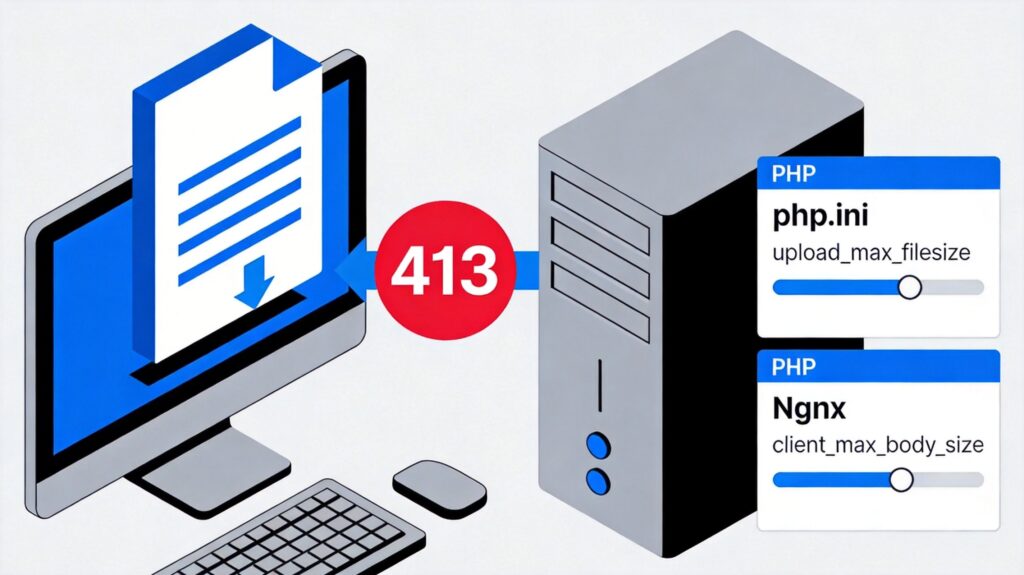
When uploading files through a PHP application (like WordPress), encountering a "413 Request Entity Too Large" error typically indicates that the request body size exceeds server-imposed limits. This error is caused by restrictions on both the PHP side and the web server (e.g., Nginx).
Solutions
1. Adjust PHP Configuration
PHP has default limits for file uploads and POST data. Modify these parameters in your php.ini file:
- upload_max_filesize: Maximum size for a single uploaded file (e.g.,
upload_max_filesize = 100M). - post_max_size: Maximum total size of POST data (e.g.,
post_max_size = 101M).
Important: post_max_size must be greater than or equal to upload_max_filesize, as the entire upload request (including form data) is limited by post_max_size.
After changes, restart your PHP service (e.g., PHP-FPM):
sudo systemctl restart php-fpm.service2. Adjust Web Server Configuration (Nginx Example)
Nginx has its own client request body size limit. Even with correct PHP settings, a smaller Nginx limit will cause a 413 error.
Add or modify this directive in your Nginx config (e.g., /etc/nginx/nginx.conf or within http, server, or location blocks):
client_max_body_size 100m;Set this value to at least your maximum expected upload size, preferably slightly larger than PHP's post_max_size.
Test and restart Nginx:
sudo nginx -t
sudo systemctl restart nginx
3. Additional Checks for WordPress
If the issue occurs in WordPress, also verify:
- WordPress Memory Limit: Ensure
WP_MEMORY_LIMITinwp-config.phpis sufficient (e.g.,define('WP_MEMORY_LIMIT', '256M');). - .htaccess (Apache Only): For Apache servers, you may need to add directives like
php_value upload_max_filesize 100Min your site's.htaccessfile (if overrides are allowed).
Verification and Testing
- After making changes and restarting services, create a
phpinfo();page to confirm newupload_max_filesizeandpost_max_sizevalues. - Test uploading a file smaller than the new limits.
- If the error persists, check your web server error logs for more details.
By systematically adjusting PHP and web server parameters, you can resolve the "413 Request Entity Too Large" error and successfully upload large files.