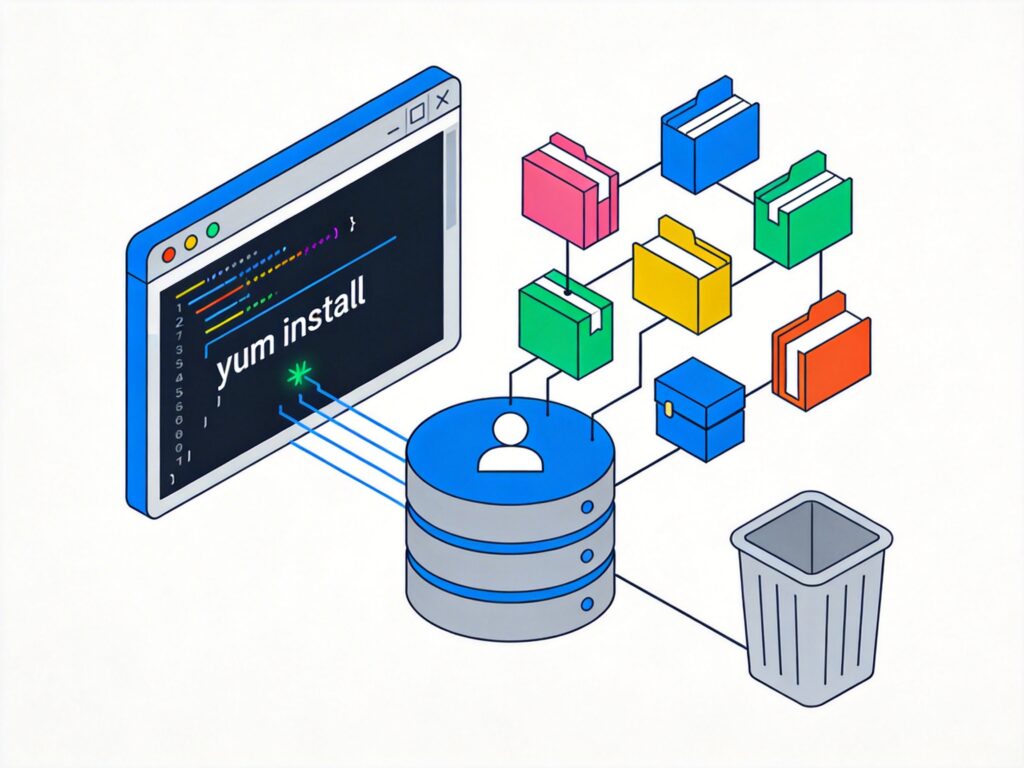
YUM (Yellowdog Updater, Modified) is the default package manager for CentOS 7 and other RPM-based distributions. It automatically resolves dependencies from configured repositories.
Installing Packages
To install a package, use:
yum install package_nameYUM checks the repository database for the package, analyzes its dependencies, and prompts you to install any required dependencies before proceeding.
Removing Packages
To remove a package, use:
yum remove package_nameYUM checks if other packages depend on the one being removed and provides a solution for confirmation.
Installing a Specific Version
To install a specific version of a package, first list available versions:
yum list --showduplicates package_nameThen install using the full package name with version:
yum install package_name-versionExample: Installing Redis 6.0.6 from the remi repository
# List available Redis versions
yum --enablerepo=remi list redis --showduplicates

# Install specific version
yum --enablerepo=remi install redis-6.0.6 -y
Querying Packages
YUM provides several commands for querying package information:
yum search keyword– Search for packages by keyword.yum list available– List all available packages.yum list updates– List all packages with updates available.yum list installed– List all installed packages.yum info package_name– Show detailed package information.yum provides /path/to/file– Find which package provides a file.
Clearing YUM Cache
YUM caches downloaded packages and metadata. Clear the cache to free disk space:
yum clean packages– Remove cached package files.yum clean headers– Remove old header metadata.yum clean alloryum clean metadata– Perform a complete cleanup (most commonly used).
Other Useful YUM Commands
yum update– Update all installed packages.yum update package_name– Update a specific package.yum grouplist– List available package groups.yum groupinstall "group_name"– Install a package group.yum groupremove "group_name"– Remove a package group.yum deplist package_name– List package dependencies.yum localinstall /path/to/package.rpm– Install a local RPM file with dependency resolution.
Installing Chinese Fonts on CentOS 7
Install the fonts package group for basic Chinese font support:
yum groupinstall "fonts"Verify Chinese locale support after installation:
locale -a | grep "zh_CN"Note: CentOS 7 reached End of Life (EOL) in June 2024. For new projects, consider migrating to RHEL, Rocky Linux, or AlmaLinux. Their package managers (dnf/yum) are largely compatible, but repository availability and software versions may differ.