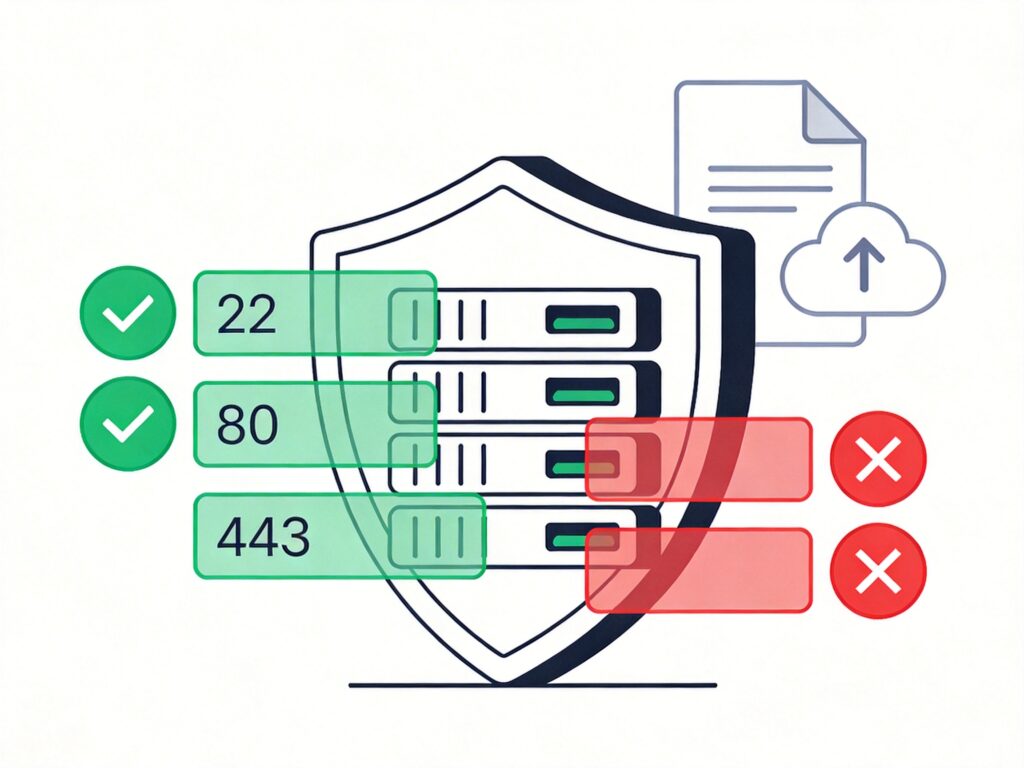
Installing and Configuring iptables on Debian/Ubuntu
iptables may not be installed by default on Debian-based systems. To install it, use the following commands:
sudo apt update
sudo apt install iptables
Configuring iptables Rules
1. Clear Existing Rules
Before starting, clear all existing rules, user-defined chains, and reset counters.
sudo iptables -F
sudo iptables -X
sudo iptables -Z
2. Set Default Policies and Basic Rules
A secure starting point is to set the default policy to DROP and then open ports as needed. Below is a common basic rule set example:
# Set default policies
sudo iptables -P INPUT DROP
sudo iptables -P FORWARD DROP
sudo iptables -P OUTPUT ACCEPT

# Allow local loopback interface
sudo iptables -A INPUT -i lo -j ACCEPT

# Allow established/related connections
sudo iptables -A INPUT -m state --state ESTABLISHED,RELATED -j ACCEPT

# Allow SSH (port 22)
sudo iptables -A INPUT -p tcp --dport 22 -j ACCEPT

# Allow HTTP (80) and HTTPS (443)
sudo iptables -A INPUT -p tcp --dport 80 -j ACCEPT
sudo iptables -A INPUT -p tcp --dport 443 -j ACCEPT

# Allow local MySQL (3306), block external
sudo iptables -A INPUT -p tcp -s 127.0.0.1 --dport 3306 -j ACCEPT
sudo iptables -A INPUT -p tcp --dport 3306 -j DROP

# Allow ICMP (ping)
sudo iptables -A INPUT -p icmp -m icmp --icmp-type 8 -j ACCEPT
3. Rule Management Operations
View Rules:
# List all rules
sudo iptables -L -n
# List with line numbers
sudo iptables -L -n --line-numbers
Delete a Rule: For example, delete rule number 3 in the INPUT chain.
sudo iptables -D INPUT 3Block IP Addresses:
# Block a single IP
sudo iptables -I INPUT -s 123.45.6.7 -j DROP
# Block a /24 subnet
sudo iptables -I INPUT -s 123.45.6.0/24 -j DROP
Persisting iptables Rules
Rules configured via command line are lost on reboot. To make them permanent, you must save them.
Method 1: Using iptables-persistent (Recommended)
This is the simplest method for Debian/Ubuntu.
Install the tool:
sudo apt install iptables-persistentDuring installation, you will be prompted to save current rules.
Manually Save and Reload Rules:
# Save current rules
sudo netfilter-persistent save
# Reload saved rules
sudo netfilter-persistent reload
Rule File Locations: Saved rules are stored here and loaded automatically at boot.
/etc/iptables/rules.v4  # IPv4 rules
/etc/iptables/rules.v6  # IPv6 rules
Method 2: Manual Save and Restore
Save rules to file:
sudo iptables-save > /etc/iptables/rules.v4
sudo ip6tables-save > /etc/iptables/rules.v6
Restore rules at boot: You can create a systemd service or add commands to /etc/rc.local.
# Restore IPv4 rules
iptables-restore < /etc/iptables/rules.v4
# Restore IPv6 rules
ip6tables-restore < /etc/iptables/rules.v6
Important Notes
- Proceed with Caution: When configuring a firewall on a remote server, always allow SSH (port 22) traffic before setting a default DROP policy to avoid locking yourself out. Consider creating a backup script first.
- Rule Order: iptables rules are matched sequentially. Pay attention when using
-I(insert) and-A(append). - Modern Alternative: For newer Debian versions (e.g., Debian 10+), consider
nftablesas the successor toiptables, offering more powerful features and a unified framework.