Correct Methods to Clear Log Files in Linux
In Linux systems, log files (typically with a .log extension) grow continuously as applications run. Sometimes you need to clear a log file's contents without interrupting the application service, to free up disk space or for log rotation. Here are several safe and effective commands.
Recommended Method: Using the truncate Command
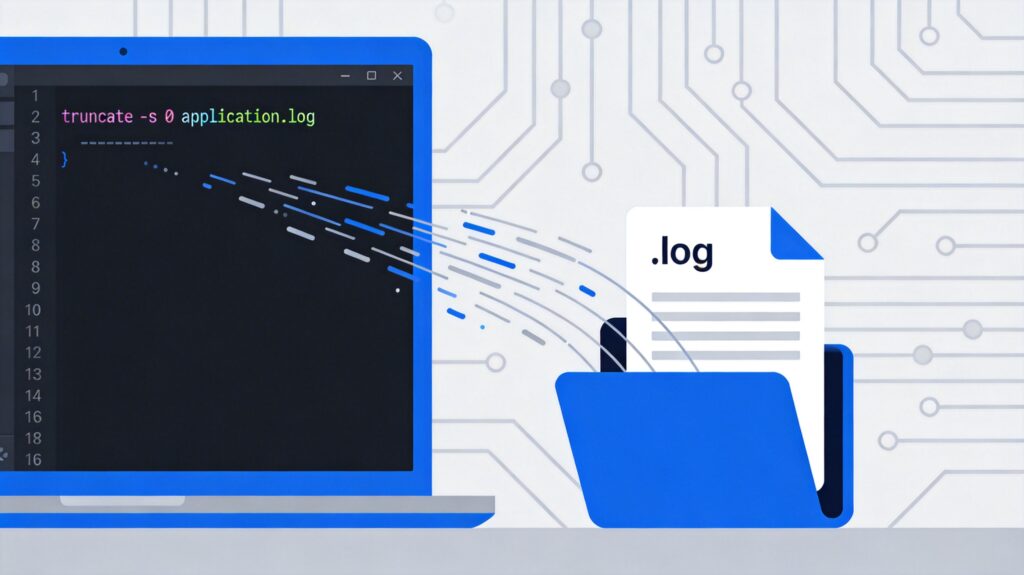
The most standard and secure method is to use the truncate command. It truncates a file to a specified size (default is 0 bytes) without redirection or creating a new file handle, minimizing impact on actively written logs.
truncate -s 0 /path/to/your.logParameter explanation:
-s 0: Sets the file size to 0 bytes./path/to/your.log: Path to the target log file.
Traditional Methods: Redirecting Empty Content
These are common approaches, overwriting the original file by redirecting from the null device (/dev/null) or an empty string.
Method 1: Using cat
cat /dev/null > /path/to/your.logMethod 2: Using echo
echo -n > /path/to/your.logNote: For log files being frequently written by a process, using redirection (>) can sometimes cause brief logging interruptions or file descriptor issues. The truncate command is generally the better choice.
Verification After Clearing
After executing a clear command, verify the file is empty and has zero size:
# Check file size
ls -lh /path/to/your.log

# Check file content (should have no output)
cat /path/to/your.log
Important Considerations
- Permissions: The user must have write permission for the target log file (usually
rootor the file owner). - Service Restart: Some applications (e.g., those configured with
logrotate) may require a signal (likeSIGHUP) or restart to resume normal writing after the log is cleared. Consult the application's documentation. - Backup: If the log content is still valuable, back it up before clearing.
- Avoid rm: Never use
rm /path/to/your.logand then recreate a file with the same name. This deletes the file's inode, causing processes holding the file descriptor to write to an invalid handle. Logging will stop until the process restarts.
Automation and Log Rotation
For production environments, use professional log management tools like logrotate. It can be configured for compression, archiving, and rotation by time or size, and can execute custom commands (like notifying an app to reopen its log file) after rotation, enabling automated and secure log management.