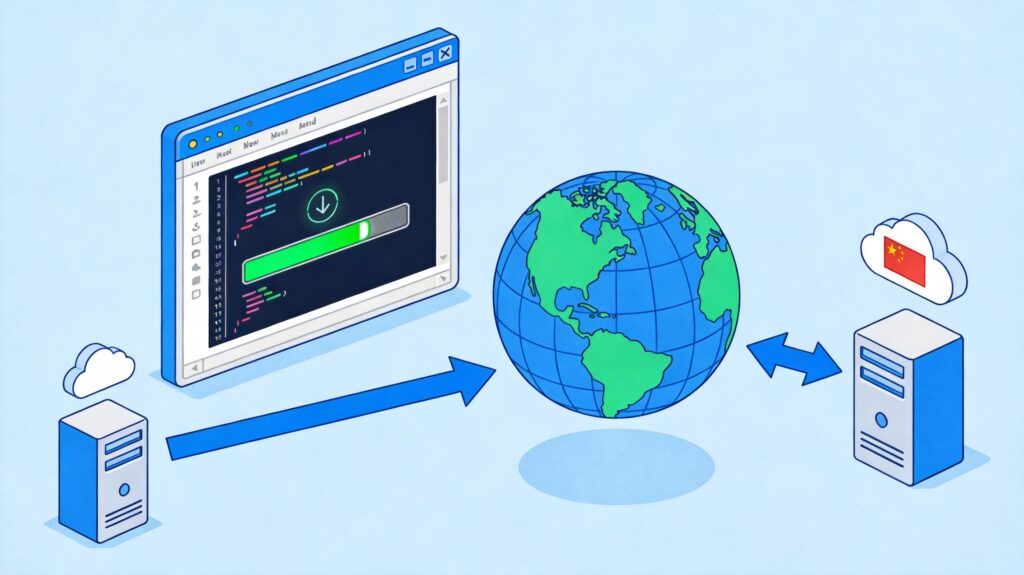
Why Change the YUM Repository?
When using the yum command on CentOS to install or update software, you may encounter errors like the following. This is typically because the default official repositories are slow or unreachable from within China:
Loaded plugins: fastestmirror
Determining fastest mirrors
Could not retrieve mirrorlist http://mirrorlist.centos.org/?release=7&arch=x86_64&repo=os error was
14: PYCURL ERROR 7 - ""
Error: Cannot find a valid baseurl for repo: base
Switching to a domestic mirror repository (such as Alibaba Cloud or NetEase 163) can significantly improve download speeds and stability.
Steps to Update YUM Repository to a Domestic Mirror
All following steps require a terminal with root privileges.
Step 1: Backup the Original Repository Configuration
Always back up the original configuration file before making changes.
mv /etc/yum.repos.d/CentOS-Base.repo /etc/yum.repos.d/CentOS-Base.repo.backupStep 2: Navigate to the Repository Directory
cd /etc/yum.repos.d/Step 3: Download the New Mirror Repository File
Choose the command based on your CentOS version. Check your version with cat /etc/redhat-release or rpm -q centos-release.
Option A: Use Alibaba Cloud Mirror (Recommended)
CentOS 7:
wget -O /etc/yum.repos.d/CentOS-Base.repo https://mirrors.aliyun.com/repo/Centos-7.repoCentOS 8: (Note: CentOS 8 is EOL, but the repository may still work for existing systems.)
wget -O /etc/yum.repos.d/CentOS-Base.repo https://mirrors.aliyun.com/repo/Centos-8.repoOption B: Use NetEase 163 Mirror
CentOS 7:
wget -O /etc/yum.repos.d/CentOS-Base.repo http://mirrors.163.com/.help/CentOS7-Base-163.repoNote: NetEase 163 may not officially support CentOS 8. Alibaba Cloud is the preferred choice.
Step 4: Clear Old Cache and Generate New Cache
After downloading the new repository file, clear the old cache and build a new one.
yum clean all
yum makecache
The yum makecache command downloads package metadata from the new mirror to your local system, speeding up future searches and installations.
Step 5: (Optional) Update the System
After configuring the new repository, you can update all system packages to their latest versions.
yum -y updateImportant: In a production environment, always assess compatibility risks and perform backups before a system-wide update.
Verification and Troubleshooting
- Verify the repository is active: Run
yum repolist. Check if the listed repositories now point to your configured mirror (e.g., mirrors.aliyun.com). - If wget is not found: Install it first using
yum install -y wget. - For CentOS 8 Stream and later: For CentOS Stream 8/9 or alternative distributions like Rocky Linux/AlmaLinux, use their specific mirror repository files. The process is similar.