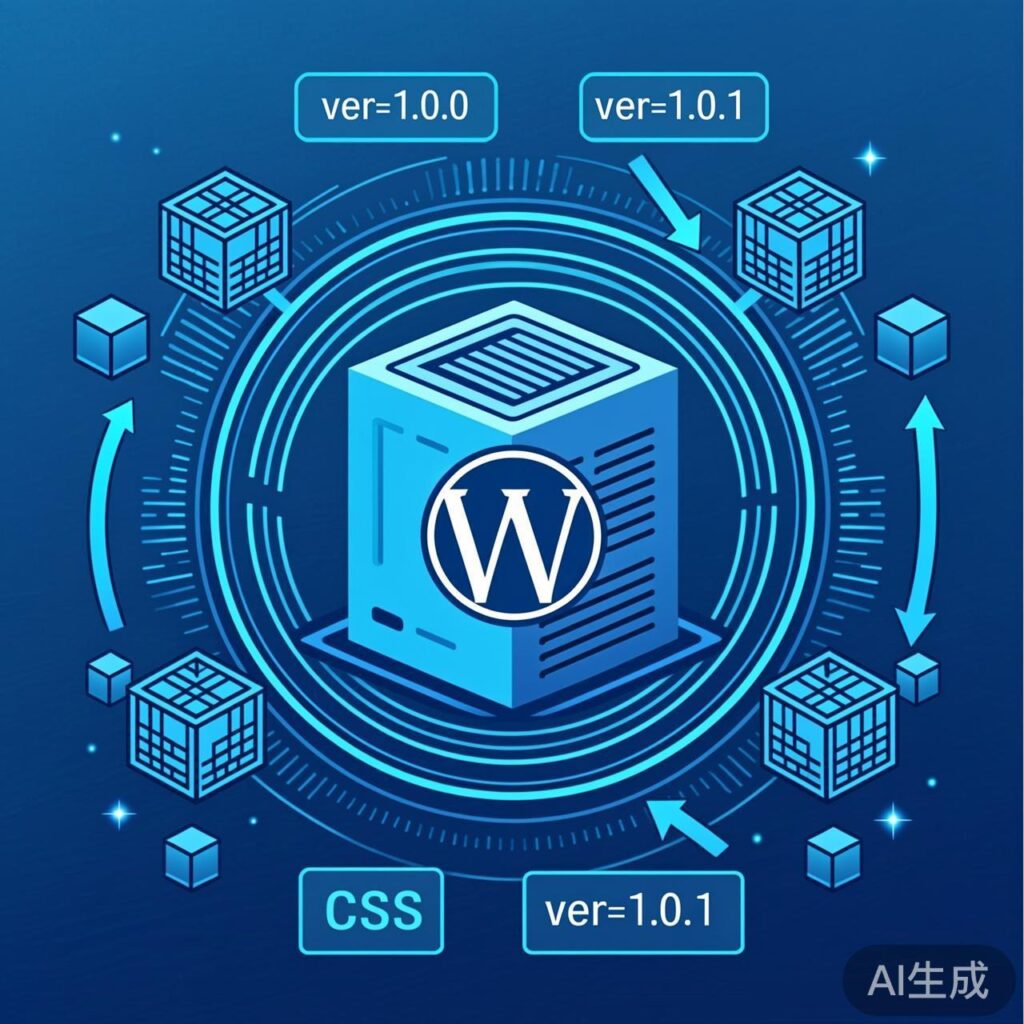
How to Automatically Load the Latest JS and CSS Files After Enabling CDN or Caching
Enabling caching or a Content Delivery Network (CDN) for your WordPress site can significantly improve loading speeds and user experience. However, this can also cause browsers or CDN nodes to cache old JavaScript and CSS files. Without manually clearing the cache or forcing a browser refresh, users may not immediately receive updated front-end resources.
To solve this problem, WordPress provides established methods to ensure the latest file versions are loaded automatically after updates. This article covers two primary approaches.
Method 1: Update via Version Parameter
This is the most common method. It involves adding a query parameter (typically ver or version) to the resource URL. When the parameter value changes, browsers and most CDNs treat it as a new resource, bypassing the cache.
In WordPress development, you should use the wp_enqueue_script() function to load JS files and wp_enqueue_style() for CSS files. Both functions accept a version parameter.
Example for adding a static version number to a CSS file:
function my_theme_enqueue_styles() {
    wp_enqueue_style(
        'my-theme-style',
        get_stylesheet_directory_uri() . '/assets/css/theme-style.css',
        array(),
        '1.0.0' // Static version number
    );
}
add_action( 'wp_enqueue_scripts', 'my_theme_enqueue_styles' );
This code generates a link like:
<link rel='stylesheet' id='my-theme-style-css' href='https://yourdomain.com/wp-content/themes/your-theme/assets/css/theme-style.css?ver=1.0.0' media='all' />Note the ?ver=1.0.0 at the URL's end. After updating the CSS file, change the version parameter in wp_enqueue_style() to '1.0.1'. The new URL becomes theme-style.css?ver=1.0.1, forcing the browser to load the new file.
Drawback: You must manually update the version number after each file change, which is error-prone during frequent development.
Method 2: Automatic Update via File Modification Timestamp
A more automated and robust method uses the file's last modification timestamp as the version number. Whenever the file content is saved, the timestamp changes, updating the version parameter automatically without manual intervention.
The WordPress core function filemtime() retrieves a file's last modification timestamp. Use it for the version parameter:
function my_theme_enqueue_styles() {
    $css_file_path = get_stylesheet_directory() . '/assets/css/theme-style.css';
    $css_file_url = get_stylesheet_directory_uri() . '/assets/css/theme-style.css';

    wp_enqueue_style(
        'my-theme-style',
        $css_file_url,
        array(),
        filemtime( $css_file_path ) // Key: Use file modification timestamp as version
    );
}
add_action( 'wp_enqueue_scripts', 'my_theme_enqueue_styles' );
The generated HTML link will resemble:
<link rel='stylesheet' id='my-theme-style-css' href='https://yourdomain.com/wp-content/themes/your-theme/assets/css/theme-style.css?ver=1678886400' media='all' />The version number ver=1678886400 is a Unix timestamp corresponding to the file's last save time. Any modification to theme-style.css updates this timestamp, automatically refreshing the version parameter.
Important: This method also works with the wp_enqueue_script() function for loading JavaScript files.
Summary and Best Practices
1. Prefer the Timestamp Method: For theme or plugin development, strongly recommend using filemtime() to generate version numbers dynamically. This is the WordPress community's standard best practice and completely solves cache invalidation.
2. Ensure Correct Paths: Use get_stylesheet_directory() (returns server path) for the filemtime() parameter and get_stylesheet_directory_uri() (returns URL) for the resource address.
3. CDN Compatibility: Most modern CDN services (e.g., Cloudflare, KeyCDN) support distinguishing resource versions via query strings by default. If your CDN configuration ignores query strings, enable "Query String Caching" or a similar option in its settings.
By implementing these methods, you ensure users always load the latest stylesheets and scripts after WordPress updates, while continuing to benefit from the performance advantages of CDN and caching.