Problem Background
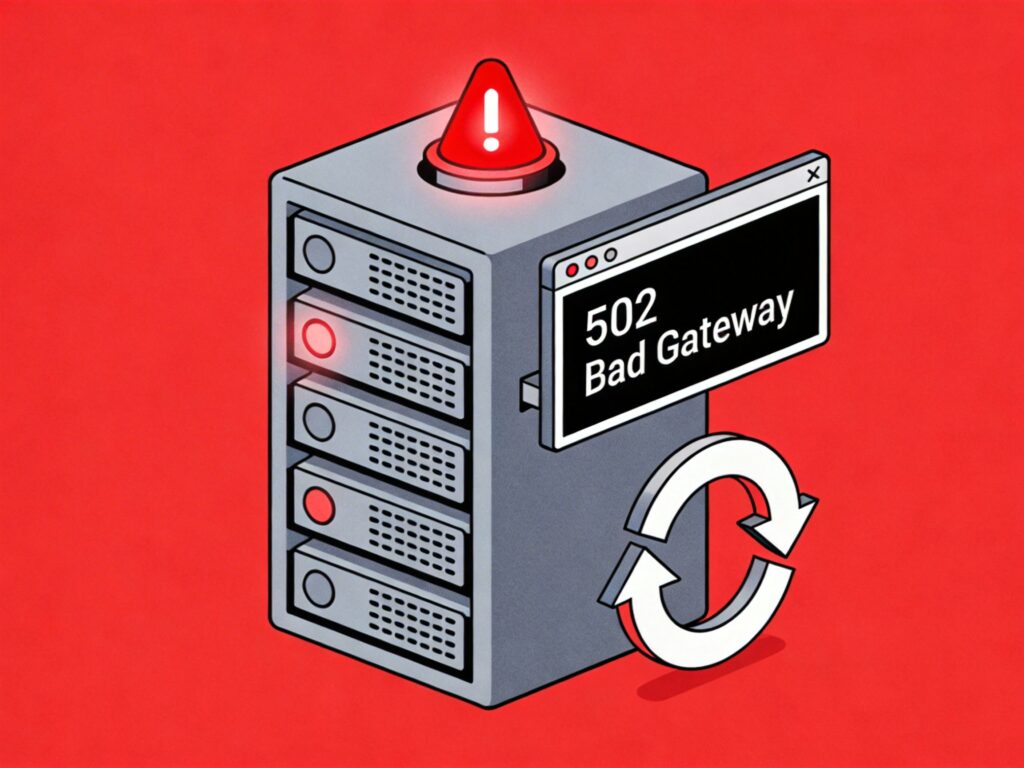
In an LNMP (Linux + Nginx + MySQL + PHP) environment, websites may occasionally encounter a "502 Bad Gateway" error. This is typically caused by PHP-FPM process pool exhaustion, process crashes, or response timeouts. While manually restarting the PHP-FPM service can temporarily resolve the issue, a better solution is to configure an automatic monitoring and restart script.
Automatic Monitoring and Restart Script
The following Bash script checks the HTTP status code of a specified URL to determine if the service is healthy. If a 502 error is detected, it automatically restarts the PHP-FPM service.
#!/bin/bash

# Replace with your website URL
CheckURL="https://your-website.com/"

# Get HTTP status code with a 10-second timeout
STATUS_CODE=$(curl -o /dev/null -m 10 --connect-timeout 10 -s -w "%{http_code}" "$CheckURL")

# Uncomment for debugging
# echo "$CheckURL Status Code:t$STATUS_CODE"

if [ "$STATUS_CODE" = "502" ]; then
    # Restart PHP-FPM service
    systemctl restart php-fpm  # For Systemd systems
    # /etc/init.d/php-fpm restart  # For SysVinit systems
fi
Script Usage Steps
- Create the script file: Save the script content to your server, e.g.,
/root/check_502.sh. Replacehttps://your-website.com/with your actual URL. - Grant execute permission:
chmod +x /root/check_502.sh - Test the script: Run it manually to ensure no syntax errors and correct commands/paths.
bash /root/check_502.sh
Configure Cron Job
To run the script automatically at regular intervals, add it to the system's cron scheduler.
- Edit the current user's crontab:
crontab -e - Add a cron rule: Insert the following line to run the check every 5 minutes.
*/5 * * * * /bin/bash /root/check_502.sh > /dev/null 2>&1Note:
> /dev/null 2>&1discards all output to prevent cron emails. To log output for debugging, use>> /var/log/check_502.log 2>&1instead. - Restart Cron service (optional): Usually not required. If needed:
# Systemd systems
systemctl restart crond  # or cron

# SysVinit systems
service crond restart
Additional Notes and Considerations
- LNMP One-Click Install Package: If you use the LNMP one-click package, a similar script is included at
/root/lnmp1.x/tools/check502.sh(replace1.xwith your version). You can modify it instead of creating a new one. - Service Restart Command: Adjust the restart command based on your Linux distribution and init system. Modern systems (CentOS 7+, Ubuntu 16.04+) typically use
systemctl restart php-fpm. Older systems may use/etc/init.d/php-fpm restart. Verify withsystemctl status php-fpmorps aux | grep php-fpm. - Root Cause Investigation: This script is a temporary fix. Frequent 502 errors indicate underlying issues such as:
- Insufficient PHP-FPM pool settings (e.g.,
pm.max_children). - PHP script execution timeout (
max_execution_time). - Slow or failed database connections.
- Insufficient server memory or CPU resources.
Check PHP-FPM and Nginx error logs (commonly in
/usr/local/php/var/log/and/usr/local/nginx/logs/) to identify and resolve the root cause. - Insufficient PHP-FPM pool settings (e.g.,
- Script Security: Store the script in a secure directory (e.g.,
/root/or/usr/local/bin/) and restrict permissions to prevent unauthorized access or modification.