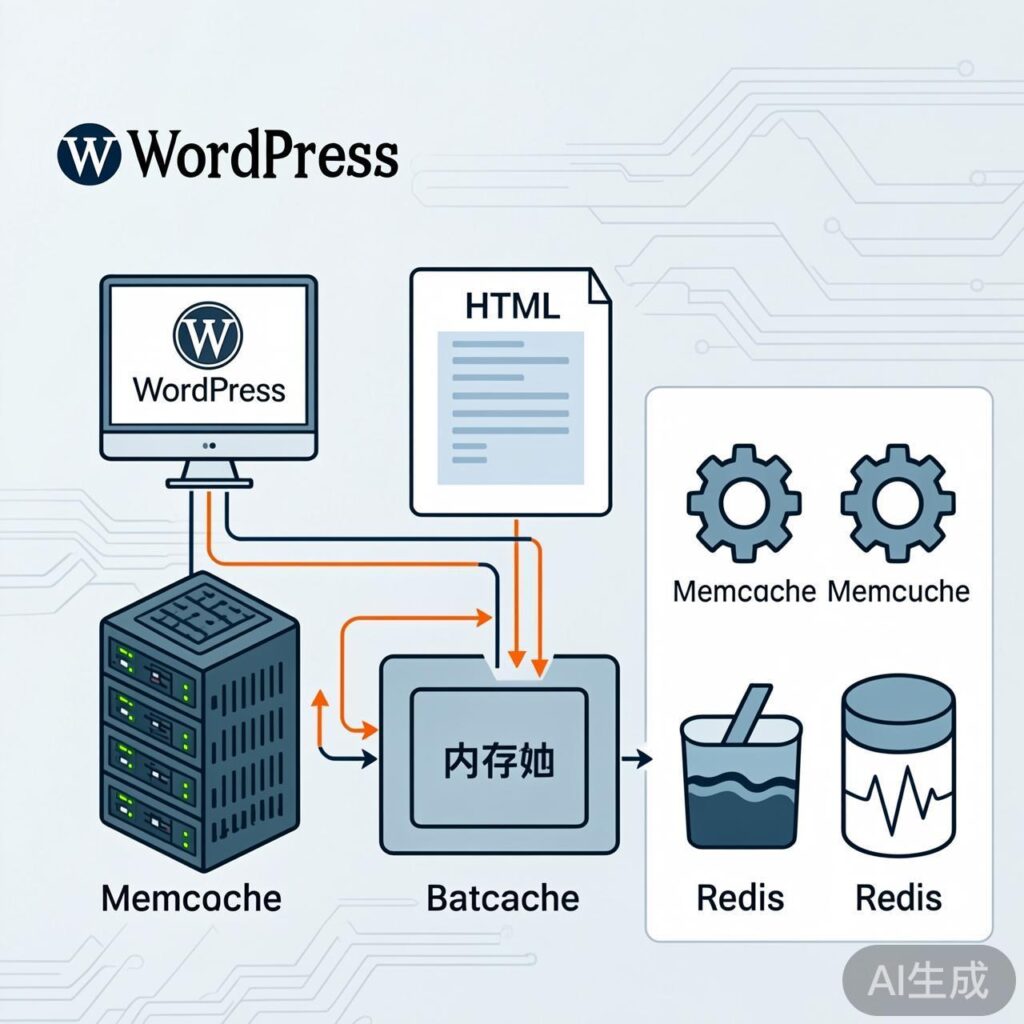
WordPress Object Caching Overview
WordPress Object Cache is a technology that temporarily stores database query results and complex computation data in memory, significantly improving website response speed. Common backend solutions include Memcache, Memcached, and Redis.
Memcache vs. Memcached: The Difference
These are two distinct but often confused concepts:
- Memcache: Refers to the PECL extension
memcache. It is an older PHP extension providing basic Memcached protocol client functionality. - Memcached: Refers to the PECL extension
memcached. It is a newer extension built on the more feature-richlibmemcachedclient library, supporting advanced features like the binary protocol and better serialization.
Conclusion: For new deployments, the memcached extension is recommended due to its superior features, performance, and active maintenance.
Choosing the Right WordPress Plugin
Your plugin choice depends on the PHP extension installed on your server.
Option 1: Using the Memcache Extension
If your server has the PECL memcache extension, use the official Memcached Object Cache plugin.
- Plugin: Memcached Object Cache
- Note: Despite its name, this plugin's codebase is compatible with the
memcacheextension. After downloading, copy theobject-cache.phpfile to yourwp-content/directory.
Option 2: Using the Memcached Extension
If your server has the PECL memcached extension, use a plugin optimized for it.
- Plugin: PECL Memcached Object Cache
- Note: This plugin leverages the advanced features of the
memcachedextension. Similarly, place theobject-cache.phpfile in thewp-content/directory.
Advanced: Full-Page Caching with Batcache
Standard object caching plugins primarily optimize database queries. To cache the entire page output (HTML), you can use Batcache.
- Plugin: Batcache
- How it works: Batcache stores the complete page HTML in Memcache(d). It can be configured for both logged-in and anonymous users, making it suitable for high-traffic sites.
- Important: Batcache requires one of the object cache plugins mentioned above as a foundation.
Comparison with Other Caching Solutions
Memcache(d) vs. Nginx FastCGI Cache
- Memcache(d): Stores cache in memory for extremely fast access. Ideal for caching dynamic objects and full pages (with Batcache).
- Nginx FastCGI Cache: Caches pages as static files on disk. Very fast and configured at the web server level, independent of PHP.
Recommendation: For most sites, choose one full-page caching solution to avoid conflicts and complexity. For example, if using Nginx FastCGI Cache, pair it with object caching (Memcache(d)) for uncached dynamic queries, but Batcache is usually unnecessary.
Memcached vs. Redis
As an update to the original content:
- Redis: More than a cache; it's an in-memory data structure store supporting persistence, replication, and transactions. It often excels in complex data operations and reliability.
- Memcached: Simple design focused on high-performance key-value caching on multi-core servers. Its multi-threaded model can be advantageous for pure caching.
For WordPress, using the Redis Object Cache plugin with a Redis server is a powerful and popular choice, especially for sites requiring persistence or complex data handling.
Summary and Deployment Guide
- Choose Extension: Prioritize installing and enabling the PHP
memcached(PECL) extension. - Choose Object Cache Plugin: Based on your extension, place the corresponding
object-cache.phpfile (Option 1 or 2) intowp-content/. - Evaluate Full-Page Caching: For highly dynamic, high-traffic sites, consider enabling Batcache on top of object caching. If using server-level caching like Nginx FastCGI Cache, you can skip Batcache.
- Consider Redis: Evaluate switching to Redis if you require higher data reliability, advanced data structures, or if Redis is already deployed in your environment.
After deployment, use plugins like Query Monitor to verify cache hit rates and ensure your configuration is working.