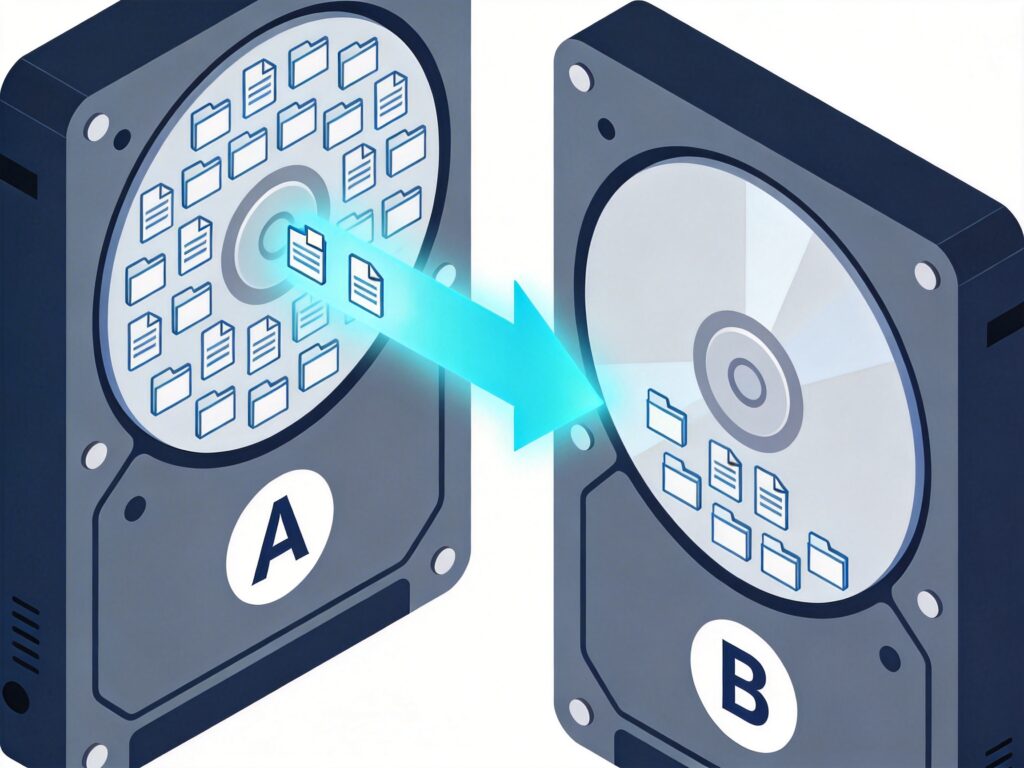
Introduction to rsync for Incremental File Synchronization
The rsync command is a powerful file synchronization and backup tool for Linux. It uses a delta-transfer algorithm to perform incremental synchronization, transferring only the parts of files that have changed between the source and destination. This makes it highly efficient for saving bandwidth and time. A common use case is incrementally syncing files from a mounted directory of an old hard drive (e.g., /mnt/old_disk/) to a mounted directory of a new hard drive (e.g., /mnt/new_disk/).
Basic rsync Command for Incremental Sync
The following command performs an incremental sync from directory A to directory B, excluding specific directories:
rsync -av --exclude lost+found/ --exclude backup/ ./A/ ./BCommand Parameter Breakdown
-a: Archive mode. Equivalent to-rlptgoD. It enables recursive copying and preserves permissions, timestamps, and other attributes.-v: Verbose mode. Outputs a list of files being processed during the sync.--exclude: Excludes files or directories matching the given pattern. The example excludes the system directorylost+found/and a user backup directorybackup/../A/: The source directory path. The trailing slash (/) means sync the contents of the directory, not the directory itself../B: The target directory path.
Important Notes and Best Practices
- Path Specification: Replace
./A/and./Bwith absolute paths (e.g.,/mnt/disk_a/and/mnt/disk_b) based on your actual mount points to avoid ambiguity. - First-Time Sync: If the target directory
Bis empty, this command copies all files. If it already contains data, rsync performs an incremental update. - Delete Synchronization: To make the target directory an exact mirror of the source (deleting files in the target that don't exist in the source), add the
--deleteoption. Use this with extreme caution. - Dry Run: Add the
-noption (e.g.,rsync -avn ...) to perform a simulation. This previews the operations without actually copying any files.
Tip: Before performing any sync operation involving important data, always run a dry run with
-nand double-check your target paths to prevent data loss.