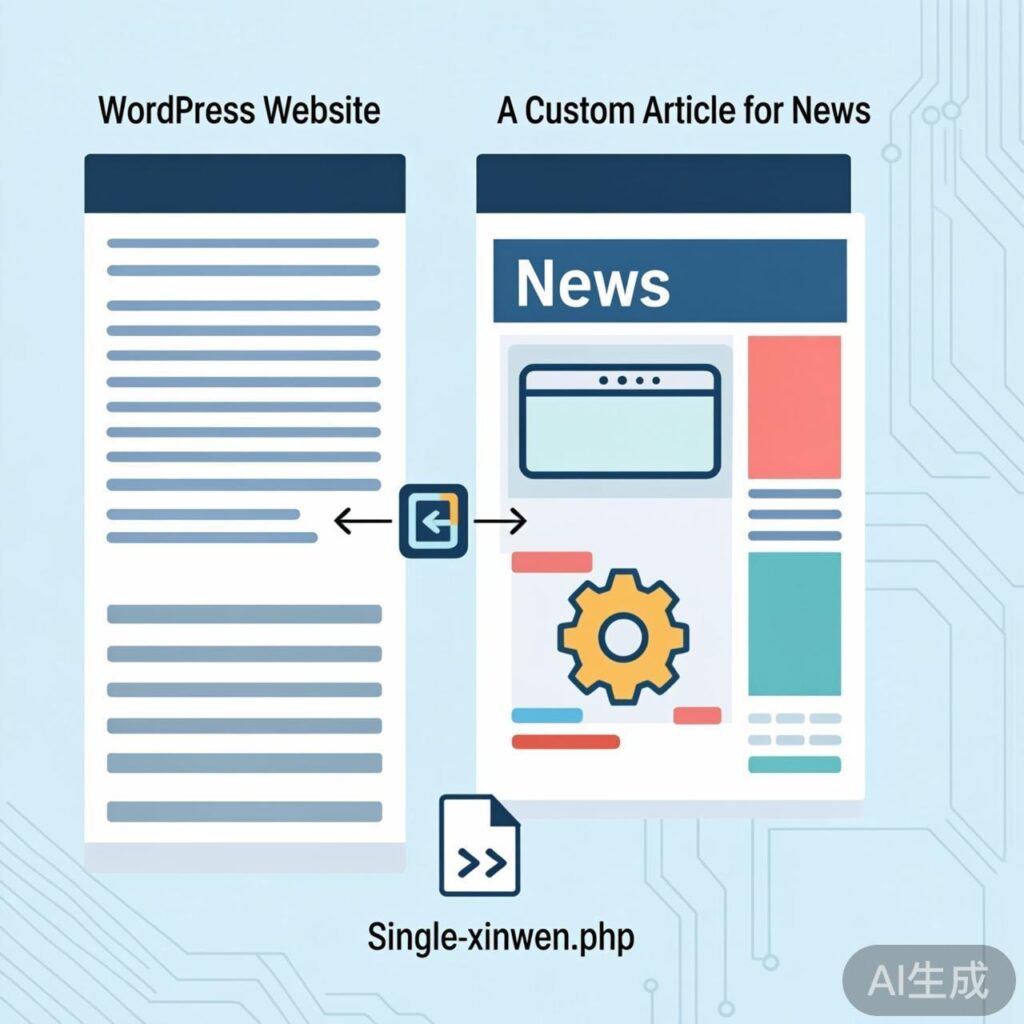
In WordPress development, you may need to use a unique template for posts in a specific category to achieve differentiated content presentation. For example, you might want posts in a category named "News" (slug: news) to use a different template than other categories.
Implementation Steps
1. Create a Custom Template File
In your active theme's root directory, create a new template file. Name it following the pattern: single-{category-slug}.php. For the "News" category, create: single-news.php.
You can copy the content from your theme's default single.php file into this new file, then modify the styles and layout as needed.
2. Add Template Loading Logic to functions.php
Creating the template file alone is not enough; WordPress does not automatically recognize it. You must add code to your theme's functions.php file to direct posts from specific categories to their corresponding templates.
add_action('template_include', 'load_single_template');
function load_single_template($template) {
    $new_template = '';
    // Only affect single post pages
    if (is_single()) {
        global $post;
        // Check if the post belongs to a specific category (by slug)
        // Example: check for the 'wordpress' category
        if (has_term('wordpress', 'category', $post)) {
            // Specify the single-wordpress.php template file
            $new_template = locate_template(array('single-wordpress.php'));
        }
        // You can add more category checks here
        // elseif (has_term('news', 'category', $post)) {
        //     $new_template = locate_template(array('single-news.php'));
        // }
    }
    // Return the custom template if found; otherwise, return the default
    return ('' != $new_template) ? $new_template : $template;
}
Replace 'wordpress' in the code with your target category's slug, and single-wordpress.php with your actual filename.
3. Apply This Method to More Categories
Repeat the steps: create a corresponding single-{slug}.php file for each category needing a custom template, and add the appropriate conditional logic using has_term() within the load_single_template function.
Advanced Extension: Manage Template Mapping via Admin Settings
The method above requires code changes, which isn't flexible for frequent adjustments. A more advanced approach is to create a theme option allowing administrators to configure the mapping between "Category ID" and "Template File" directly from the WordPress admin.
This typically involves:
- Using
add_menu_pageoradd_submenu_pageto add a settings page to the admin. - Providing a form on that page for users to input category IDs and corresponding template filenames.
- Saving the configuration to WordPress options (
update_option). - Modifying the
load_single_templatefunction to read the saved options, dynamically check if the current post's category ID is in the configured list, and load the corresponding template file.
This approach separates configuration from code, improving management convenience, but the implementation code is more complex and suitable for users with custom development skills.