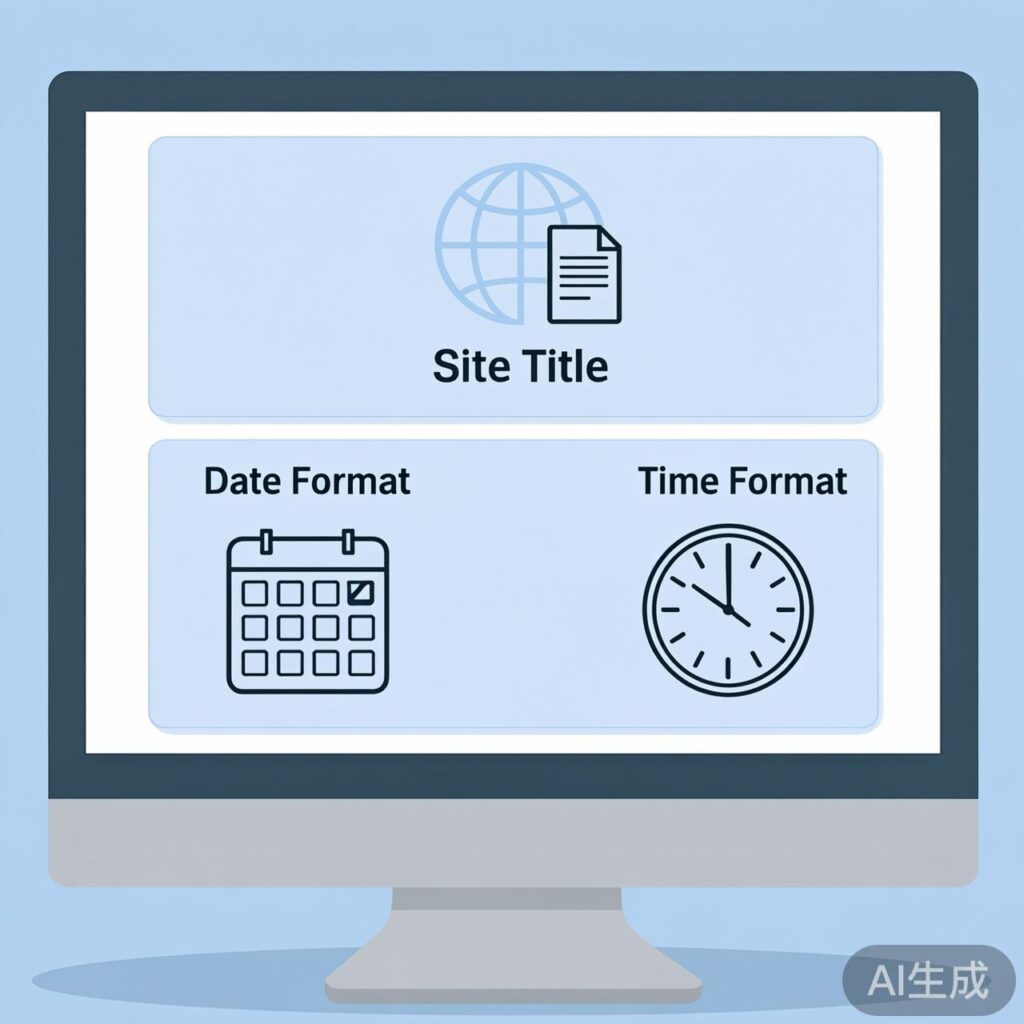
WordPress Site Title and Tagline Configuration
After installing WordPress, one of the first steps is to configure your site information. The site title and tagline are crucial elements that shape your site's identity and impact both user perception and search engine optimization (SEO). Once set, avoid frequent changes to maintain SEO stability and consistency.
You can configure these settings in the WordPress admin under Settings > General.
Site Title: This typically appears in browser tabs, search engine results, and often at the top of your site.
Tagline: A brief description of your site, displayed by many themes.
Choose these carefully as they form the core of your site's identity.
WordPress Date and Time Format Settings
Date and time formats control how timestamps are displayed for posts, pages, and comments. You can select formats based on your preference or your audience's regional conventions.
In the Settings > General page, you'll find these options:
- Date Format: Choose how dates are displayed (e.g., "F j, Y", "Y-m-d", "m/d/Y").
- Time Format: Choose how times are displayed (e.g., "g:i a", "H:i").
- Timezone: Select your local timezone to ensure all timestamps are accurate. This is essential for scheduling posts and events.
Choosing appropriate formats enhances your site's professionalism and user experience.
Other General Settings
The General Settings page also includes:
- WordPress Address (URL) and Site Address (URL): Usually identical unless you have a special installation setup.
- Administration Email Address: Used for site notifications and administrative emails. Ensure it's valid.
- Membership: Controls whether visitors can register as users.
- New User Default Role: Sets the initial permission role for registered users.
- Site Language: Sets the display language for the admin area and front-end (theme-dependent).
After configuring your settings, always click the Save Changes button at the bottom of the page.
Best Practices
- SEO: Include relevant keywords in your site title and keep it concise.
- Consistency: Use the same date and time format throughout your site.
- Accuracy: Verify your timezone and email address are correct.
- Regular Reviews: Update these settings if your site undergoes rebranding or other significant changes.