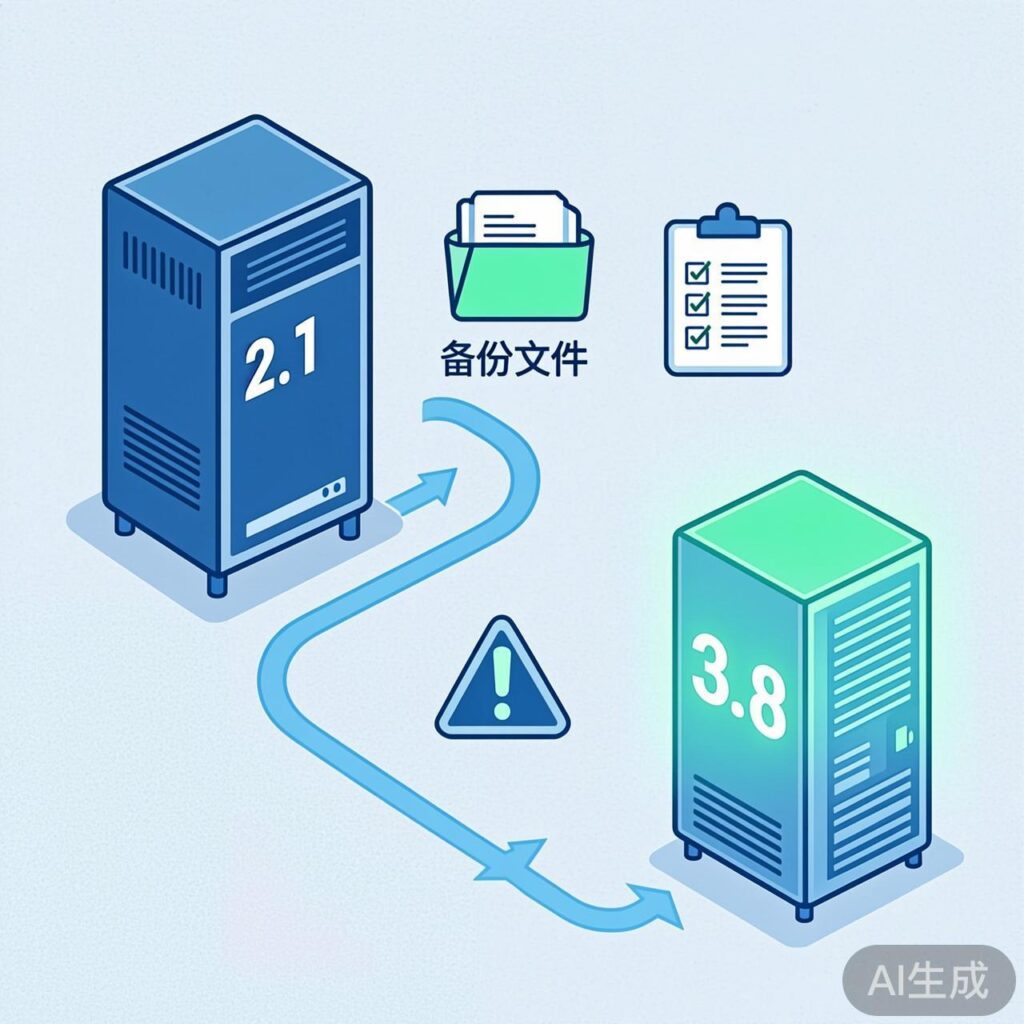
Challenges and Preparation for a Cross-Version WordPress Upgrade
Upgrading directly from WordPress 2.1 to 3.8 is a massive version jump, involving comprehensive changes to core code, database structure, themes, and plugins. A direct upgrade is generally not recommended due to the dozens of major versions in between, which can cause severe compatibility issues or even data loss.
Recommended Standard Upgrade Path
The officially recommended method is a step-by-step upgrade, e.g., 2.1 → 2.5 → 2.9 → 3.5 → 3.8. However, if you have decided to proceed with a direct migration, here are the essential steps and precautions you must follow.
Pre-Migration Preparation
- Complete Backup: Back up all website files, the database, and the uploads directory (
/wp-content/uploads/). - Environment Check: Ensure your new server environment meets WordPress 3.8's minimum requirements (PHP 5.2.4+, MySQL 5.0+).
- Deactivate All Plugins and Themes: On the old site, deactivate all plugins and switch to a default theme (e.g., Twenty Ten).
Core Migration Steps
1. Export and Clean Data
Use the 'Tools → Export' function in the WordPress 2.1 admin panel to export all posts, pages, comments, etc., as an XML file. Note that this method may not export all custom fields and settings.
2. Set Up a Fresh WordPress 3.8 Environment
Perform a clean installation of WordPress 3.8 in a new directory or on a subdomain. Do not overwrite the old files directly.
3. Import Data
In the new WordPress 3.8 admin panel, use the 'Tools → Import' function, select the 'WordPress' importer, and upload the previously exported XML file. During the import, you will be prompted to assign authors and import attachments.
4. Handle Themes and Plugins
- Themes: Themes from the WordPress 2.1 era are almost guaranteed not to work on version 3.8. You will need to find a modern, compatible replacement theme or completely rewrite the old one.
- Plugins: The vast majority of old plugins are incompatible. In the new environment, you must find functionally equivalent plugins that support the newer version.
5. Redirects and Link Fixes
If the migration involves a domain name change, you must set up 301 permanent redirects to point all URLs from the old domain to their corresponding locations on the new domain to preserve SEO value.
Post-Migration Essential Checks
- Check that the formatting of all posts and pages is correct.
- Test that all links, images, and media files are accessible.
- Verify website functionality, such as forms, search, and comments.
- Update the permalink settings (if using a custom structure).
- Configure the new theme and plugins.
Summary and Recommendations
Migrating directly from WordPress 2.1 to 3.8 is a complex and high-risk operation. A more reliable approach is:
Consider using a professional migration service or plugin (like All-in-One WP Migration or Duplicator), which can better handle complex issues like serialized database data. If the old site has little content, manually rebuilding it (copying and pasting core content) can sometimes be more efficient and stable than forcing a migration.
After the migration is complete, be sure to keep the WordPress core, themes, and plugins updated to benefit from the latest features and security.