Introduction: A Performance Optimization Approach Beyond Caching
Traditional WordPress optimization often relies heavily on caching plugins, which have inherent costs due to cache invalidation and refresh cycles. This guide presents a more fundamental method, focusing on system-level configuration to improve WordPress efficiency directly at the PHP execution layer, achieving a significant reduction in page execution time.
Performance Improvement Comparison
Without APC/Opcache:
- Standard WordPress: ~0.60 - 0.67 seconds.
- With this method: ~0.15 - 0.20 seconds.
With APC/Opcache enabled:
- Standard WordPress: ~0.29 - 0.38 seconds.
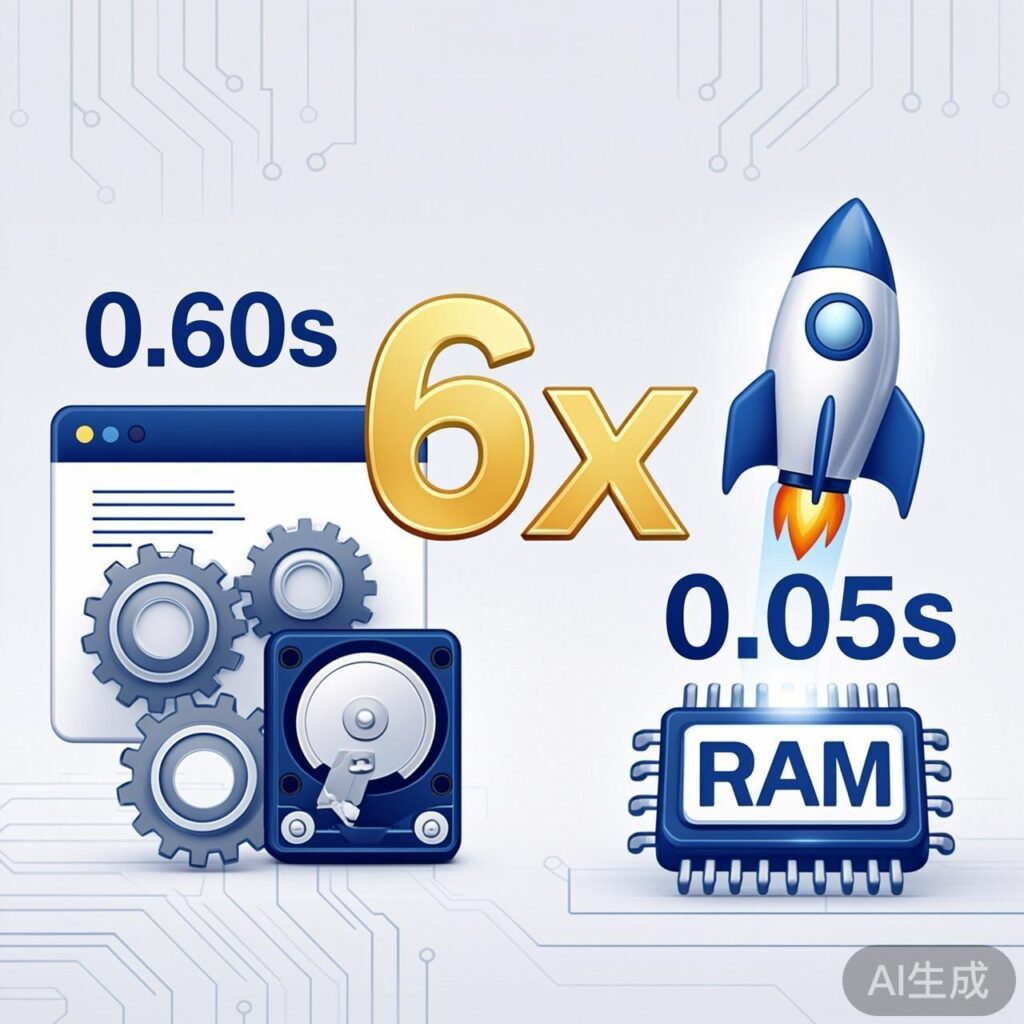
- With this method: ~0.04 - 0.05 seconds.
Overall, performance can improve by up to 6x.
Core Principle: Leverage Memory
The key to accelerating WordPress is reducing disk I/O by placing frequently read PHP files into memory. This requires two steps:
- Enable PHP Bytecode Cache: The foundation, drastically reducing PHP compilation overhead.
- Place PHP Files in a Memory Filesystem: An advanced optimization that eliminates disk read latency for PHP files.
Step 1: Enable a PHP Bytecode Cache Extension
Install and enable one of these mature PHP extensions:
- APC (Alternative PHP Cache)
- Zend Opcache (Built-in for PHP 5.5+)
Both offer similar, significant performance gains.
Step 2: Move WordPress Core PHP Files to Memory
This method's core is running all .php files from a Linux memory filesystem (e.g., /dev/shm). Assume your WordPress is installed at /var/www/wp.
Procedure
- Copy the WordPress directory:
cp -rf /var/www/wp /var/www/wp2 - Filter for PHP files only: Navigate to the copy and delete all non-.php files.
cd /var/www/wp2 find . -type f ! -name "*.php" -delete - Move the PHP directory to the memory filesystem:
cp -rf /var/www/wp2 /dev/shm/wp_ram - (Optional) Delete PHP files from the original directory: Prevents accidental reads of old files.
cd /var/www/wp
find . -type f -name "*.php" -delete
Web Server Configuration (Nginx Example)
The key is modifying Nginx to point PHP requests to the memory directory.
server {
    listen 80;
    server_name example.com www.example.com;
    root /var/www/wp; # Original root for static files
    index index.php index.html;

    location / {
        try_files $uri $uri/ /index.php?$args;
    }

    location ~ \.php$ {
        fastcgi_pass unix:/var/run/php/php-fpm.sock;
        fastcgi_index index.php;
        # Core change: Point SCRIPT_FILENAME to memory
        fastcgi_param SCRIPT_FILENAME /dev/shm/wp_ram/$fastcgi_script_name;
        include fastcgi_params;
    }
}
Configuration Notes:
- The
rootdirective still points to the original directory for static assets. fastcgi_param SCRIPT_FILENAMEis redirected to the memory path (/dev/shm/wp_ram/), so all .php execution reads from memory.
Completion and Maintenance
- Restart Services: After configuration, restart Nginx and PHP-FPM.
sudo systemctl restart nginx php-fpm- Regarding Plugins and Updates:
- Installing/Updating: Since PHP files run from the memory copy, any operation requiring PHP file writes (e.g., plugin installation via admin) must first be done in the original directory (
/var/www/wp). Then, repeat the copy-filter-move steps and restart PHP-FPM. - Recommendation: For production, script this deployment process or manage updates via version control/CI-CD, not the server admin panel.
- Installing/Updating: Since PHP files run from the memory copy, any operation requiring PHP file writes (e.g., plugin installation via admin) must first be done in the original directory (
Summary and Considerations
- Performance Gain: With WordPress core PHP files (~8.4MB for WP 3.8) entirely in memory and Opcache, response times are minimal.
- Use Case: Best for memory-rich production environments seeking maximum performance with relatively stable PHP file structures.
- Risk: Memory filesystem contents are lost on server reboot. Integrate the deployment steps into a startup script (e.g.,
rc.localor systemd service) for automatic rebuild. - Modern Alternatives: Mainstream approaches like PHP-FPM + Opcache (with proper
opcache.file_cache), Redis for object caching, and full-page caching (e.g., Nginx FastCGI Cache) are more maintainable and similarly effective. This guide's method represents a low-level, extreme optimization approach.