Introduction
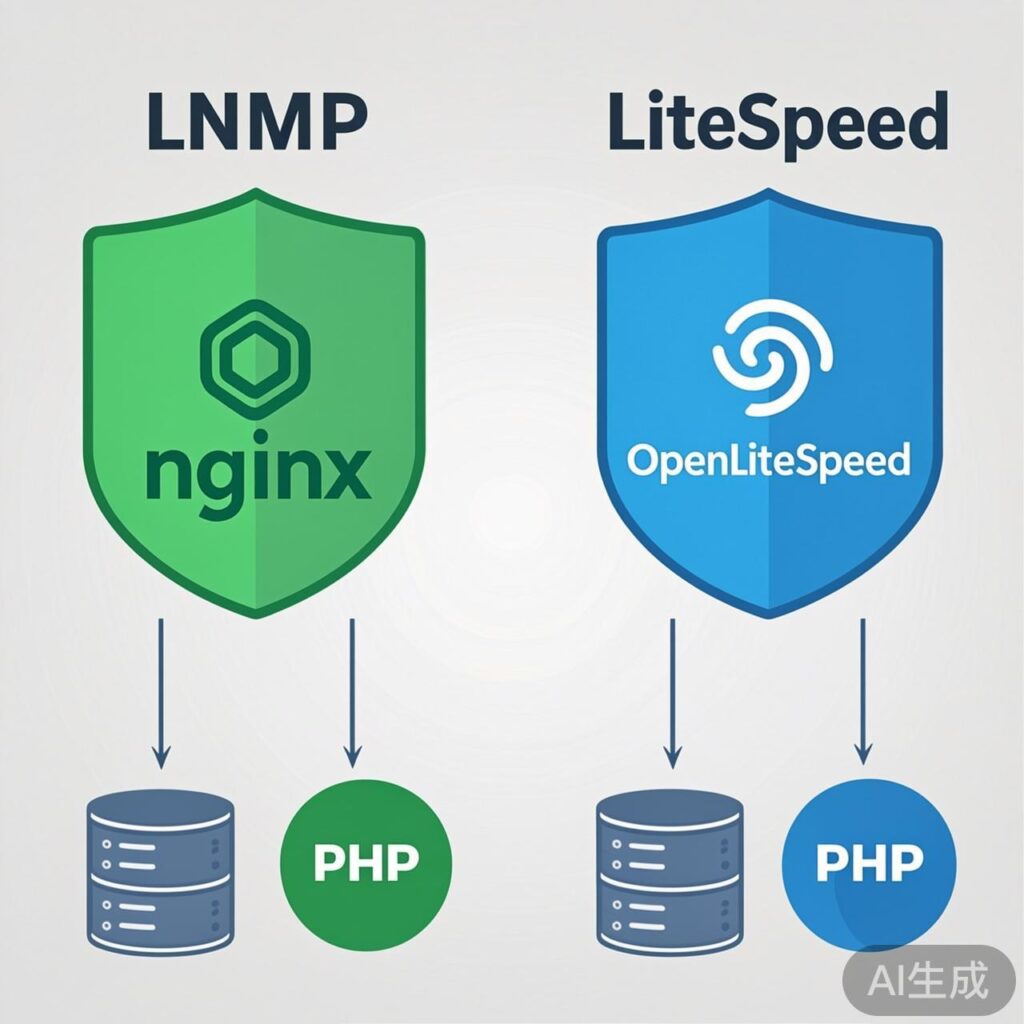
Choosing a stable and efficient server environment is crucial for your WordPress site's performance, security, and scalability. Among the many options, the open-source LNMP stack (Linux, Nginx, MySQL/MariaDB, PHP) and the commercial LiteSpeed solution (OpenLiteSpeed or LiteSpeed Enterprise) are two prominent choices. This article provides a detailed comparison to help you make the best decision for your needs.
LNMP Environment Explained
LNMP is a classic open-source web service stack. Its core component, Nginx, is renowned for high performance, low memory usage, and excellent concurrency handling.
Core Components & Workflow
- Nginx: Acts as the web server and reverse proxy, highly efficient for static file requests. For PHP dynamic requests, it forwards them via the
FastCGIprotocol (typically to PHP-FPM). - PHP-FPM: A standalone PHP FastCGI process manager responsible for parsing and executing PHP code, returning results to Nginx.
- MySQL/MariaDB: The relational database storing all WordPress content, settings, and user data.
Workflow: User request → Nginx → If static file (image, CSS), Nginx serves directly. If PHP request (e.g., index.php) → Nginx passes to PHP-FPM via FastCGI → PHP-FPM executes code, interacts with DB → Returns generated HTML to Nginx → Nginx responds to user.
Advantages
- Completely Free & Open Source: All components are free, with vast community support and documentation.
- High Performance & Concurrency: Nginx's event-driven architecture excels under high traffic and concurrent connections.
- Highly Customizable & Flexible: Each component can be independently configured and optimized, offering transparency for experienced developers.
- Rich Ecosystem: Mature caching solutions (Redis, Memcached) and optimization strategies are readily available.
Potential Challenges
- Configuration Complexity: Requires separate configuration of Nginx, PHP-FPM, and the database, presenting a learning curve for beginners.
- Dynamic Content Processing Overhead: PHP handling requires FastCGI communication, which can introduce minimal latency compared to more integrated solutions.
LiteSpeed Environment Explained
LiteSpeed Technologies offers two products: the open-source OpenLiteSpeed and the commercially licensed LiteSpeed Enterprise. Their key feature is the tight integration between the web server and the PHP processor (LSAPI).
Core Features
- LiteSpeed Web Server: Compatible with Apache's .htaccess rules, easing migration from Apache environments. Its event-driven architecture is similar to Nginx.
- LSAPI (LiteSpeed SAPI): The performance cornerstone. LSAPI allows PHP processes to share memory with the web server, reducing the overhead of traditional FastCGI communication and significantly speeding up PHP execution.
- Built-in Cache Engine (LSCache): For WordPress, LiteSpeed provides the official LSCache for WordPress plugin. This is a server-level full-page cache solution, often outperforming traditional plugin-based caches (e.g., W3 Total Cache, WP Super Cache).
Advantages
- Exceptional PHP Performance: Thanks to LSAPI, PHP response times are very fast, ideal for PHP-centric WordPress.
- Powerful Built-in Caching: LSCache is a game-changer, drastically reducing server load and improving page load speeds.
- Simplified Migration & Configuration: Apache configuration compatibility is user-friendly for migrations. OpenLiteSpeed and its control panel, CyberPanel, offer GUI management.
- Optimized Resource Usage: Often uses less CPU and memory under similar traffic, especially with LSCache enabled, compared to standard LNMP.
Potential Challenges
- Cost (Enterprise Edition): LiteSpeed Enterprise requires a paid license per CPU core, representing an ongoing investment.
- Smaller Ecosystem: While core features are strong, third-party modules and community resources are less abundant than for Nginx.
- OpenLiteSpeed Limitations: The free version is fully functional but lacks some advanced features (e.g., hotlink protection, advanced cache policies) and official support reserved for the Enterprise edition.
LNMP vs. LiteSpeed: Core Comparison
| Comparison Dimension | LNMP (Nginx) | LiteSpeed (Enterprise) |
|---|---|---|
| Cost | Completely Free | Open Source free, Enterprise requires paid license |
| PHP Processing | Excellent (via PHP-FPM) | Outstanding (via integrated LSAPI) |
| Static File Handling | Excellent | Excellent |
| Caching Solution | Relies on third-party (Redis, Nginx FastCGI Cache) or plugins | Built-in high-performance LSCache (official WordPress plugin) |
| Configuration Complexity | Medium to High (text config files) | Low to Medium (.htaccess compatible, web admin) |
| Community & Resources | Extremely Rich | Smaller, but official docs are good |
| Ideal For | Developers, tech teams, high-traffic sites, full control seekers | Site owners, businesses, max WordPress performance, Apache migrants |
How to Choose for Your WordPress Site
Choose LNMP (Nginx + PHP-FPM) if:
- Your budget is limited, and you want a powerful, completely free solution.
- You or your team have server management skills and enjoy tuning.
- Your site architecture may extend beyond WordPress, requiring high flexibility.
- You are already familiar with Nginx configuration or have complex traffic patterns.
Choose LiteSpeed (especially Enterprise) if:
- You prioritize ultimate WordPress performance (PHP & caching) and are willing to invest.
- You want simplified server management, a friendly control panel, or Apache rule compatibility.
- Your site traffic is growing rapidly, and you need a solution to reduce server load effectively.
- You use a hosting provider that offers LiteSpeed environments (common with optimized WordPress hosts).
A Practical Middle Path
For many users, a practical approach is to start with OpenLiteSpeed. You can freely experience LSAPI performance and LSCache benefits. If your site grows and needs enterprise features/support, you can smoothly upgrade to LiteSpeed Enterprise.
Conclusion
Both LNMP and LiteSpeed are excellent WordPress environments. There's no absolute "best," only "most suitable."
- LNMP represents open-source, flexibility, and community-driven power, ideal for tech-savvy users and those sensitive to cost.
- LiteSpeed (especially Enterprise) represents integration, high performance, and ease of use, a powerful tool for site owners and businesses prioritizing WordPress performance.
Before deciding, evaluate your technical skills, budget, site scale, and growth expectations. If possible, test both in a staging environment with load testing to guide your final choice with data.