Understanding Linux Runlevels and Startup Items
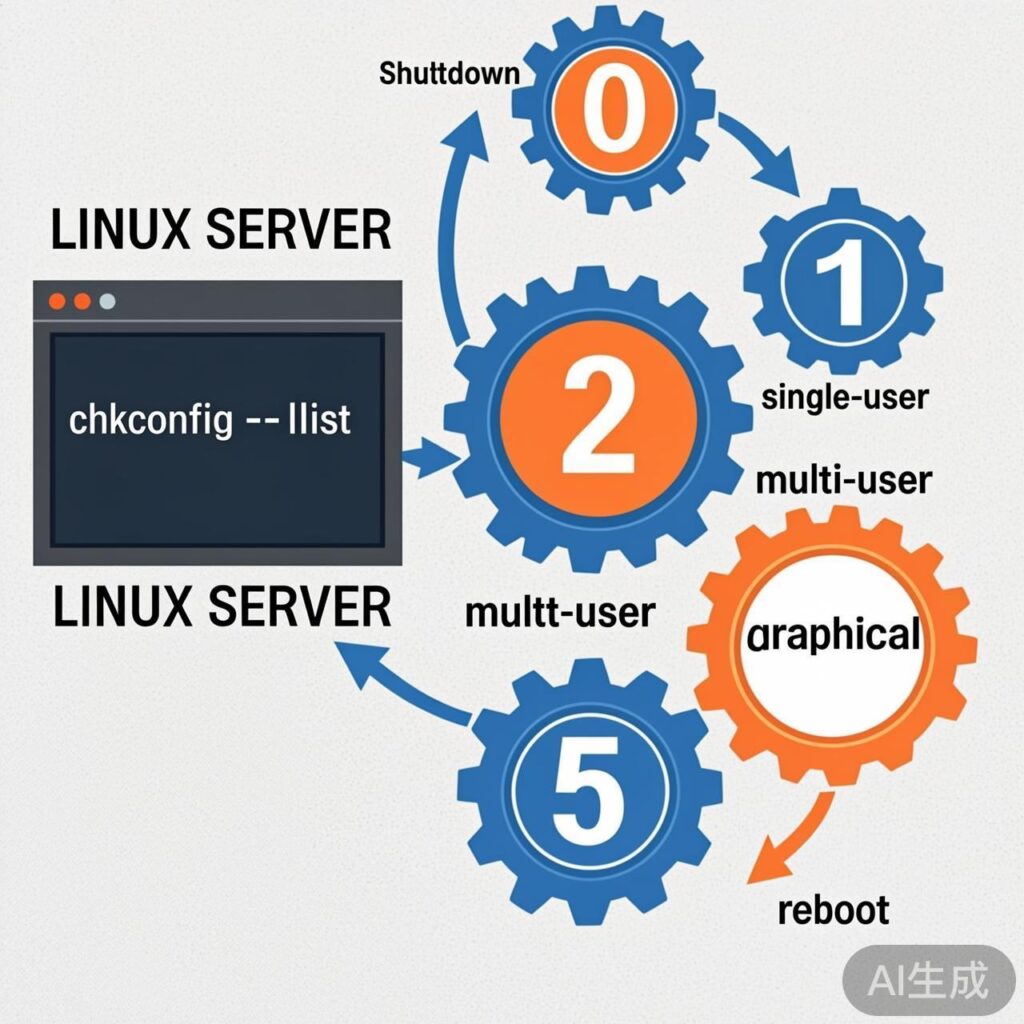
Linux systems define 7 runlevels to control which services start in different system states:
- 0: Halt (Shutdown)
- 1: Single-user mode (Rescue mode)
- 2: Multi-user mode without networking (typically unused)
- 3: Full multi-user text mode (common for servers)
- 4: Reserved (typically unused)
- 5: Graphical interface mode (common for desktops)
- 6: Reboot
To view the startup status of all services across runlevels, use the chkconfig --list command.
Managing Service Startup Status with chkconfig
chkconfig is the primary tool for managing SysV init services in CentOS/RHEL 6 and earlier versions. Basic syntax:
# View service status
chkconfig --list [service_name]

# Enable/disable service at specific runlevels
chkconfig --level [levels] [service_name] {on|off}

# Add or remove service from management
chkconfig --add [service_name]
chkconfig --del [service_name]
Example: Managing SSH Service
To disable sshd service at runlevels 3 and 5:
chkconfig --level 35 sshd offTo verify the change:
chkconfig --list sshdManually Managing Startup Script Directories
Besides chkconfig, you can directly manage files in the /etc/rc.d/ directory.
# View /etc/rc.d/ structure
ls /etc/rc.d/

# Example output (CentOS 6):
# init.d rc0.d rc1.d rc2.d rc3.d rc4.d rc5.d rc6.d rc.local rc.sysinitinit.d/: Contains all service startup scripts.rcN.d/(N=0~6): Symbolic link directories for each runlevel.rc.local: Custom startup script executed last.rc.sysinit: System initialization script.
Understanding Files in rcN.d Directories
Example for rc3.d/ (runlevel 3):
ls /etc/rc.d/rc3.d/

# Example output:
# K02avahi-dnsconfd S25bluetooth
# K02NetworkManager S25netfs
# S04readahead_early S26apmd- K prefix: Services to stop when entering this runlevel. Numbers indicate execution order.
- S prefix: Services to start when entering this runlevel. Numbers indicate execution order.
Important rule: System executes all K (Kill) scripts first in numerical order, then all S (Start) scripts. Thus, S script startup commands override K script stop commands for the same service.
Common Methods to Set Programs for Automatic Startup
To make vncserver start automatically after boot, here are several methods.
Method 1: Register Program as System Service (Recommended)
This is the most standard method for long-running daemons.
-
Check service status:
chkconfig --list | grep vnc -
Enable at boot (e.g., at runlevel 5):
chkconfig --level 5 vncserver on -
Verify:
chkconfig --list | grep vnc
# Output should show: vncserver 0:off ... 5:on 6:off
Method 2: Using /etc/rc.local Script
/etc/rc.local runs last after all initialization scripts. Suitable for simple startup commands.
# Edit rc.local file
vi /etc/rc.local

# Add your command before 'exit 0', e.g.:
/usr/bin/vncserver :1

# Ensure rc.local is executable
chmod +x /etc/rc.local
Method 3: Create Custom Systemd Service (CentOS/RHEL 7+)
Note: CentOS/RHEL 7+ uses systemd instead of SysV init. Updated commands:
# View service status
systemctl status [service_name]

# Enable at boot
systemctl enable [service_name]

# Start service immediately
systemctl start [service_name]

# View all enabled services
systemctl list-unit-files --type=service | grep enabled
For custom programs, create a .service file in /etc/systemd/system/.
Key Differences and Relationships
- Linux Service: A background daemon managed by init system (SysV init or systemd) with full lifecycle control (start, stop, restart, status).
- Boot Startup: An attribute of a service. A service can be set to start at boot, but not all auto-run commands are standard "services".
- Key Script Files:
/etc/rc.local: For user-defined commands./etc/inittab(legacy): Defines default runlevel and terminals./etc/profile&~/.bash_profile: Shell environment scripts executed at user login - not for starting background services.
Summary and Best Practices
- Prefer service management tools: For standard services, always use
chkconfig(CentOS 6) orsystemctl(CentOS 7+). - Use rc.local as supplement: For simple scripts/commands not easily packaged as services.
- Check permissions: Ensure startup scripts and commands have proper execute permissions.
- Specify runlevel: Server environments typically use runlevel 3 (no GUI), desktops use runlevel 5.
- Version adaptation: CentOS/RHEL 7+ uses systemd - use corresponding
systemctlcommands.