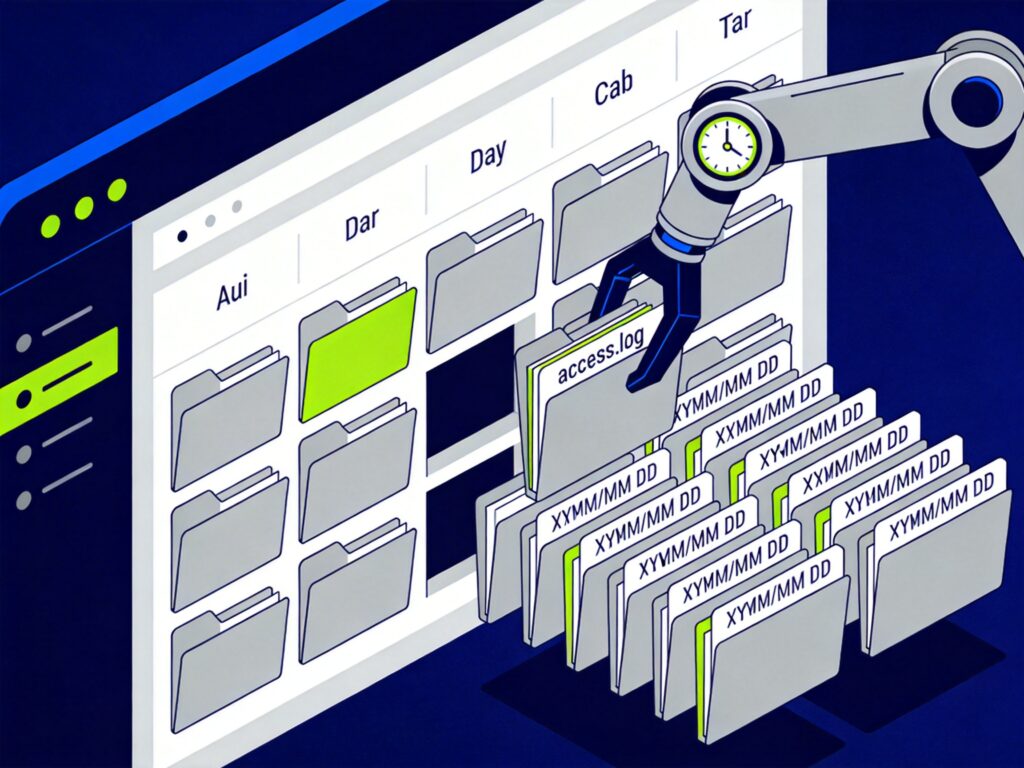
Nginx Log Rotation by Day
Automatically rotating and archiving Nginx access logs by date is a common practice for easier management and analysis. This guide outlines a method using a shell script and a cron job.
1. Create the Log Rotation Script
First, create a shell script, for example /usr/local/nginx/sbin/cut_nginx_log.sh, and make it executable.
#!/bin/bash
# Script to run daily at 00:00

# Nginx logs directory
logs_path="/usr/local/nginx/logs/"

# Create a year/month directory structure (e.g., logs/2024/04/)
mkdir -p ${logs_path}$(date -d "yesterday" +"%Y")/$(date -d "yesterday" +"%m")/

# Move and rename yesterday's access.log file
mv ${logs_path}access.log ${logs_path}$(date -d "yesterday" +"%Y")/$(date -d "yesterday" +"%m")/access_$(date -d "yesterday" +"%Y%m%d").log

# Send USR1 signal to Nginx master process to reopen log files
kill -USR1 `cat /usr/local/nginx/nginx.pid`
Script Explanation:
mkdir -p: Creates directories recursively, ensuring the target path exists.date -d "yesterday": Gets yesterday's date for directory and file naming.kill -USR1: Sends a signal to the Nginx master process, causing it to close the current log file and open a newaccess.log. This enables seamless log rotation without restarting Nginx.
2. Configure the Cron Job
Use Crontab to schedule the script to run daily at midnight.
# Edit the current user's crontab
crontab -e
Add the following line in the editor:
# Run the log rotation script daily at 00:00
00 00 * * * /bin/bash /usr/local/nginx/sbin/cut_nginx_log.sh
Save and exit. The scheduled task will become active.
Important Notes
- Verify Paths: Ensure the
logs_pathand the path to thenginx.pidfile in the script are correct for your installation. - Permissions: The user running the cron job (often root or the Nginx user) must have read, write, and execute permissions for the Nginx log directory and the script.
- Log Rotation Tools: For more complex needs (size-based rotation, compression, retention policies), consider using a dedicated tool like
logrotate, which is more flexible and powerful.
Following these steps will set up automatic daily rotation and archiving of Nginx access logs, making log file management much more organized.