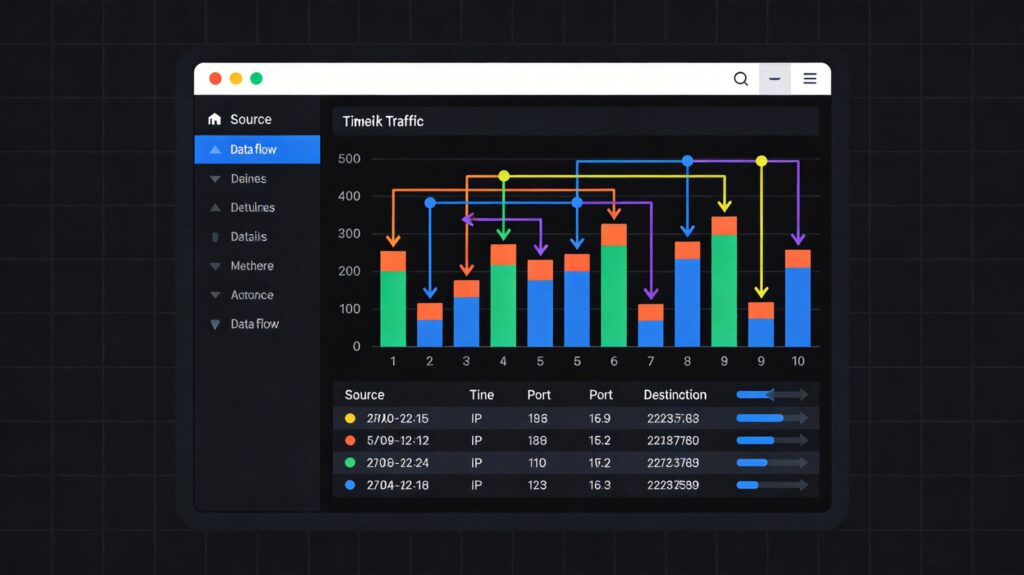
Introduction to iftop
On Unix-like systems, the top command is used to monitor system resources, processes, and memory usage. For network status, tools like netstat and nmap are available. To monitor real-time network traffic and view TCP/IP connections, iftop is a powerful and intuitive choice.
What is iftop?
iftop is a real-time network traffic monitoring tool similar to top. It dynamically and visually displays bandwidth usage on a specified network interface.
Key Features of iftop
iftop can be used to:
- Monitor real-time traffic on a specific network interface (down to specific subnets).
- Display source IP, destination IP, and port information for connections.
- Support reverse DNS lookup to show hostnames.
- Visually represent traffic changes with bar graphs.
Installing iftop
iftop can be installed via your system's package manager or by compiling from source.
Method 1: Install via Package Manager (Recommended)
This is the simplest and quickest method.
- CentOS/RHEL/Fedora:
yum install epel-release yum install iftop - Debian/Ubuntu:
apt update
apt install iftop
Method 2: Compile from Source
Use this method for the latest version or specific customizations. First, ensure necessary build tools and libraries are installed.
Install Build Environment & Dependencies:
- CentOS/RHEL/Fedora:
yum install gcc make autoconf flex byacc libpcap libpcap-devel ncurses ncurses-devel - Debian/Ubuntu:
apt install build-essential autoconf flex byacc libpcap0.8-dev libncurses5-dev
Download, Compile, and Install:
wget http://www.ex-parrot.com/~pdw/iftop/download/iftop-1.0pre4.tar.gz
tar zxvf iftop-1.0pre4.tar.gz
cd iftop-1.0pre4
./configure
make
sudo make install
Note: The official URL and version may change. Check the official site (http://www.ex-parrot.com/~pdw/iftop/).
Running iftop
After installation, run it from the terminal:
iftopBy default, it monitors the first non-loopback interface (e.g., eth0). You will see a real-time traffic monitoring interface.
Interface and Parameters
Interface Overview
The iftop interface consists of several parts:
- Top Scale: Measures the proportion of the traffic bars below.
- Traffic Direction Arrows (<= =>): Indicates send/receive direction.
- Middle List: Shows active network connections with source/destination hosts, ports, and real-time traffic.
- Bottom Statistics:
- TX: Send rate.
- RX: Receive rate.
- TOTAL: Total rate.
- Cumm: Cumulative traffic since iftop started.
- peak: Peak traffic rate.
- rates: Average rates for the last 2, 10, and 40 seconds.
Common Startup Parameters
Use these parameters when starting iftop:
-i <interface>: Specify network interface (e.g.,iftop -i eth1).-B: Display traffic in Bytes (default is bits).-n: Disable hostname resolution, show IPs.-N: Disable port service name resolution, show port numbers.-F <net/mask>: Show traffic only for specified subnet (e.g.,iftop -F 192.168.1.0/24).-P: Show port information by default.-m <limit>: Set max value for the top scale (e.g.,iftop -m 100M).
Interactive Runtime Commands
While iftop is running, press these keys:
- h: Toggle help display.
- n: Toggle between showing local IP or hostname.
- s/d: Toggle source/destination host display.
- t: Cycle through display modes (two-line/one-line/send-only/receive-only).
- N: Toggle between port numbers and service names.
- p: Toggle port information display.
- P: Pause/continue display refresh.
- b: Toggle average traffic bar display.
- 1/2/3: Sort by the 2s, 10s, or 40s average rate columns.
- < or >: Sort by left or right IP address.
- l: Enable screen filter; type an IP or string to show only related connections.
- q: Quit iftop.
Common Issues and Solutions
- Error:
make: yacc: Command not foundSolution: Install the
byaccpackage.# CentOS/RHEL yum install byacc # Debian/Ubuntu apt install byacc - Error:
configure: error: Curses! Foiled again! (Can't find a curses library...)Solution: Install the ncurses development package.
# CentOS/RHEL
yum install ncurses-devel
# Debian/Ubuntu
apt install libncurses5-dev