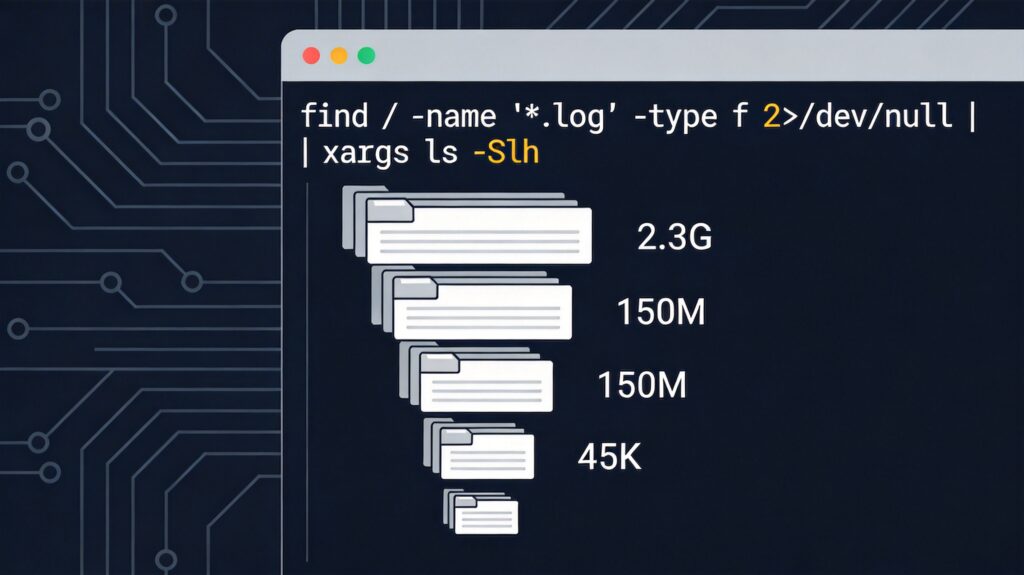
Finding All Log Files and Sorting by Size
In Linux systems, to find all files ending with .log and sort them by size (largest first), you can use the following command combination:
find / -name "*.log" -type f 2>/dev/null | xargs ls -SlhCommand Breakdown
- find / -name "*.log" -type f 2>/dev/null
find /: Start searching from the root directory.-name "*.log": Match all filenames ending with.log. The wildcard*must be quoted to prevent early shell expansion.-type f: Only find regular files, excluding directories, links, etc.2>/dev/null: Redirect error messages (e.g., permission denied) to the null device for cleaner output.
- |
- Pipe operator; passes the standard output of the previous command (
find) as input to the next command (xargs).
- Pipe operator; passes the standard output of the previous command (
- xargs
- Converts the list of file paths from the pipe into arguments for the
lscommand.
- Converts the list of file paths from the pipe into arguments for the
- ls -Slh
-S: Sort by file size.-l: Use long listing format to show detailed information.-h: Display file sizes in human-readable format (e.g., K, M, G).- To sort smallest first, use
-Slhror-Slr(-rreverses the sort order).
Caveats and Alternative Methods
The above command may fail if file paths contain spaces or special characters. More robust approaches use find's -exec or -print0 options:
# Method 1: Using -exec
echo "Size(K) Path"
find / -name "*.log" -type f 2>/dev/null -exec ls -lh {} ; | sort -hr -k5

# Method 2: Using -print0 for special characters
find / -name "*.log" -type f 2>/dev/null -print0 | xargs -0 ls -Slh
Method 1 uses sort -hr -k5 to reverse-sort the 5th column (file size) from ls -lh output, achieving the same size-sorted result in human-readable format with better compatibility.