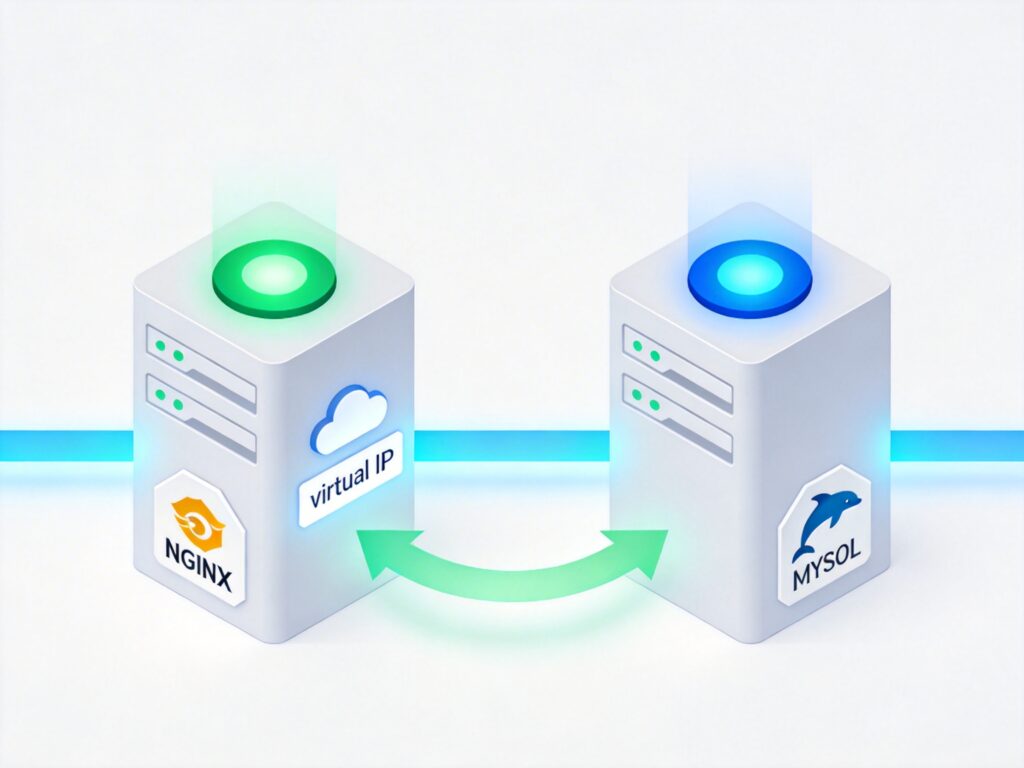
Dual-Server Failover and Automatic Switchover Solution
In production environments, servers built with Nginx, PHP, and MySQL are critical for handling interface data. A hardware failure or service outage (Nginx, MySQL) that cannot be quickly resolved can have severe consequences. To eliminate single points of failure, this article outlines a dual-server, active-backup solution with automatic failover. A custom failover.sh script enables automatic switchover in under a minute.
1. Network Topology
The basic network topology for dual-server redundancy is shown below:

2. Solution Overview
- Domain and Virtual IP (VIP): The external domain
blog.zyan.ccresolves to the external VIP72.249.146.214. Internally, the hostnamedb10points to the internal VIP192.168.146.214via the hosts file. - Active/Backup Roles and Monitoring: By default, the active server binds both internal and external VIPs. The backup server remains on standby. Both servers run a daemon process (
/usr/bin/nohup /bin/sh /usr/local/webserver/failover/failover.sh 2>&1 > /dev/null &) that monitors service health and manages VIP failover. - MySQL Master-Master Replication: MySQL on both servers is configured for master-master (bidirectional) replication. When the active server is up, read/write operations go to it, and data syncs to the backup. If the backup takes over, traffic routes to it, and data syncs back to the original active server. If one MySQL instance fails temporarily, it will automatically sync missing data from the peer upon recovery.
- File Synchronization: The active server performs incremental rsync every 20 seconds to sync these three directories to the peer:
/data0/htdocs/(web files, applications, images)/usr/local/webserver/php/etc/(PHP configuration)/usr/local/webserver/nginx/conf/(Nginx configuration)
3. Automatic Failover Process
- If the active server's MySQL or Nginx becomes unreachable, or the server crashes, its
failover.shattempts to release its VIPs. The backup server's script detects the failure, takes over the VIPs, and sends ARPing packets to the internal and external gateways to update MAC addresses, forcing traffic redirection. - After binding the VIPs, the backup server uses ARPing to notify gateways of the new MAC address, ensuring the VIP remains accessible.
- If the original active server recovers and its MySQL replication lag from the backup is zero, it will automatically reclaim the VIPs and update the gateways via ARPing. The backup server then releases the VIPs.
- The entire process is automated by
failover.sh, requiring no manual intervention.
4. Important Considerations
- Crontab Configuration: Crontab entries are not synchronized automatically. Changes must be made manually on both servers.
- Symbolic Link Sync: Symbolic links (created with
ln -s) within/data0/htdocs/are not synced by rsync. Create identical symlinks manually on both servers. - File Deletion Order: When deleting files or directories, remove them first from the active server, then from the backup.
- Other Configurations: Modifications to files outside the three synced directories must be applied separately on both servers.
Configuration and Scripts
1. Rsync Configuration (Identical on Both Servers)
Edit the configuration file:
vi /etc/rsyncd.confAdd the following content:
uid = root
gid = root
use chroot = no
max connections = 20
pid file = /var/run/rsyncd.pid
lock file = /var/run/rsync.lock
log file = /var/log/rsyncd.log

[data0_htdocs]
path = /data0/htdocs/
ignore errors
read only = no
hosts allow = 192.168.146.0/24
hosts deny = 0.0.0.0/32

[php_etc]
path = /usr/local/webserver/php/etc/
ignore errors
read only = no
hosts allow = 192.168.146.0/24
hosts deny = 0.0.0.0/32

[nginx_conf]
path = /usr/local/webserver/nginx/conf/
ignore errors
read only = no
hosts allow = 192.168.146.0/24
hosts deny = 0.0.0.0/32
Start the rsync daemon:
/usr/bin/rsync --daemon2. MySQL Master-Master Replication
The process for setting up MySQL master-master replication is not detailed here (refer to official documentation). Ensure skip-name-resolve is added to my.cnf to use IP addresses for MySQL authentication, avoiding DNS resolution issues.
3. Failover Script Configuration and Usage
Start the Daemon (add to /etc/rc.local for boot startup):
/usr/bin/nohup /bin/sh /usr/local/webserver/failover/failover.sh 2>&1 > /dev/null &Stop the Daemon:
ps -ef | grep failover.sh
kill -9 [process_id]
Script Overview (failover.sh):
The core script logic continuously checks service health via HTTP and MySQL queries. Based on the server's configured role (master or slave) and the state of the peer, it manages VIP binding/release, triggers file synchronization, and sends ARP updates. Key functions include:
function_bind_vip(): Binds internal and external VIPs, reloads PHP-FPM and Nginx.function_remove_vip(): Releases the VIPs and stops cron.function_rsync_*_to_*(): Performs rsync of critical directories to the peer.function_vip_arping(): Sends ARP packets to update gateway MAC addresses.
The main loop runs every 20 seconds, evaluating conditions to determine which server should hold the VIPs.
Note: The type variable in the script must be set to master or slave according to the server's role. IP addresses, paths, and other configuration details must be adjusted for your environment.
Original article (Chinese): http://blog.zyan.cc/post/379/