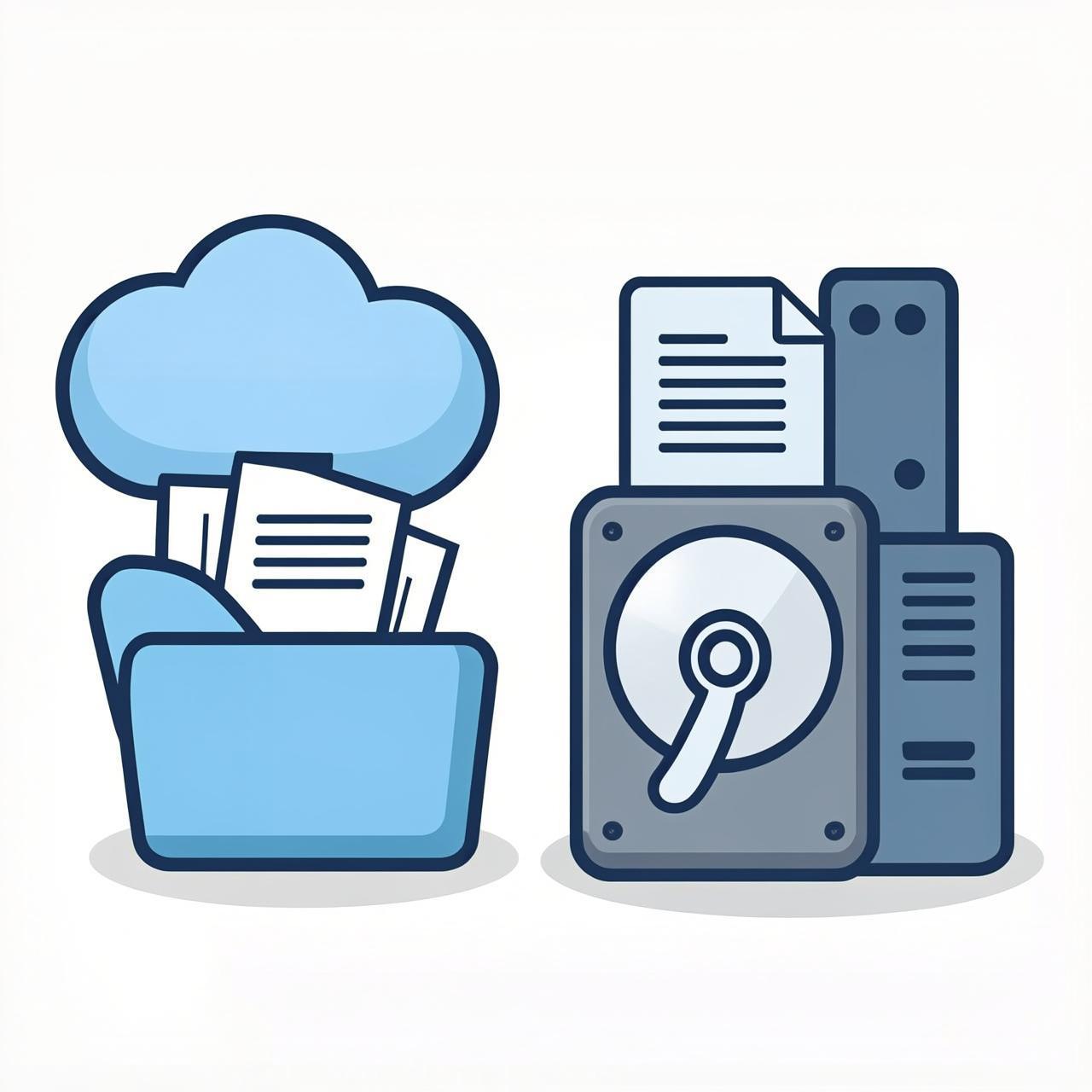
Overview: Two Different Cloud Storage Services
In cloud computing, cloud storage and cloud disks are two fundamental and important storage services. While they may appear similar on the surface, they have fundamental differences in design goals, technical architecture, and application scenarios. Understanding these differences is crucial for correctly selecting and using cloud services.
Core Concepts and Positioning
Cloud Disk (Block Storage)
A cloud disk is an Infrastructure as a Service (IaaS) product. It provides virtualized block storage devices that can be mounted to cloud servers (cloud hosts) for use, just like physical hard drives.
- Characteristics: Provides raw, unformatted storage blocks.
- User Responsibility: Users need to create and manage the file system (e.g., ext4, NTFS), partitions, and data organization themselves.
- Analogy: Can be thought of as a super-large, virtual "bare hard drive."
Cloud Storage (Object Storage)
Cloud storage is a Platform as a Service (PaaS) product. It provides data object storage based on key-value pairs through simple APIs (e.g., RESTful APIs).
- Characteristics: Uses "objects" as the basic storage unit. Each object contains the data itself, metadata, and a globally unique identifier (Key).
- User Responsibility: Users do not need to worry about how data is distributed and stored at the underlying level; they only need to access it via APIs.
- Analogy: Similar to a programmable backend for an "online drive" with virtually unlimited capacity.
Key Technical Differences
| Comparison Dimension | Cloud Disk (Block Storage) | Cloud Storage (Object Storage) |
|---|---|---|
| Storage Unit | Fixed-size "blocks" | Variable-size "objects" (e.g., files, images, videos) |
| Access Protocol | Block-level protocols (e.g., iSCSI), requires mounting as a disk | HTTP/HTTPS RESTful API (e.g., S3-compatible interface) |
| Data Addressing | Via offset addresses within the volume | Via globally unique object keys (Key/URL) |
| Performance | Low latency (milliseconds), high IOPS, suitable for random read/write | Higher latency (tens to hundreds of ms), high throughput, suitable for sequential read/write |
| Scalability | Primarily vertical scaling (expanding single disk capacity), has limits | Horizontal, virtually unlimited scaling |
| Typical Usage | Mount to OS → format as file system → used by applications (e.g., databases) | Applications directly call via HTTP API for object PUT/GET/DELETE operations |
Application Scenarios
Cloud Disk Use Cases
- Running Databases: Such as MySQL, PostgreSQL, Oracle, requiring low latency and high IOPS.
- Running Enterprise Applications: Such as ERP, CRM systems, requiring local disk-like access performance.
- Deploying Applications Needing a File System: Any scenario requiring a traditional, readable/writable file directory structure on a server.
- Boot Disk: As the system disk for a cloud server.
Cloud Storage Use Cases
- Static Resource Hosting: Storing and distributing website images, videos, CSS/JS files, often combined with a CDN.
- Backup and Archiving: Long-term storage of logs, database backups, compliance archives, at low cost.
- Big Data and Analytics: Storing massive raw data for processing by tools like Hadoop, Spark.
- Online Drives and Content Storage: Backend storage for SaaS drives, online photo albums, video platforms.
Common Questions Clarified
Can a Cloud Disk Replace Cloud Storage to Build an Online Drive?
Technically possible, but architecturally not recommended.
Although a client can mount a cloud disk as a network drive, this introduces problems:
- Performance Waste: The millisecond-level low latency advantage of cloud disks is lost in high-latency public network environments.
- Poor Scalability: A single cloud disk has limited capacity, while online drive data grows massively.
- Reliability Challenges: Block device mounting protocols over public networks (e.g., iSCSI) are sensitive to network jitter; unstable connections can easily cause data corruption.
- Cost and Complexity: Requires self-management of file systems, permissions, backups, losing the "out-of-the-box" convenience of cloud storage.
The correct approach is to use cloud storage APIs to build the online drive application, leveraging the service's guarantees for data durability, availability, and infinite scalability.
Summary and Selection Advice
Cloud Disk is the foundation for "high-performance, structured data." It emulates a local hard drive, supporting Online Transaction Processing (OLTP) applications that require strong consistency and low-latency random read/write.
Cloud Storage is the warehouse for "massive, unstructured data." It provides simple, reliable, infinitely scalable storage via HTTP APIs, excelling in Write Once, Read Many (WORM) scenarios.
In modern cloud architectures, the two are often used together. For example, placing a database on a cloud disk for performance, while storing database backup files, application-generated logs, and user-uploaded static resources like images and videos in cloud storage achieves the best balance of cost, performance, and scalability.