Problem Description
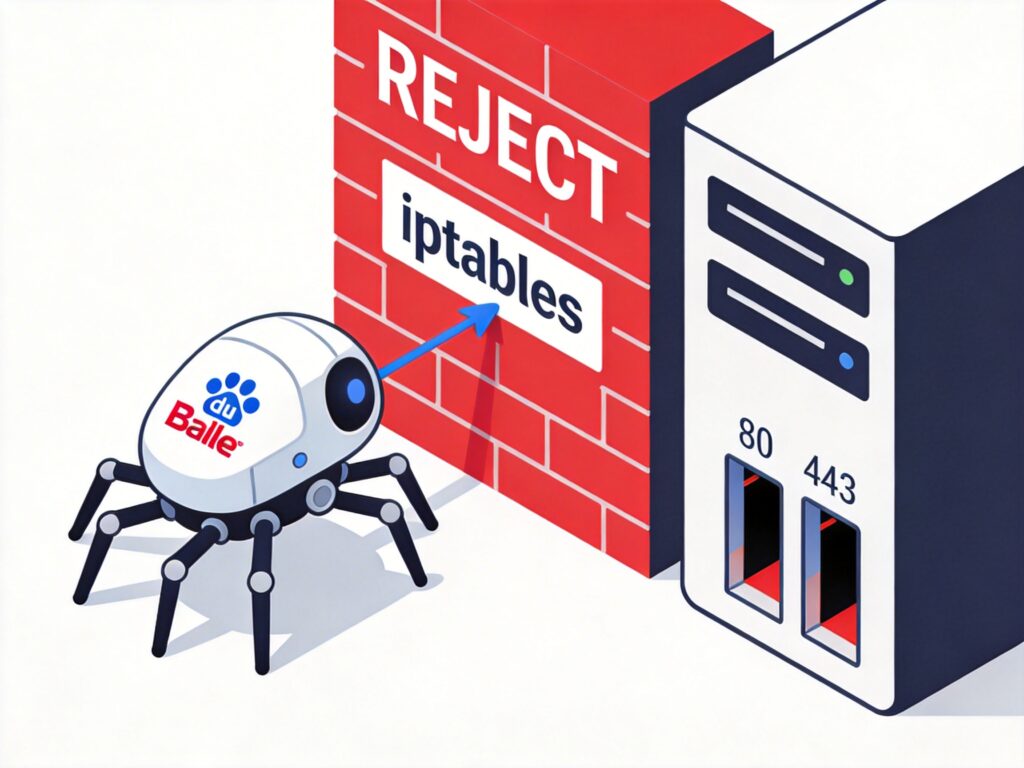
After launching a new website, Baidu fails to index it. When using the "Fetch as Baidu" diagnostic tool in Baidu Webmaster Tools, the fetch fails with a "socket read/write error" message.
Troubleshooting and Cause Analysis
Based on common network information, this type of error is typically related to server firewall configuration, specifically iptables rules.
After checking the server's iptables rules, the issue was traced to a generic "deny all" rule. Many administrators habitually add the following commands at the end of the iptables chain to block all access not explicitly permitted:
iptables -A INPUT -j REJECT
iptables -A FORWARD -j REJECT
This rule causes Baidu's web crawler (Baiduspider) to have its connection actively rejected by the server when attempting to fetch content, triggering the "socket read/write error".
Solution
Remove or modify the problematic iptables rule. For specific removal instructions, refer to relevant tutorials (e.g., how to view and delete specific iptables rules).
After removing the rule, re-run the fetch diagnostic in Baidu Webmaster Tools; the result should show success.
In-Depth Discussion and Best Practices
Why Didn't Older Sites Have This Issue?
Some users report that older websites with the same rule configuration did not experience problems. One possible difference is that the new site has HTTPS/SSL enabled. When Baiduspider crawls HTTPS sites, its network behavior may differ slightly from HTTP crawling, making it more likely to trigger certain strict firewall rules.
Balancing Security and Accessibility
Completely removing the "deny all" rule (-j REJECT) reduces the server's default security level, which is not best practice. A better approach is:
- Create an allow rule for Baiduspider: Based on Baidu's officially published spider IP ranges, add an allow rule at the beginning of the iptables INPUT chain.
- Implement granular control: Explicitly allow inbound connections on ports 80 (HTTP) and 443 (HTTPS), then set a default deny policy.
Example secure rule framework:
# Allow established connections and loopback interface
iptables -A INPUT -m state --state ESTABLISHED,RELATED -j ACCEPT
iptables -A INPUT -i lo -j ACCEPT
# Allow HTTP and HTTPS ports (adjust as needed)
iptables -A INPUT -p tcp --dport 80 -j ACCEPT
iptables -A INPUT -p tcp --dport 443 -j ACCEPT
# Allow Baiduspider IP ranges (example; replace with latest ranges)
# iptables -A INPUT -s 180.76.0.0/16 -j ACCEPT
# Set default policy to DROP
iptables -P INPUT DROP
# Note: Using -P DROP instead of -A INPUT -j REJECT; the latter explicitly rejects and sends a rejection packet.Note: Setting
iptables -P INPUT DROPas the default policy is similar to addingiptables -A INPUT -j REJECTat the chain end, but the latter returns a rejection packet to the requester, while the former silently drops the packet. For Baiduspider, an explicit reject (REJECT) may be easier to identify as a network issue than a silent drop (DROP).
Summary
The "socket read/write error" in Baidu Webmaster Tools is largely caused by overly strict "default deny" rules in the server firewall (e.g., iptables) that do not make exceptions for Baiduspider.
The solution is not simply to remove all security rules, but to configure the firewall with granularity, ensuring Baiduspider can crawl normally while maintaining security. For sites with HTTPS enabled, this issue may be more prominent; webmasters are advised to check and optimize relevant firewall and network security group rules.