Background and Official Solution
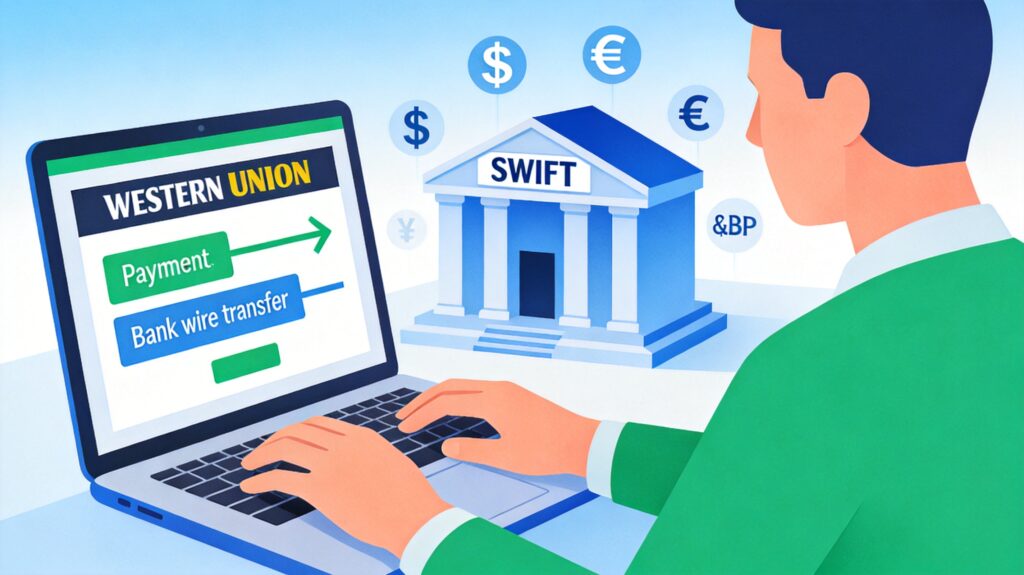
Recently, some publishers in China may have encountered issues receiving Google AdSense payments via Western Union. According to Google's official support team, the standard solution is to switch your payment method from Western Union to Wire Transfer and request a refund for any failed payments, which will then be reissued via wire transfer.
Step 1: Contact Google Support and Request a Refund
If your Western Union payment failed, first contact Google Support via the AdSense Help Center.
- Log into your AdSense account.
- Click the 'Help' icon (?) in the top right, then select 'Contact us'.
- Navigate through the categories: 'Payments' > 'I didn't receive a payment' > 'Western Union issues'.
- Describe your issue: unable to collect the Western Union payment, request a refund, and ask for assistance switching to wire transfer.
- Submit the request. You will typically receive an email confirmation from Google Support within a few business days. This process is often automated, and you may receive separate emails for each failed payment.
Step 2: Prepare Your Bank Wire Transfer Information
While requesting the refund, contact your bank (e.g., Bank of China) to obtain the information required to receive an international wire transfer. This information must be entered into your AdSense payment settings.
Key Information Required:
- Bank Name: e.g., Bank of China [Branch Name]. Be specific.
- SWIFT Code: The SWIFT code for Bank of China's head office is
BKCHCNBJ, but your specific branch may have a different code. Confirm the exact code with your branch. - Beneficiary Name: Must exactly match the name on your AdSense account (in Pinyin).
- Account Number: Your bank account number.
- Bank Address: The address of your specific branch.
Note: Due to China's foreign exchange regulations, your bank may require documentation proving the source of funds (e.g., a service agreement with Google) for incoming corporate transfers like AdSense revenue. Consult your bank in advance for their specific requirements.
Step 3: Update Payment Method in AdSense
- In your AdSense account, go to 'Payments' > 'Payment settings'.
- Click 'Manage payment methods'.
- Add a new 'Wire transfer' method and accurately fill in all the information obtained from your bank.
- Save the settings and set it as your primary payment method.
Step 4: Request a Service Agreement from Google
If your bank requires a formal agreement, you can request one from AdSense Support. Email [email protected] to explain the situation.
Email Template:
Subject: Request for Agreement Document for Bank Verification

Dear AdSense Support Team,

My bank ([Your Bank Name]) requires a copy of the service agreement or contract between myself and Google to process an incoming international wire transfer, as per local foreign exchange regulations.

Could you please assist by providing the relevant documentation?

My publisher ID is: [Your Publisher ID].

Thank you,
[Your Name]
Google Support will typically reply with a request to confirm your account details. After confirmation, they will send you a formal copy of the 'Google AdSense Standard Terms' or service agreement.
Step 5: Process the Wire Transfer Payment
Once Google sends the payment via wire transfer:
- Your bank will notify you (via SMS or phone) of the incoming foreign currency.
- The bank may email you, requesting supporting documents.
- Commonly required documents include:
- The Google service agreement (PDF).
- A scanned copy of your ID (e.g., National ID Card).
- A screenshot from your AdSense account showing the transaction details (ID, amount, date) as proof of income.
- Any other forms required by the bank.
- Reply to the bank's email with the electronic versions of these documents attached.
- Finally, visit your bank branch in person with your bank card and original ID to complete the foreign exchange settlement. Note that each transfer may require an in-person visit.
Important Tips and Summary
- Bank Branch Level: International wire transfers usually require visiting a main branch or sub-branch. Smaller sub-offices may not handle these transactions.
- Prepare Documents Early: Contact your specific bank branch for their document checklist and request the agreement from Google in advance to save time.
- Accuracy is Critical: Ensure the wire transfer information in your AdSense account matches the bank's information 100%, especially the SWIFT code and name in Pinyin, to avoid payment failure or delays.
- Keep Records: Save the email from your bank requesting documents. You may need to reply to this same email with updated screenshots for future payments.
Switching from Western Union to wire transfer is an effective solution amidst policy changes. While the process involves more steps and in-person visits, preparing the required bank documents in advance will allow you to successfully receive your Google AdSense revenue.