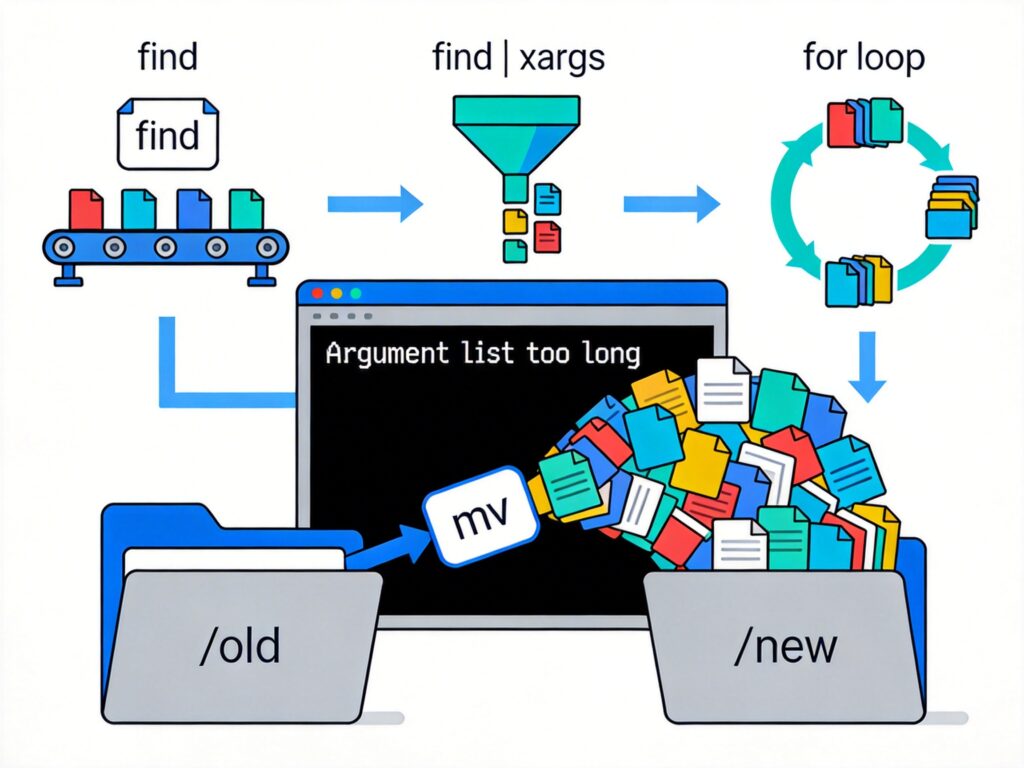
Problem Description
On Linux systems like CentOS, when using the mv command to move a directory containing a large number of files (e.g., from /old to /new), you may encounter the error: Argument list too long.
Root Cause
This error typically occurs because the source directory (e.g., /old) contains too many files. When executing a command like mv /old/* /new/, the shell attempts to pass all matched filenames as arguments to the mv command at once, exceeding the system kernel's limit for the total length of command-line arguments.
Solutions
The core idea is to avoid passing all filenames at once, instead processing files individually or in batches. Here are several reliable methods:
Method 1: Use find with -exec
This is the most direct and universal approach. The find command executes the mv command separately for each file found, bypassing the argument length limit.
find /old -type f -exec mv {} /new ;Explanation:
find /old: Search within the/olddirectory.-type f: Limit to regular files. Omit this if you need to move everything (including subdirectories).-exec mv {} /new ;: Executemvfor each found file.{}represents the current file path, and;terminates the-execcommand.
Method 2: Use find with xargs
The xargs command converts standard input into arguments in batches, offering better efficiency when combined with find.
find /old -type f -print0 | xargs -0 mv -t /newExplanation:
-print0and-0: These options use null characters to separate filenames, safely handling names with spaces or special characters.mv -t /new: The-toption specifies the target directory (/new), so all arguments fromxargsare treated as source files.
Method 3: Use a Loop with Wildcards (Bash)
In Bash, you can use a loop to process files incrementally.
for file in /old/*; do
    mv "$file" /new/
done
If the wildcard expansion itself is problematic, enable globstar for more control:
shopt -s globstar
for file in /old/**/*; do
    [[ -f "$file" ]] && mv "$file" /new/
done
Important Notes
- Target Directory: Ensure
/newexists before running the command. - Permissions: The user must have read access to source files and write access to the target directory.
- Verification: Test with
echofirst (e.g.,find /old -type f -exec echo {} ;) to see which files would be moved. - Cross-Filesystem Moves: If
/oldand/neware on different filesystems,mvperforms a copy-and-delete, which can be slow. For massive files, considerrsyncor atarpipeline.
All methods effectively solve the Argument list too long error. Methods 1 and 2 are recommended for their robustness and wide applicability.