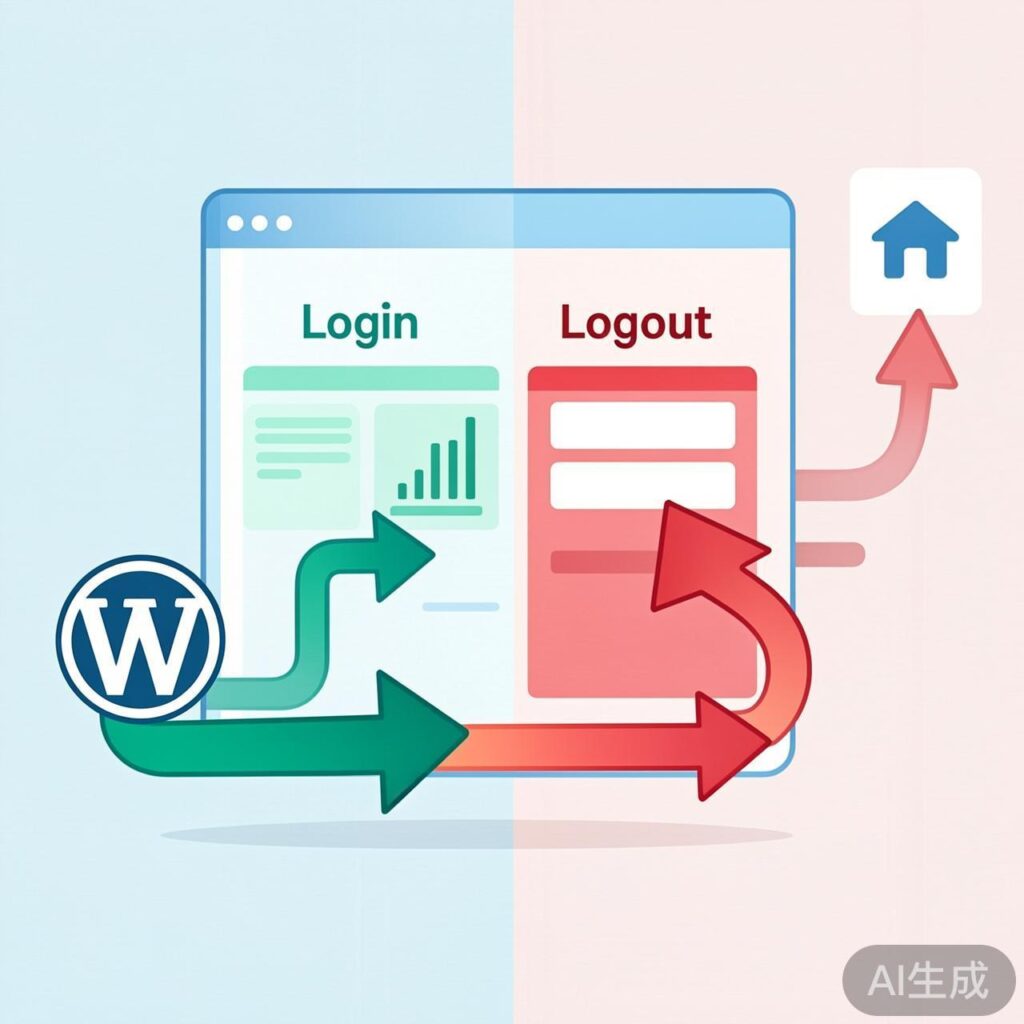
Redirect After WordPress Login
To redirect users automatically after login, use the login_redirect filter hook. Add the following code to your theme's functions.php file:
function custom_login_redirect( $redirect_to, $request, $user ) {
    if ( is_a( $user, 'WP_User' ) && ! is_wp_error( $user ) ) {
        // Example: redirect to a 'dashboard' page
        return home_url( 'dashboard' );
    }
    return $redirect_to;
}
add_filter( 'login_redirect', 'custom_login_redirect', 10, 3 );
Using the home_url() Function
The home_url() function returns your site's root address. Provide only the path relative to the root or a query string inside the parentheses.
Correct examples:
home_url( 'dashboard' )– redirects tohttps://yoursite.com/dashboardhome_url( 'category/news' )– redirects to a category archivehome_url( '?page_id=2' )– redirects using a page ID
Incorrect: home_url( 'https://yoursite.com/dashboard' ) – this creates a malformed URL.
Redirect After WordPress Logout
To redirect users after logout, use the wp_logout action hook. Add this code to your theme's functions.php:
function custom_logout_redirect() {
    // Example: redirect to the homepage
    wp_redirect( home_url() );
    exit();
}
add_action( 'wp_logout', 'custom_logout_redirect' );
Advanced Usage & Best Practices
- Conditional Redirects: Add logic inside the function to redirect based on user roles.
- Code Location: Always add code to a child theme's
functions.phpto prevent loss during updates. - Cache Consideration: Clear your browser and WordPress cache after making changes to see the effect.
- Logout Hook: The
wp_logoutaction fires after the user session is destroyed.wp_redirect()must be followed byexit().
Tip: Test redirects thoroughly, especially if using caching or security plugins.