Problem Description
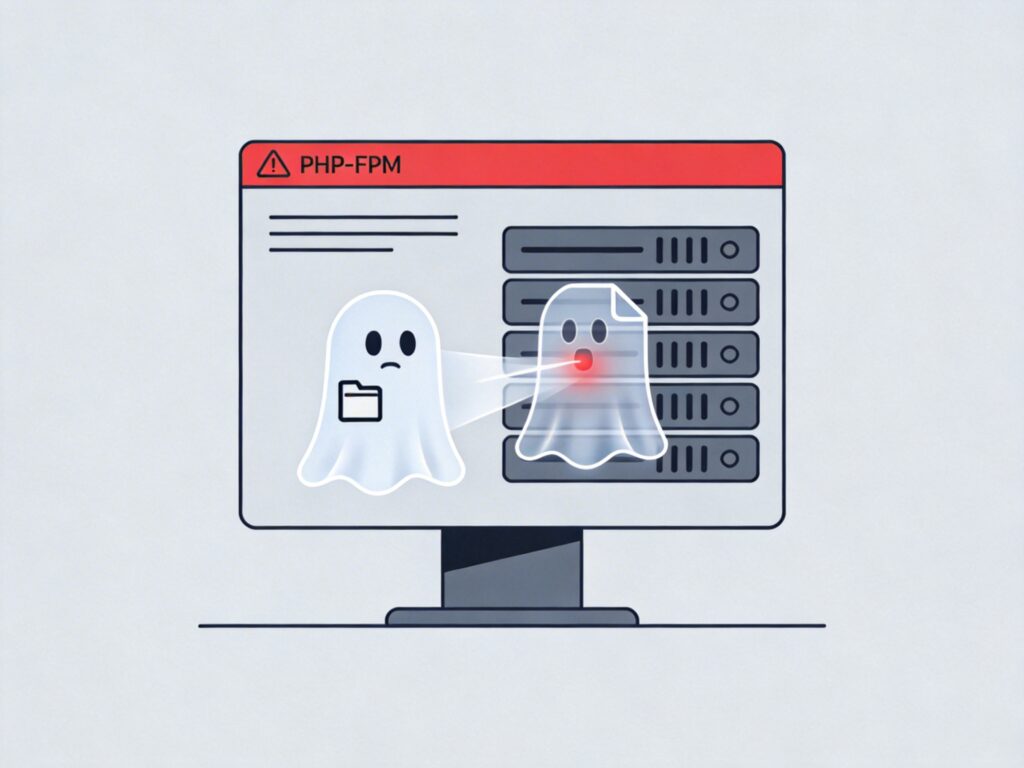
When starting or restarting the PHP-FPM service, you may encounter an error similar to "ERROR: An another FPM instance seems to already listen on /tmp/php-cgi.sock". This indicates that a PHP-FPM process is already running on the system and is occupying the specified Unix socket file (e.g., /tmp/php-cgi.sock), preventing a new instance from starting.
Solution
Follow these steps to completely stop the old PHP-FPM process and restart the service.
Step 1: Check PHP-FPM Process Status
First, use the following command to check if PHP-FPM processes are running:
ps aux | grep php-fpmIf you see entries like php-fpm: master process and multiple php-fpm: pool www, the PHP-FPM service is active.
Step 2: Stop All PHP-FPM Processes
If PHP-FPM is confirmed to be running, stop all related processes. You can use:
sudo killall php-fpmNote: On some systems, you may need to use pkill or specify the full process name (e.g., php-fpm7.4). If killall fails, try:
sudo pkill -9 php-fpmAlternatively, use the system service command (if PHP-FPM is managed as a service):
sudo systemctl stop php-fpm  # For systemd systems
# or
sudo service php-fpm stop    # For SysV init systems
Step 3: Restart PHP-FPM Service
After successfully stopping the old processes, restart PHP-FPM using the appropriate command for your system:
sudo systemctl start php-fpm   # systemd
# or
sudo service php-fpm start     # SysV init
You can also use the restart command, which attempts to stop and then start the service:
sudo systemctl restart php-fpmStep 4: Verify Service Status
After restarting, check the service status and confirm the socket file has been created:
sudo systemctl status php-fpm  # Check service status
ls -la /tmp/php-cgi.sock       # Check if socket file exists (path may vary)
Root Causes and Prevention
This error is typically caused by:
- Abnormal Shutdown: PHP-FPM was forcibly terminated (e.g., system crash,
kill -9), leaving the socket file uncleaned. - Configuration Conflict: Multiple PHP-FPM configurations point to the same listening address (socket or port).
- Manual Startup Conflict: PHP-FPM was started manually while also being managed by the system service.
Prevention Tips:
- Always use system service commands (
systemctlorservice) to manage PHP-FPM. - Ensure only one primary PHP-FPM configuration is active on the server.
- If a stale socket file persists, you can manually delete it after stopping the service (e.g.,
sudo rm -f /tmp/php-cgi.sock) before restarting.