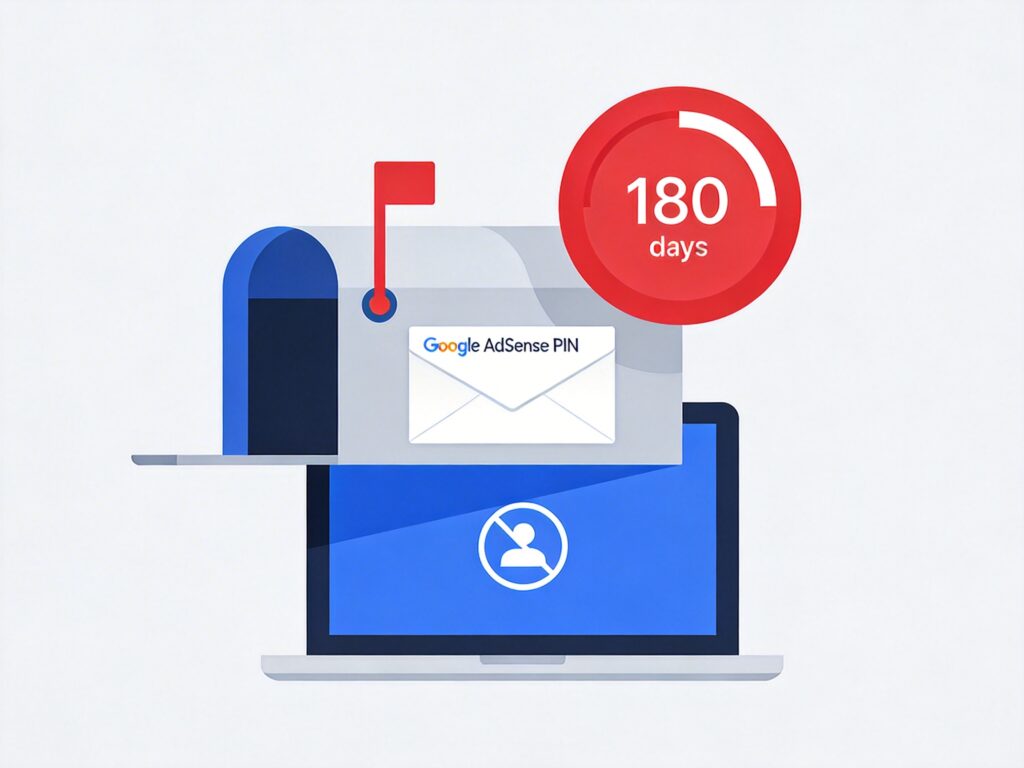
Google AdSense PIN Verification Policy and Time Limits
According to Google AdSense policy, when your account earnings first reach $10, the system automatically initiates the PIN verification process. You will receive a physical letter containing your PIN. You must complete verification within the specified timeframe, or your account may be restricted or disabled.
Timeline and Consequences
- From the day earnings reach $10: You have 6 months (approx. 180 days) to enter the received PIN.
- If not verified after 4 months: If you haven't entered the PIN after about 120 days, your ad displays will be replaced with public service ads (PSAs), and earnings will stop accumulating.
- If not verified after 6 months: If you miss the final 180-day deadline, your AdSense account will be disabled. Any unpaid earnings in the account will be returned to advertisers.
For official details on PIN mailing and verification, visit: http://www.google.com/adsense_pvinfo
How to Restore an Account Disabled for PIN Verification Timeout
If your account was disabled for failing to enter the PIN on time, follow these steps to attempt restoration:
Step 1: Use the Official Troubleshooter
First, visit the Google AdSense Help Center and use the built-in "Troubleshooter" or "Contact form." Select the issue category related to "PIN" or "Account disabled." The tool may offer automated solutions or guide you further.
Step 2: Contact AdSense Support via the Help Center
If the troubleshooter doesn't resolve the issue, contact AdSense support directly.
- Go to the official help contact page: https://support.google.com/adsense/answer/1190804
- Sign in with your Google account (you can usually still sign in even if the AdSense account is disabled).
- Follow the prompts and select options like "Account disabled" or "PIN issues."
- Explain your situation clearly: state that your account was disabled for not entering the PIN on time and that you wish to restore it. Mention if the letter was lost or never received.
- Submit the form and wait for an email response from the AdSense specialist team. Processing can take days to weeks.
Tips for Contacting Support
- Be polite and clear: Describe the problem logically.
- Provide account details: Have your publisher ID (starts with "pub-") and associated email ready.
- Explain the reason: Honestly state if the delay was due to not receiving the letter or an oversight. Google may offer a one-time restoration, but this is not guaranteed.
- Be patient: The support team will review your account history and behavior before emailing their final decision.
How to Prevent PIN Verification Issues
- Check mail promptly: After reaching $10 in earnings, monitor your registered email and AdSense notifications.
- Ensure address accuracy: Verify the address in your AdSense "Payments profile" is correct and reliable for receiving mail.
- Request a resend proactively: If you don't receive the PIN letter within 2-3 weeks, log into AdSense, go to the "Payments" section, find "PIN settings," and request a resend. You can request up to 3 resends.
- Set a calendar reminder: When earnings hit $10, set a reminder for 5 months later to avoid forgetting.
- Consider alternative verification: In some regions, if you don't receive the PIN after multiple attempts, Google may offer other methods (like ID upload). Watch for prompts in your account.
Important: If an account is disabled for PIN timeout, restoration is solely at the discretion of Google AdSense support, with no guarantee of success. The best approach is to adhere strictly to the time limits and actively manage the verification process.