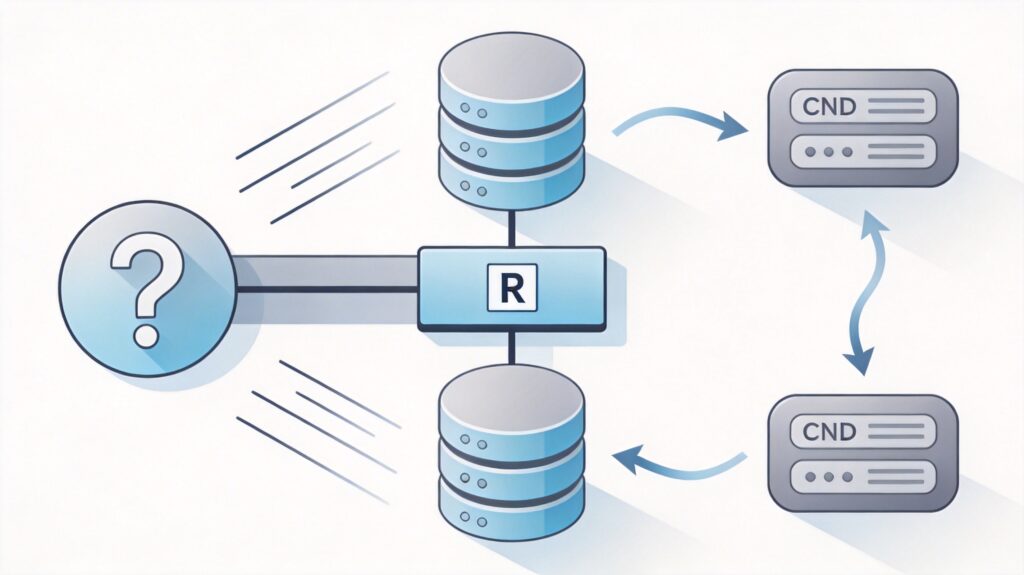
Background and Principle
According to internet regulations in Mainland China, using a domestic CDN service typically requires the accelerated domain name to have completed ICP filing. For unfiled domain names, direct access to domestic CDN nodes is often blocked.
A viable technical workaround is to use a filed domain name (usually a subdomain) as a 'bridge'. The principle is as follows:
- Create a new virtual host (vhost) on your server for the filed subdomain (e.g., static.example.com).
- Configure this virtual host to reverse proxy requests for static resources (like images, CSS, JS files) to the unfiled primary domain.
- Connect the filed subdomain to a domestic CDN service.
- Modify the website code to replace references to static resources from the primary domain with the subdomain (or CDN domain).
The result: users access the site with dynamic content served directly from the primary site, while static resources are accelerated and distributed via the domestic CDN through the filed subdomain, bypassing the filing check for the primary domain.
Nginx Server Configuration
Add a separate server block in your main Nginx configuration for the filed subdomain. Modify the domain names and paths as needed.
server {
    listen 80;
    server_name static.fileddomain.com; # Your filed subdomain
    root /data/wwwroot/yourprimarydomain.com; # Your primary site root

    # Proxy static resources
    location ~* .(js|css|png|jpeg|jpg|gif|bmp|ico|woff|woff2|svg|mp4)$ {
        add_header Access-Control-Allow-Origin *;
        proxy_pass http://127.0.0.1;
        proxy_set_header Host yourprimarydomain.com; # Primary domain
        expires max;
    }

    # Redirect non-static requests to primary site
    location / {
        if ($request_uri !~* .(js|css|png|jpeg|jpg|gif|bmp|ico|woff|woff2|svg|mp4)$) {
            rewrite ^(.*)$ $scheme://yourprimarydomain.com$1 permanent;
        }
    }

    # Block hidden files
    location ~ /. { deny all; }
    access_log off;
}
Create a Search-Engine-Blocking robots.txt
Create a file named resrobots.txt in your website root with the following content to prevent search engines from indexing non-static content via the static domain.
User-agent: *
Allow: /robots.txt
Allow: /wp-content/
Allow: /*.png*
Allow: /*.jpg*
Allow: /*.js*
Allow: /*.css*
Disallow: /
WordPress Static Resource Replacement
After configuring the server, modify WordPress output to replace static resource URLs. Add this code to your theme's functions.php file.
function custom_static_cdn() {
    function rewrite_static_urls($html) {
        $domain = 'yourprimarydomain.com';
        $static_cdn_domain = 'cdn.yourstaticdomain.com'; // Your CDN domain
        $html = preg_replace(
            '/http(s|)://'.$domain.'/wp-([^"']*?).(jpg|png|gif|css|js)/i',
            '//'.$static_cdn_domain.'/wp-$2.$3',
            $html
        );
        return $html;
    }
    if (!is_admin()) {
        ob_start('rewrite_static_urls');
    }
}
add_action('init', 'custom_static_cdn');
Note: This code only replaces common static files under the /wp- path. Adjust the regex if your theme/plugins use different paths.
Next Steps and Considerations
- Configure CDN: Add your filed subdomain (e.g.,
static.fileddomain.com) to your chosen domestic CDN service (like Alibaba Cloud CDN, Tencent Cloud CDN) and set the origin server to your server IP. - Update Replacement Code: Change the
$static_cdn_domainvariable in the WordPress function to the CDN provider's acceleration domain or keep using the filed subdomain if supported. - Test: After deployment, verify that static resources load via the new CDN domain and dynamic site functions remain normal.
- Risk Notice: This method relies on technical configuration and carries uncertainty. Domestic CDN provider policies may change, and this approach may not strictly comply with their terms. Assess the risks accordingly.