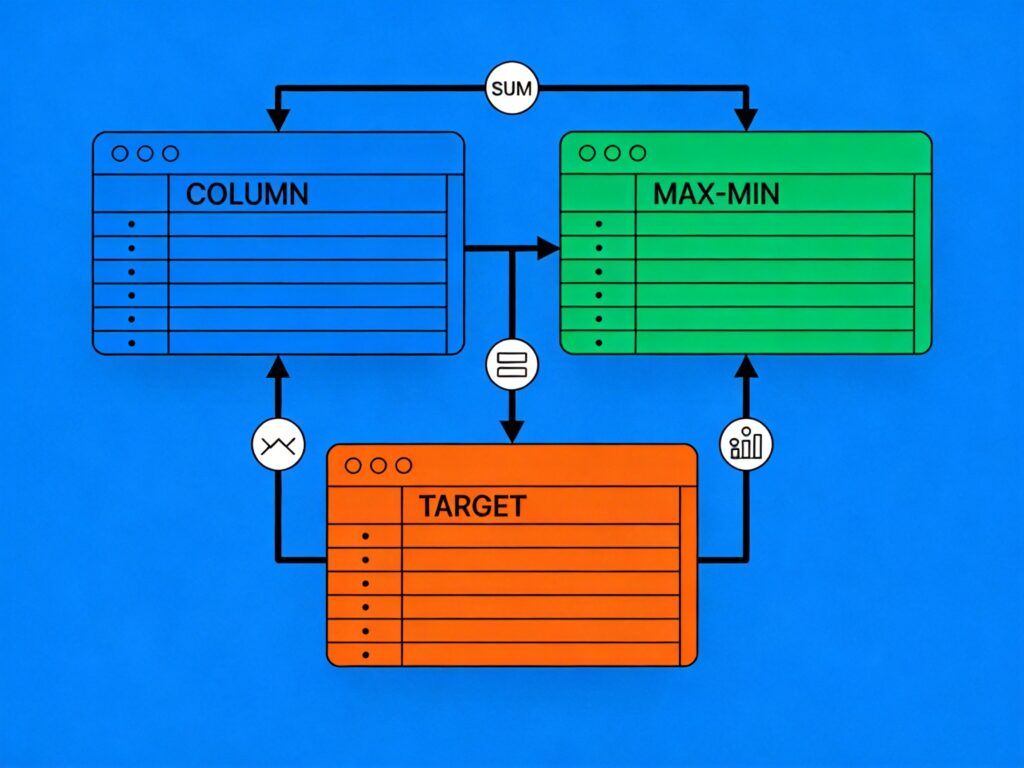
SQL Basic Operations
SQL (Structured Query Language) is the standard language for managing and manipulating relational databases. The following are common SQL statement examples applicable to mainstream database systems like MySQL, PostgreSQL, and SQL Server.
Data Query (SELECT)
-- Select all data from a table
SELECT * FROM table_name WHERE condition;

-- Pattern matching (LIKE)
SELECT * FROM table_name WHERE column_name LIKE '%value%';

-- Sorting results
SELECT * FROM table_name ORDER BY column1, column2 [DESC];
Data Manipulation (INSERT, UPDATE, DELETE)
-- Insert a new row
INSERT INTO table_name (column1, column2) VALUES (value1, value2);

-- Update existing rows
UPDATE table_name SET column1 = new_value WHERE condition;

-- Delete rows
DELETE FROM table_name WHERE condition;
Aggregate Functions
-- Count rows
SELECT COUNT(*) AS total_count FROM table_name;

-- Sum values
SELECT SUM(column_name) AS total_sum FROM table_name;

-- Average value
SELECT AVG(column_name) AS average_value FROM table_name;

-- Maximum value
SELECT MAX(column_name) AS max_value FROM table_name;

-- Minimum value
SELECT MIN(column_name) AS min_value FROM table_name;
Multi-Table Data Insertion
In real-world scenarios, you often need to combine data from multiple source tables and insert it into a target table.
Scenario: You have three tables: target_table (destination), source1, and source2. You need to combine specific columns from the source tables and insert them into the target table.
Method 1: Direct SELECT Insert (Simple Mapping)
INSERT INTO target_table (col1, col2)
SELECT col1, col2 FROM source_table;
This method works when columns map directly from a single source table.
Method 2: Using JOIN to Combine Columns
When data must be combined from multiple tables, use a JOIN in the SELECT statement.
INSERT INTO target_table (col1, col2)
SELECT s1.column_a, s2.column_b
FROM source1 s1
JOIN source2 s2 ON s1.id = s2.source1_id;
For more complex filtering or processing, use a derived table (subquery):
INSERT INTO target_table (col1, col2)
SELECT derived.col_a, derived.col_b
FROM (
    SELECT s1.column_a, s2.column_b
    FROM source1 s1
    JOIN source2 s2 ON s1.id = s2.source1_id
    WHERE s1.status = 'active'
) AS derived; -- A derived table MUST have an alias
Key Considerations
- Derived Table Alias: In MySQL, every derived table (subquery in the FROM clause) must have an alias. Omitting it causes error:
ERROR 1248 (42000): Every derived TABLE must have its own alias. - Column Matching: Ensure the column list in the INSERT clause matches the SELECT list in count, order, and data type.
- JOIN Conditions: Always specify proper JOIN conditions to avoid Cartesian products and incorrect data.
Extension: Inserting from More Than Two Tables
Chain JOINs to combine data from multiple sources:
INSERT INTO target_table (col1, col2, col3)
SELECT t1.col1, t2.col2, t3.col3
FROM table1 t1
JOIN table2 t2 ON t1.id = t2.table1_id
JOIN table3 t3 ON t2.id = t3.table2_id
WHERE t1.is_valid = 1;
By skillfully using SELECT, JOIN, and subqueries, you can implement complex multi-table insertion logic to meet various business requirements.