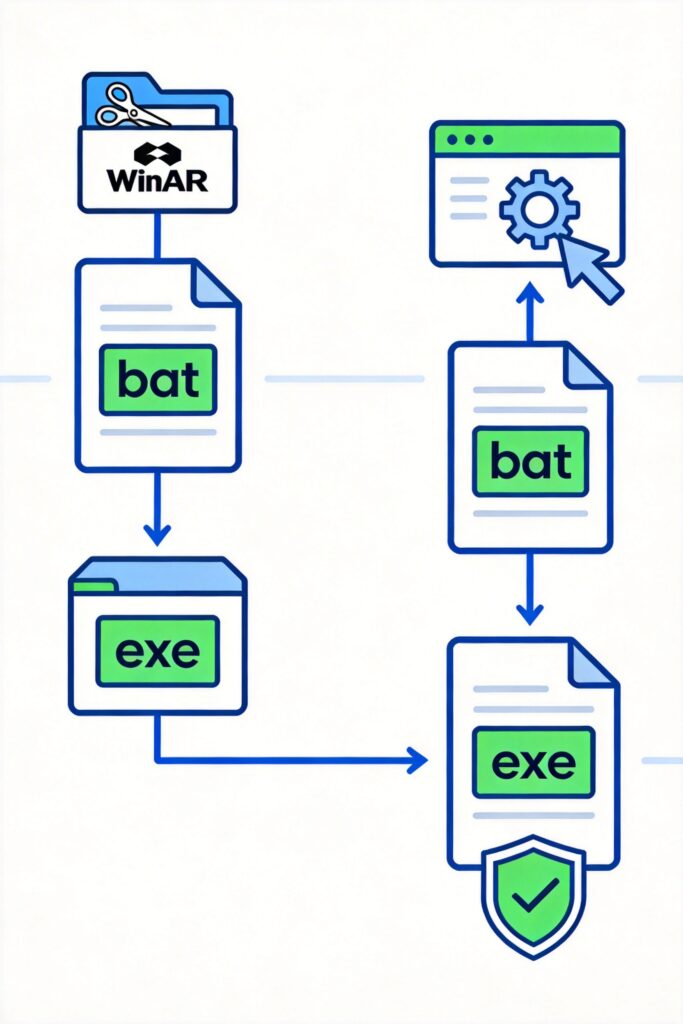
Why Package BAT Scripts into EXE Files?
BAT scripts are commonly used for file processing and task automation. Packaging them into EXE files offers several advantages:
- Protects script content from easy viewing or modification
- Simplifies distribution and execution; users don't need to understand the script
- Enhances professionalism; EXE files appear as standard software
- Allows adding custom icons and file properties
Method 1: Using WinRAR to Create a Self-Extracting EXE
This traditional method uses WinRAR's self-extracting archive feature to bundle a BAT script and related files into an EXE that extracts and runs automatically.
Steps
- Select the BAT script and any required files, right-click and choose 'Add to archive...'
- In the compression window, check 'Create SFX archive'
- Go to the 'Advanced' tab and click 'SFX options'
- In the 'Setup' tab:
- Set the extraction path (e.g., 'Extract to temporary folder')
- In 'Run after extraction', enter the script path (e.g.,
folderscript.bat)
- Optionally customize the icon and messages in the 'Text and icon' tab
- Click 'OK' to create the EXE
Note: The resulting EXE is a self-extracting archive; it extracts files temporarily, which may trigger antivirus false positives.
Method 2: Using a Dedicated BAT to EXE Converter Tool
Specialized tools compile BAT scripts directly into native EXE files, offering more features without relying on WinRAR.
Recommended Tool: Bat To Exe Converter
A free, powerful tool with features including:
- Direct compilation of BAT to native EXE
- Custom icon and version info support
- Option to run with administrator privileges
- Script encryption for content protection
- Compatibility with Windows versions
Usage Steps
- Download and install Bat To Exe Converter
- Open the tool, click 'Browse' to select your BAT file
- In the 'Options' tab:
- Set the output EXE path
- Choose target system (32-bit or 64-bit)
- Set whether to hide the command window
- Fill in version info in the 'Version Info' tab (optional)
- Select a custom icon in the 'Icon' tab (optional)
- Click 'Compile' to convert
Download Tips
- Visit the official website (search 'Bat To Exe Converter')
- Get the latest version from trusted software sites
- Choose ad-free, bundle-free versions
Method Comparison
| Criteria | WinRAR SFX | Bat To Exe Converter |
|---|---|---|
| Principle | Self-extracting archive | Direct compilation to EXE |
| File Size | Larger (includes extractor) | Smaller |
| Runtime Dependency | Requires temporary extraction | Runs directly |
| Security | May trigger antivirus false positives | Better |
| Customization | Limited | High (icons, version info, etc.) |
| Best For | Simple scripts, temporary use | Formal distribution, long-term use |
Best Practices
- Test Compatibility: Test the EXE on different Windows versions
- Keep Source Files: Always retain the original BAT script for future edits
- Optimize Code: Ensure the BAT script is error-free and logically complete before conversion
- Security: Add confirmation prompts for scripts with sensitive operations
- Version Management: Add version numbers to converted EXEs for easier updates
Choose the method that fits your needs to convert BAT scripts into EXE files, improving usability and professionalism.