In WordPress development, we often need to create custom post types (CPTs) and associate them with custom taxonomies. A common question is: how can we ensure newly registered custom post types and their associated taxonomies are supported by the modern Gutenberg block editor?
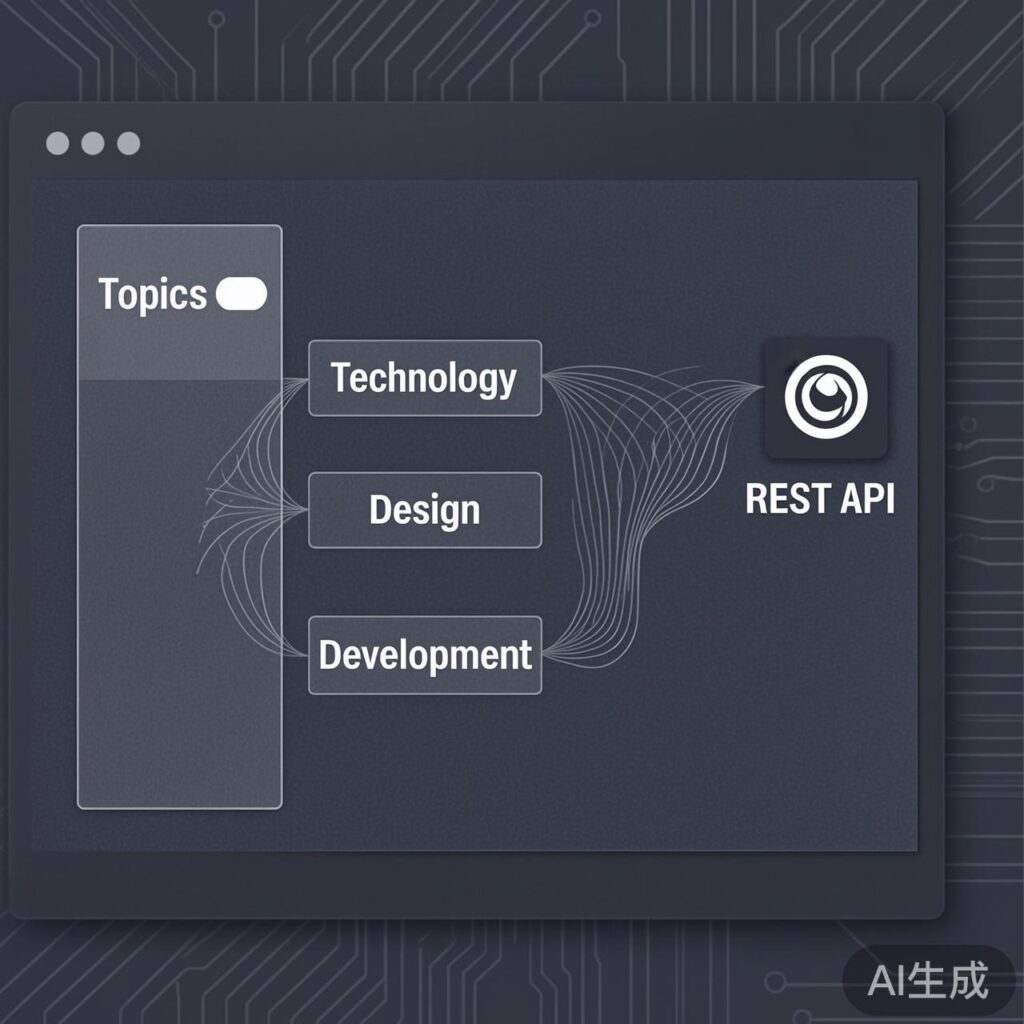
The core solution is straightforward: similar to custom post types, to make a custom taxonomy available in the Gutenberg editor, you must set its show_in_rest parameter to true during registration. This parameter allows the taxonomy's data to be interacted with via the WordPress REST API, which the Gutenberg editor relies on to manage and update content.
Solution: Registering a Gutenberg-Compatible Custom Taxonomy
Here is a complete code example showing how to register a custom taxonomy that supports the Gutenberg editor, either in your functions.php file or a custom plugin.
/**
 * Register a custom taxonomy named 'topics' for the 'product_type' post type.
 * The key parameter `show_in_rest` ensures its availability in the Gutenberg editor.
 */
function register_custom_taxonomy() {
    $labels = array(
        'name'              => _x('Topics', 'taxonomy general name', 'your-text-domain'),
        'singular_name'     => _x('Topic', 'taxonomy singular name', 'your-text-domain'),
        // ... Add more labels like menu_name, all_items here if needed
    );

    $args = array(
        'labels'            => $labels,
        'public'            => true,
        'show_in_nav_menus' => true,
        'show_in_rest'      => true, // Key: Enables REST API support for Gutenberg
        'hierarchical'      => true, // true for category-like, false for tag-like
        'show_ui'           => true,
        'query_var'         => true,
        'rewrite'           => array('slug' => 'topic'), // Define a friendly permalink slug
        'show_admin_column' => true,
        'description'       => __('Topics for categorizing product types.', 'your-text-domain'),
    );

    // Register the taxonomy
    register_taxonomy('topics', array('product_type'), $args);
}
add_action('init', 'register_custom_taxonomy');
Key Parameters Explained
show_in_rest(boolean): The core switch for Gutenberg compatibility. Setting it totrueexposes the taxonomy's data via the WordPress REST API, allowing the Gutenberg editor to read, create, and update its terms.hierarchical(boolean): Defines the taxonomy's structure.true: Category-like, supports parent-child hierarchies.false: Tag-like, flat structure.
rewrite(array or boolean): Use an array (e.g.,array('slug' => 'topic')) to define a custom permalink slug for taxonomy archive pages, offering more control than simplytrue.
How and Why It Works
The Gutenberg editor is a modern JavaScript (React) front-end application. It does not interact directly with the traditional WordPress PHP backend. Instead, it communicates via the WordPress REST API to fetch, create, update, and delete all content data, including posts, pages, taxonomies, and metadata.
Therefore, any content entity (like custom post types, custom taxonomies, or custom fields) that should appear in the Gutenberg editor's sidebar or block options must register its endpoints with the REST API. Setting the show_in_rest parameter to true accomplishes this registration, creating the data channel between Gutenberg and your custom taxonomy.
Additional Notes & Best Practices
- Register Custom Post Types Too: If you are also registering a custom post type, ensure you set
show_in_rest => truein its arguments as well; otherwise, the post type itself won't be editable in Gutenberg. - REST API Base Path: By default, the taxonomy's REST API path uses its registered name (e.g.,
topics). You can customize this path using therest_baseparameter. - Security Considerations: When exposing data via the REST API, ensure your site has appropriate security measures (like using a non-default API prefix or security plugins) as public API endpoints can be probed.
- Testing: After registration, create or edit a 'product_type' post and verify that the 'Topics' taxonomy panel appears in the Gutenberg editor's sidebar or document panel.
By following these steps, you can seamlessly integrate your custom taxonomies with WordPress's modern Gutenberg editor, enhancing the content management experience.