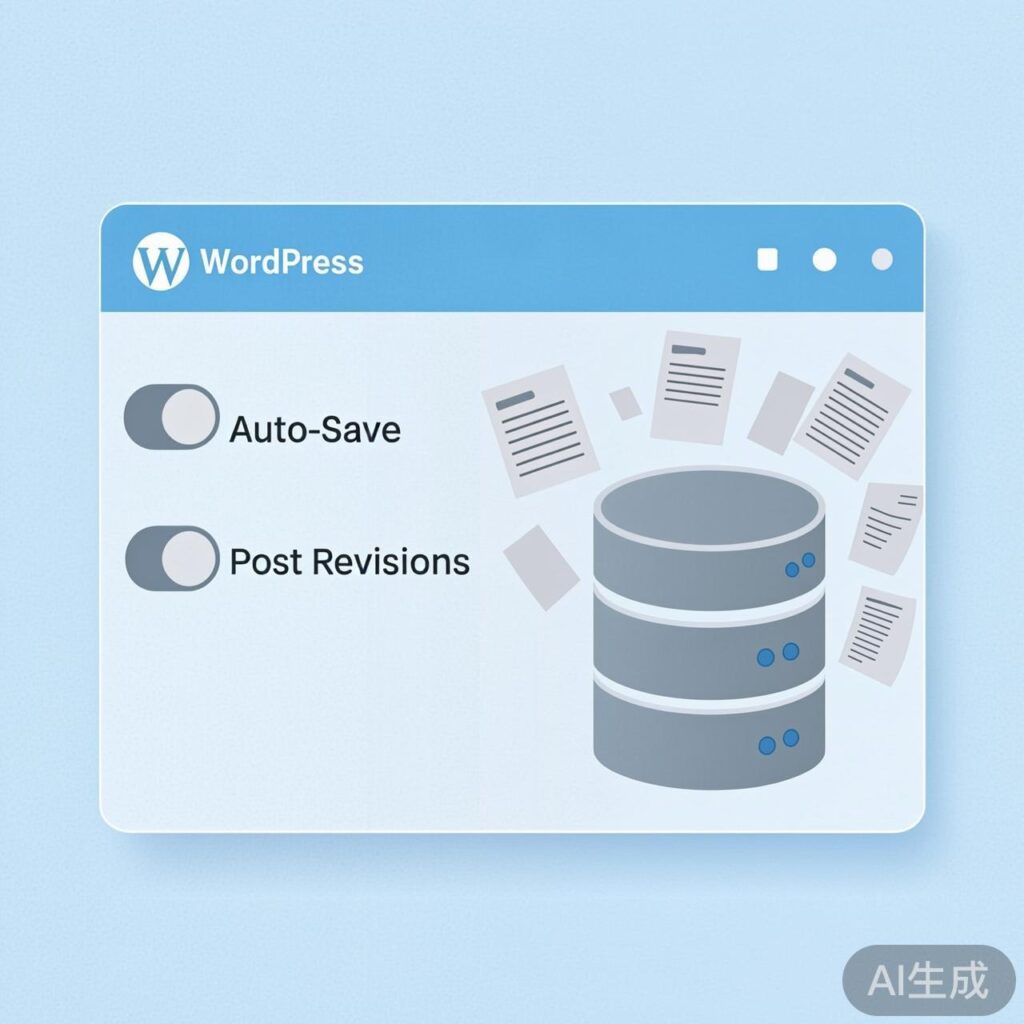
Introduction to WordPress Post Revisions and Auto-Save
By default, the WordPress post editor enables "Post Revisions" and "Auto-Save" features. Their primary purpose is to protect your work by preventing content loss in case of unexpected events like browser crashes, network interruptions, or accidentally closing the page.
Why Disable These Features?
While helpful, these features can have downsides:
- Consumes Post IDs: Each auto-save creates a new revision or draft in the database, using a unique post ID. With auto-saves occurring roughly every 60 seconds, a single published post can occupy multiple IDs, causing non-sequential gaps in the ID sequence.
- Increases Database Load: Accumulated revisions and auto-save drafts can significantly increase database size, potentially affecting site performance and backup efficiency.
- Management Overhead: For simple sites without version control needs, this data is often redundant.
How to Disable Auto-Save
Add this code to your theme's functions.php file:
// Disable post auto-save
add_action( 'wp_print_scripts', 'disable_autosave' );
function disable_autosave() {
    wp_deregister_script( 'autosave' );
}Explanation: This code uses wp_deregister_script to remove the core JavaScript responsible for auto-saving, effectively disabling the feature.
How to Disable or Limit Post Revisions
Control revisions using one of these methods:
Method 1: Completely Disable Revisions
Add this line to your site's root wp-config.php file:
define( 'WP_POST_REVISIONS', false );This globally disables revisions for all post types.
Method 2: Limit Revision Count via Code
To keep a specific number of revisions (e.g., the latest 5), use this filter in your theme's functions.php:
// Limit post revisions to 0 (disables them)
add_filter( 'wp_revisions_to_keep', 'limit_post_revisions', 10, 2 );
function limit_post_revisions( $num, $post ) {
    // Return 0 to keep no revisions
    return 0;
    // To keep 5 revisions, use: return 5;
}Explanation: This flexible method allows you to set different policies per post type (via the $post parameter). Returning 0 disables revisions entirely.
Expected Results
After applying these changes:
- Post IDs will increase sequentially without gaps.
- Your database won't accumulate unnecessary revision data, improving efficiency.
- For sites with stable content (e.g., business sites, blogs), this is an effective optimization.
Important Notes
- Backup First: Always back up
wp-config.phporfunctions.phpbefore editing. - Trade-offs: Without auto-save, manually save drafts frequently. Disabling revisions removes the ability to restore previous versions.
- Code Placement: Add code snippets to the end of your active theme's
functions.php, or use a child theme/plugin to prevent overwrites during updates.