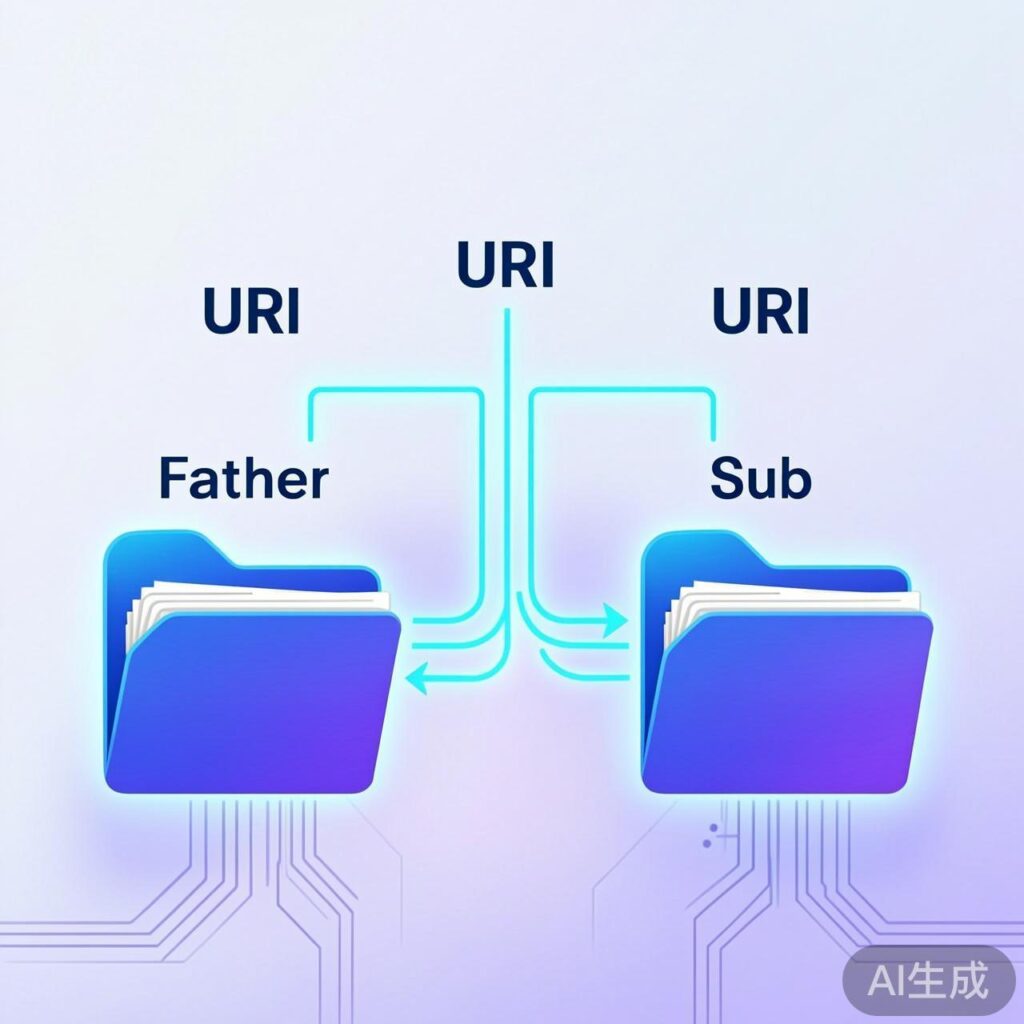
Why Getting the Child Theme Path Matters
Using a child theme is a standard practice in WordPress development for modularity and safety. Whether you're working with popular child themes like B2 or Ripro, or building a custom one, correctly obtaining the child theme's directory path is essential for loading styles, scripts, images, and other resources. This guide details the standard methods in WordPress.
Core Function: get_stylesheet_directory_uri()
The standard function to get the directory URI (URL) of the currently active child theme is:
<?php echo get_stylesheet_directory_uri(); ?>Function details:
- Returns the directory URI of the currently active theme (if a child theme is active, it returns the child theme's URI).
- Example output:
https://yourdomain.com/wp-content/themes/your-child-theme - The corresponding function
get_template_directory_uri()always returns the parent theme's directory URI.
Practical Example
If your child theme has an assets/images folder containing logo.png, reference it correctly in a template file:
<img src="<?php echo get_stylesheet_directory_uri(); ?>/assets/images/logo.png" alt="Site Logo" />This generates HTML like:
<img src="https://yourdomain.com/wp-content/themes/your-child-theme/assets/images/logo.png" alt="Site Logo" />Getting the Server Absolute Path
To include PHP files or perform file operations, you need the absolute server path. Use:
<?php echo get_stylesheet_directory(); ?>Function details:
- Returns the absolute file system path of the active child theme.
- Example output:
/home/user/public_html/wp-content/themes/your-child-theme - Example usage:
require_once get_stylesheet_directory() . '/inc/custom-functions.php';
Summary & Best Practices
Correctly distinguishing between these functions is fundamental:
- Front-end resources (CSS, JS, images): Use
get_stylesheet_directory_uri()for URLs. - Back-end file includes/operations: Use
get_stylesheet_directory()for server paths. - Compatibility: Both functions work correctly even if the parent theme is used directly, returning the parent theme's path in that case.
Following this standard ensures robust, maintainable code where resource references remain intact after theme updates.