Introduction to Google BBR
Google BBR (Bottleneck Bandwidth and Round-trip propagation time) is an open-source TCP congestion control algorithm developed by Google. It is designed to optimize network transmission performance, especially in high-latency, high-packet-loss network environments. The algorithm has been integrated into the Linux kernel since version 4.9.
System Requirements
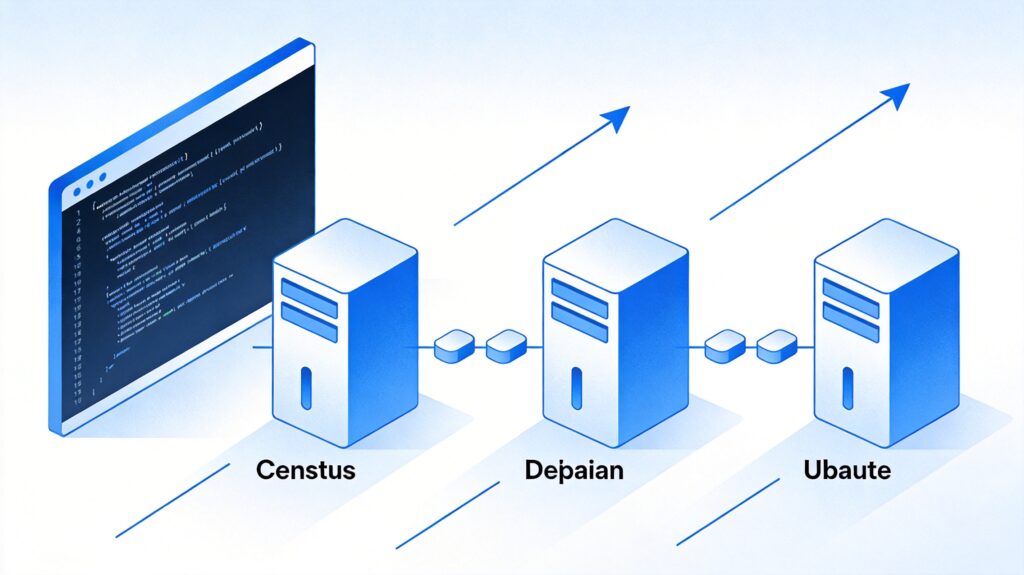
- Supported Systems: CentOS 6+, Debian 7+, Ubuntu 12+
- Virtualization: KVM, Xen, VMware, etc. (OpenVZ is NOT supported)
- Memory: ≥ 128MB
One-Click Installation Script
The following script, developed by Teddysun, will automatically install the latest Linux kernel and enable BBR. Execute it in a terminal with root privileges:
wget --no-check-certificate https://github.com/teddysun/across/raw/master/bbr.sh && chmod +x bbr.sh && ./bbr.shNote: The script will update the kernel and reboot the system. Ensure you are in an environment where a reboot is acceptable.
Verifying the Installation
After the system reboots, follow these steps to verify BBR is enabled.
1. Check Kernel Version
First, confirm the kernel has been upgraded to a version that supports BBR (typically 4.9 or higher).
uname -r2. Check Available Congestion Control Algorithms
Run the following command. The output should include bbr.
sysctl net.ipv4.tcp_available_congestion_controlExpected output example:
net.ipv4.tcp_available_congestion_control = bbr cubic reno3. Check Current Congestion Control Algorithm
Confirm that the default algorithm is bbr.
sysctl net.ipv4.tcp_congestion_controlExpected output example:
net.ipv4.tcp_congestion_control = bbr4. Check Queue Discipline
Check if the default queue discipline is fq.
sysctl net.core.default_qdiscExpected output example:
net.core.default_qdisc = fq5. Check BBR Kernel Module
Check if the tcp_bbr module is loaded.
lsmod | grep bbrThe expected output should include tcp_bbr. Note: This module may not be visible in all environments. If the previous steps succeeded, BBR is usually working even if this command shows no output.
Troubleshooting and Notes
- Script Source: This script is from the open-source community. Ensure you trust the source before using it. For production environments, testing in a small-scale environment first is recommended.
- Kernel Compatibility: If your system already uses a newer kernel (e.g., 5.x), BBR may be enabled by default, making this script unnecessary.
- Network Environment: The effectiveness of BBR varies depending on the network conditions. Improvements may not be significant in some scenarios.
- Manual Configuration: Advanced users can manually enable BBR by editing the
/etc/sysctl.conffile, but using the script is more convenient.