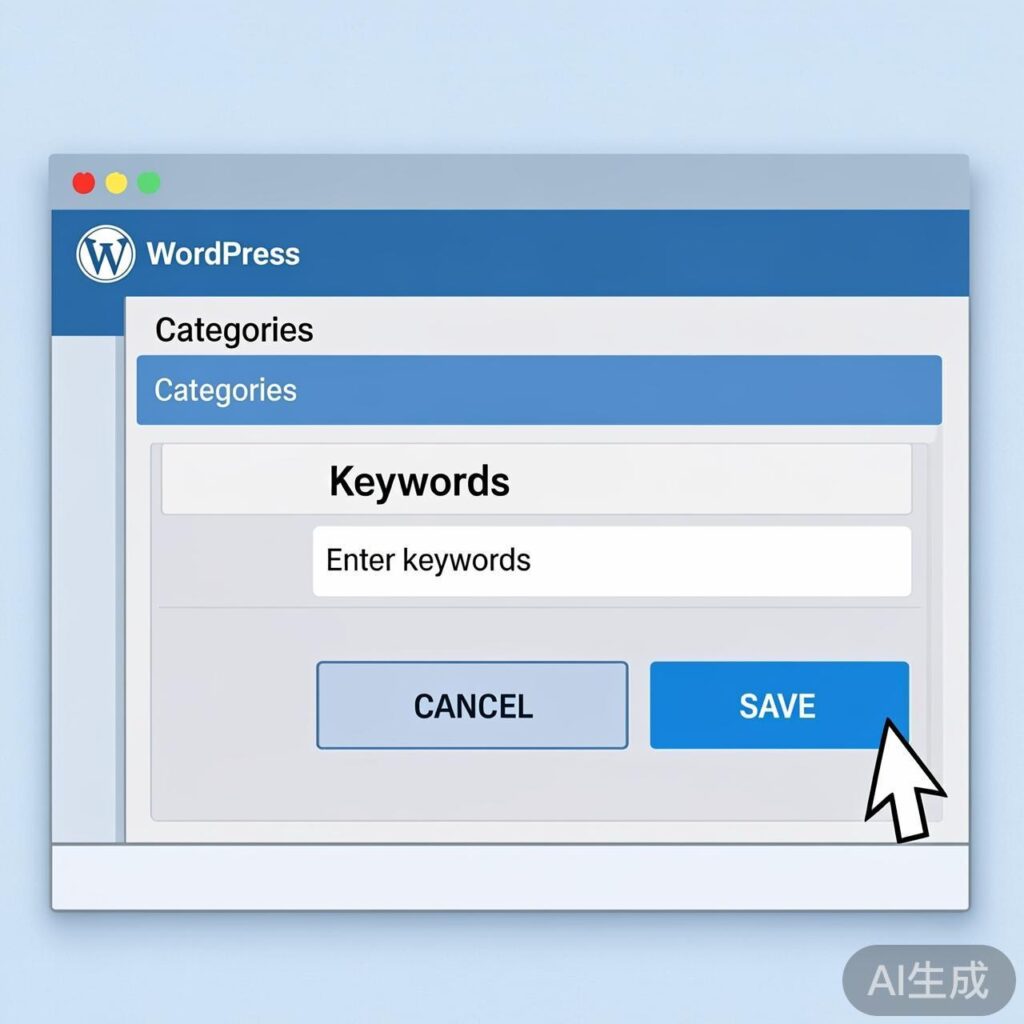
WordPress categories do not include a built-in custom field for SEO keywords by default. This tutorial provides a complete method to add a custom "Keywords" field to your category taxonomy, allowing for enhanced SEO management.
Implementation Overview
After implementing this guide, a "Keywords" input field will appear on the Add New and Edit Category screens in your WordPress admin panel.
Complete Implementation Code
Add the following PHP code to the end of your active theme's functions.php file.
1. Add Field to New Category Form
This function outputs the keyword field on the "Add New Category" page.
// Add custom field to the Add Category form
function ems_add_category_field() {
echo '
Enter SEO keywords for this category. Separate multiple keywords with commas.
';
}
add_action('category_add_form_fields', 'ems_add_category_field', 10, 2);2. Add Field to Edit Category Form
This function displays the field with any saved value on the "Edit Category" page.
// Add custom field to the Edit Category form
function ems_edit_category_field($tag) {
$saved_keyword = get_option('cat-keywords-' . $tag->term_id);
echo '
Set SEO keywords for the "' . $tag->name . '" category.
';
}
add_action('category_edit_form_fields', 'ems_edit_category_field', 10, 2);3. Save the Field Data
This function saves the submitted keyword data to the WordPress options table when a category is created or updated.
// Save category custom field data
function ems_taxonomy_metadata($term_id) {
    if ( ! isset( $_POST['cat-keywords'] ) || ! current_user_can('manage_categories') ) {
        return;
    }
    $cat_meta_key = 'cat-keywords-' . $term_id;
    $cat_meta_value = sanitize_text_field($_POST['cat-keywords']);
    update_option($cat_meta_key, $cat_meta_value);
}
add_action('created_category', 'ems_taxonomy_metadata', 10, 1);
add_action('edited_category', 'ems_taxonomy_metadata', 10, 1);
Frontend Usage
After saving the code, you can retrieve and display the saved keywords in your theme templates.
Calling Keywords on Category or Single Post Pages
The following example shows how to get and display keywords for the current category or a post's primary category.
term_id;
} else if (is_single()) {
    $categories = get_the_category();
    if (!empty($categories)) {
        $term_id = $categories[0]->term_id;
    }
}
if (isset($term_id)) {
    $keywords = get_option('cat-keywords-' . $term_id);
    if (!empty($keywords)) {
        echo 'Category Keywords: ' . esc_html($keywords) . '';
    }
}
?>
Notes & Optimization
- Data Storage: This tutorial uses
update_optionfor simplicity. For large-scale sites, consider using the WordPress Term Meta API (add_term_meta,get_term_meta) for better performance. - Security: The code includes basic security with
sanitize_text_field()and capability checks. - Extensibility: This method can be adapted to add other custom fields like descriptions, icons, or colors to categories.
- Data Cleanup: To delete the field data when a category is removed, hook a function to the
delete_categoryaction and calldelete_option('cat-keywords-'.$term_id).
Following these steps will successfully add and manage a custom keywords field for your WordPress categories, improving your site's SEO capabilities.