User roles are essential for managing content visibility in WordPress, especially for multi-user sites. This guide explains how to display different content based on user roles.
Default WordPress User Roles
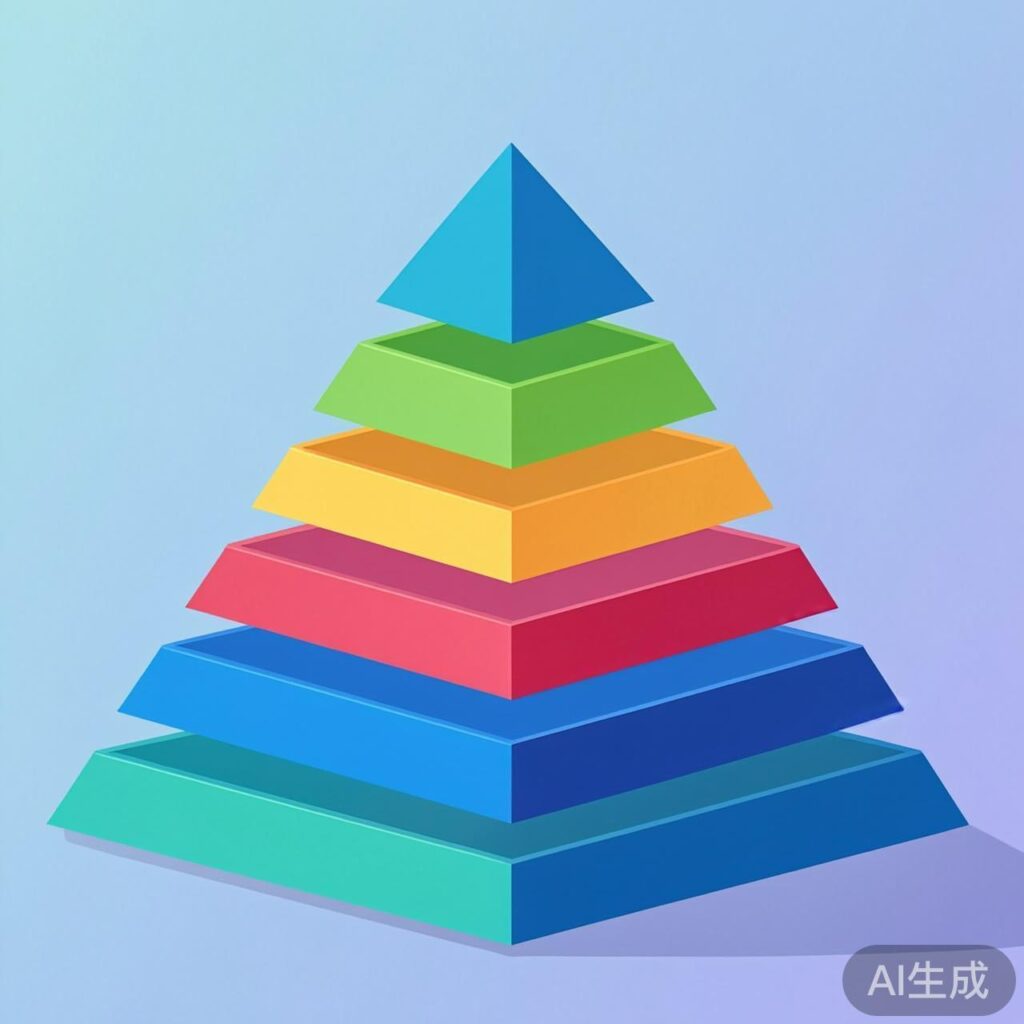
WordPress includes several default user roles, each with a capability level:
Administrator: level 10
Editor: Level 7
Author: Level 4
Contributor: Level 2
Subscriber: Level 0
Visitor: Level below 0 (not logged in)
You can also create custom roles or user groups as needed.
Implementation Methods
Use the following code examples to control content display based on user roles.
Example 1: Admin-Only Content
This snippet checks if the current user is logged in and has administrator privileges (level_10).
<?php
global $user_ID;
if( $user_ID ) :
    if( current_user_can('level_10') ) :
?>
        <p>This content is visible only to administrators.</p>
<?php
    endif;
endif;
?>
Example 2: Role-Based Content Display
This example uses conditional logic to show different content blocks for each user role.
<?php
if (current_user_can('level_10')) :
    // Admin only
    echo '<p>Content for administrators only.</p>';
elseif (current_user_can('level_7')) :
    // Editor only
    echo '<p>Content for editors only.</p>';
elseif (current_user_can('level_4')) :
    // Author only
    echo '<p>Content for authors only.</p>';
elseif (current_user_can('level_2')) :
    // Contributor only
    echo '<p>Content for contributors only.</p>';
elseif (current_user_can('level_0')) :
    // Subscriber only
    echo '<p>Content for subscribers only.</p>';
else :
    // Visitor (not logged in)
    echo '<p>Content for general visitors.</p>';
endif;
?>
Important Notes
- The
current_user_can()function is WordPress's standard method for checking user permissions. It accepts capability levels (e.g., 'level_10') or specific capability names (e.g., 'manage_options'). - For best practices, use specific capabilities instead of numeric levels. For example,
current_user_can('manage_options')checks for admin rights, making your code more robust. - Add these code snippets to theme template files (e.g., single.php, page.php) or embed them via shortcodes or widgets.
- Always back up your theme files before making changes, or use a child theme.