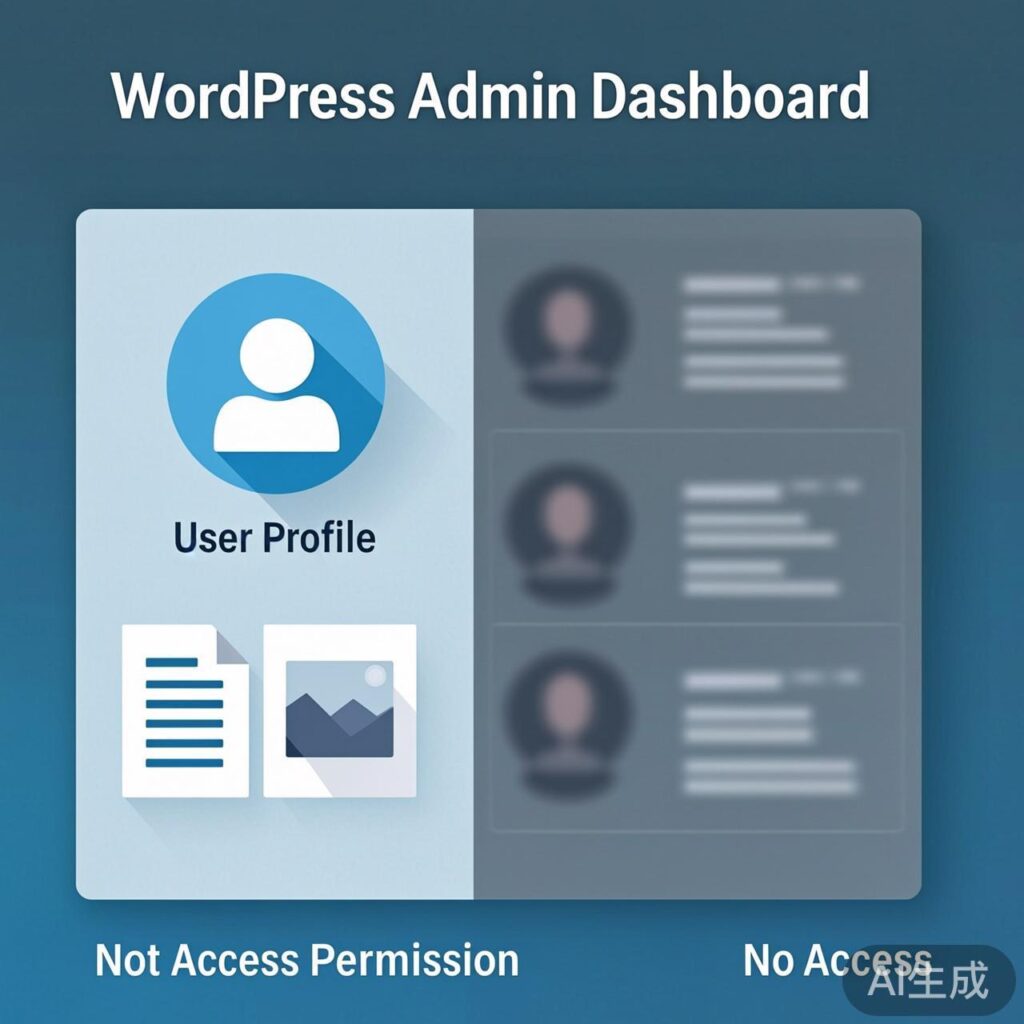
In a multi-user WordPress environment, the admin dashboard by default shows all posts and media files from every user. This can lead to privacy and management issues, as users can see content belonging to others.
This guide explains how to restrict the WordPress admin to display only the posts and media files of the currently logged-in user.
Implementation Method
Add the following code to your active theme's functions.php file.
// Show only current user's posts and media (except administrators)
add_action('init', 'check_user_role');
function check_user_role() {
    global $current_user;
    // Apply restrictions only if the current user is NOT an administrator
    if ($current_user->roles[0] != 'administrator') {
        // Restrict media library to user's own uploads
        add_action('pre_get_posts', 'MBT_restrict_media_library');
        function MBT_restrict_media_library($wp_query_obj) {
            global $current_user, $pagenow;
            if (!is_a($current_user, 'WP_User')) {
                return;
            }
            // Only affect media library Ajax queries
            if ('admin-ajax.php' != $pagenow || $_REQUEST['action'] != 'query-attachments') {
                return;
            }
            // If user cannot manage the media library, show only their uploads
            if (!current_user_can('manage_media_library')) {
                $wp_query_obj->set('author', $current_user->ID);
            }
        }
        // Restrict post list to user's own posts
        add_action('pre_get_posts', 'MBT_restrict_posts');
        function MBT_restrict_posts($query) {
            global $current_user;
            if (is_admin() && !current_user_can('administrator')) {
                $query->set('author', $current_user->ID);
            }
        }
    }
}
Code Explanation & Notes
- Core Logic: Non-administrator users can only see their own posts and uploaded media files in the admin.
- Functions:
MBT_restrict_media_librarylimits the media library;MBT_restrict_postslimits the posts list. - Placement: Add the code to the end of your theme's
functions.phpfile, or use a child theme/code snippet plugin. - Testing: After adding the code, clear any site cache and refresh the admin to see the changes.
Important: This implementation uses standard WordPress hooks and does not require direct database modification. Ignore any unrelated references to changing database prefixes.