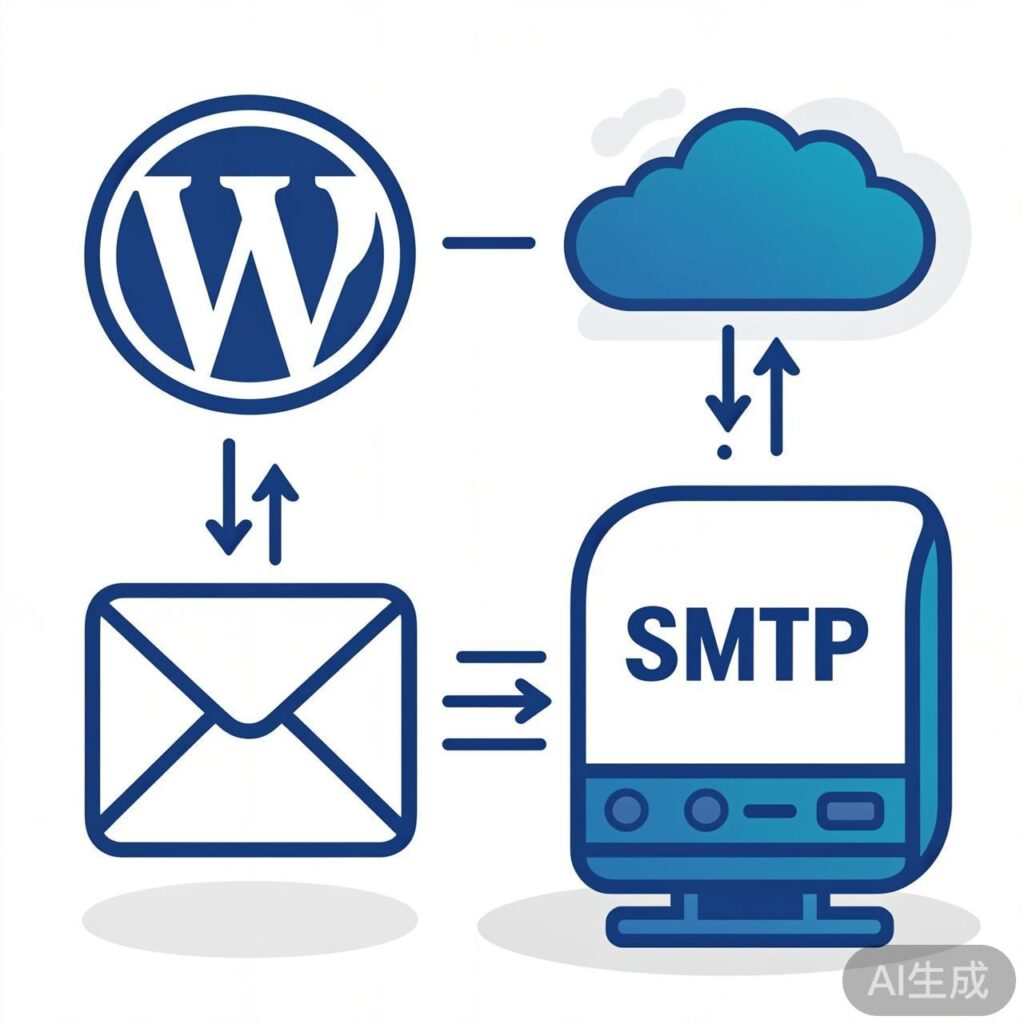
Why Configure SMTP Email Functionality?
SMTP email functionality is essential for many WordPress operations, including user registration, login verification, comment reply notifications, and password resets. While WordPress can use PHP's built-in mail() function, it is often unreliable and prone to being blocked or marked as spam by email servers.
Furthermore, many web hosting providers disable the PHP mail() function by default for security and stability reasons. Using a dedicated SMTP service is a more reliable and professional solution. While many plugins exist for this purpose, this tutorial demonstrates how to configure SMTP email in WordPress using pure code, without any plugins.
Configuration Steps
Copy the following code, modify it with your own details, and paste it at the end of your active theme's functions.php file. Then, test the email sending functionality.
// WordPress SMTP Configuration Without Plugins
function mail_smtp( $phpmailer ) {
    // Sender Name
    $phpmailer->FromName = 'Your Website Name';
    // SMTP Server Address
    $phpmailer->Host = 'smtp.qq.com';
    // SMTP Port
    $phpmailer->Port = 465;
    // Email Account
    $phpmailer->Username = '[email protected]';
    // SMTP Authorization Code (not your login password)
    $phpmailer->Password = 'your-authorization-code';
    // Sender Email Address (usually same as Username)
    $phpmailer->From = '[email protected]';
    // Enable SMTP Authentication
    $phpmailer->SMTPAuth = true;
    // Encryption Method: 'ssl' or 'tls'
    $phpmailer->SMTPSecure = 'ssl';
    // Declare use of SMTP
    $phpmailer->IsSMTP();
}
add_action('phpmailer_init', 'mail_smtp');
Code Explanation and Important Notes
- Parameter Modification: You must replace all placeholder values (email address, authorization code, sender name) with your own real information.
- SMTP Server and Port: The example uses QQ Mail's SMTP service (
smtp.qq.com, port465). If you use a different provider (e.g., Gmail, 163 Mail, corporate email), consult their documentation for the correct SMTP server address and port. - Authorization Code: The
Passwordfield should contain the SMTP authorization code (or app password) provided by your email service, NOT your regular email login password. For QQ Mail, you can generate this code in the account settings. - Encryption Method: The
SMTPSecuresetting must match thePort. Common combinations are: port 465 uses'ssl', port 587 uses'tls', and port 25 often uses no encryption (set to'').
Testing and Verification
After correctly adding the code to functions.php, the configuration should be active. You can test it using these methods:
- Use the WordPress "Lost your password?" feature to send a reset link to your email.
- Install a plugin like WP Mail SMTP or Check & Log Email, which typically include a test email function.
- If comfortable with code, temporarily add a test snippet that calls the
wp_mail()function.
If the test fails, check: 1) Code for syntax errors; 2) SMTP server, port, and encryption compatibility; 3) Correctness of email account and authorization code; 4) Server firewall allowing outbound SMTP connections.