How It Works
When you need to assign a dedicated single post template to a specific category, you can add a custom function to your theme's functions.php file. WordPress provides the single_template filter, which allows you to dynamically select a template file based on conditions.
Implementation Steps
1. Create Template Directory and Files
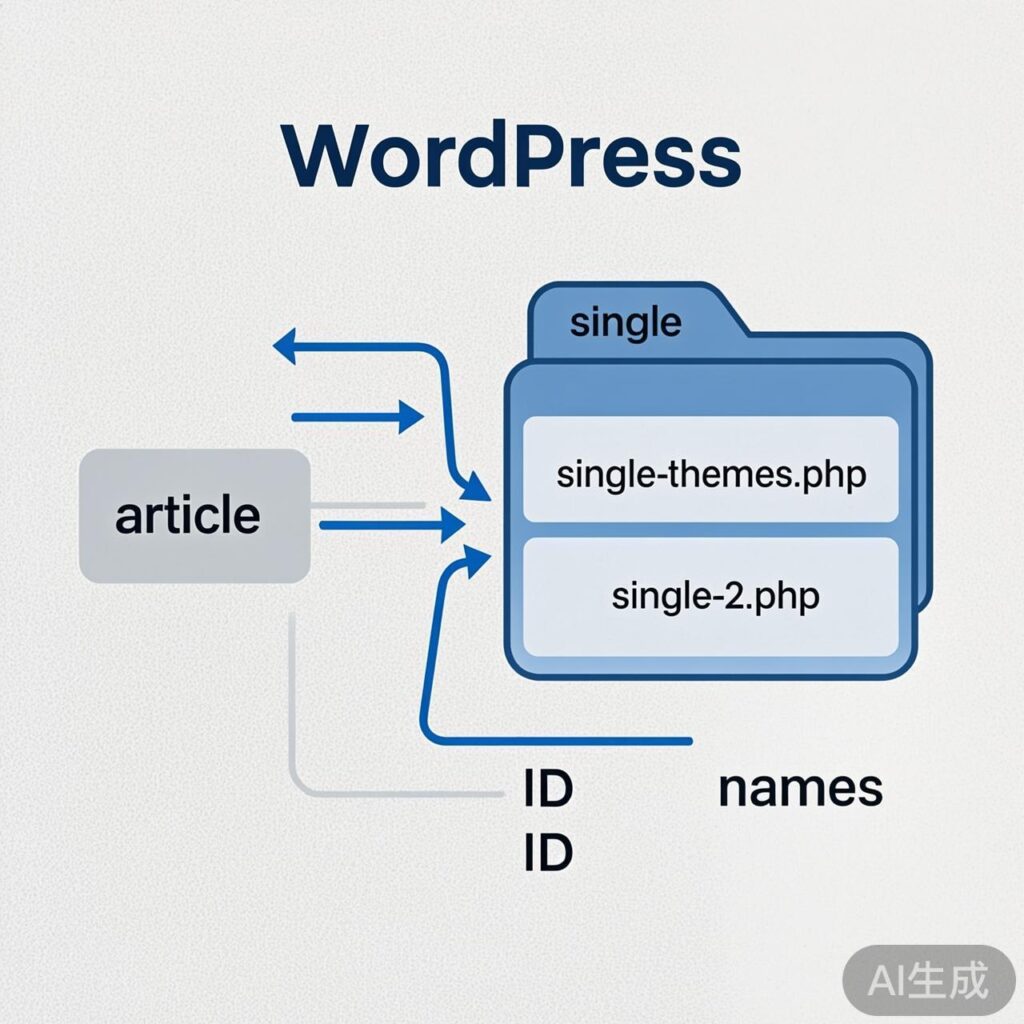
In your current theme's root directory, create a folder named single. Then, create the corresponding template files for the categories you want to customize.
File Naming Rules:
- Using category slug:
single-{category-slug}.php - Using category ID:
single-{category-id}.php
For example, if your category slug is "themes" and its ID is 2, you can create:
single/single-themes.phpsingle/single-2.php
The system will first try to match the slug-based file. If it doesn't exist, it will try the ID-based file.
2. Add the Template Selection Function
Add the following code to your current theme's functions.php file:
// Select custom single post template by category slug or ID
function wptoo_single_template($single) {
    global $post;
    // Get all categories for the current post
    foreach((array)get_the_category() as $cat) {
        // 1. First, check for a template file named by category slug
        $template_by_slug = TEMPLATEPATH . '/single/single-' . $cat->slug . '.php';
        if(file_exists($template_by_slug)) {
            return $template_by_slug;
        }
        // 2. If not found, check for a template file named by category ID
        $template_by_id = TEMPLATEPATH . '/single/single-' . $cat->term_id . '.php';
        if(file_exists($template_by_id)) {
            return $template_by_id;
        }
    }
    // If no custom template is found, return the default $single template path
    return $single;
}
// Hook the function to the 'single_template' filter
add_filter('single_template', 'wptoo_single_template');
Function Explanation and Corrections
The original code had a typo (ingle-) and room for logical optimization. The corrected code above:
- Fixes the typo: Changed
'/single/ingle-'to'/single/single-'. - Optimizes logic: Uses separate
ifstatements for slug and ID checks, making the flow clearer. - Adds a default return: Returns the original
$singlepath if no custom template is found, ensuring WordPress falls back to the default single post template (e.g.,single.php). - Removes redundant variable: The unused
$wp_queryvariable has been removed.
Result
After completing these steps, when viewing any post belonging to the "themes" category (or the category with ID 2), WordPress will automatically use single/single-themes.php (or single/single-2.php) as its single post template, enabling category-level template customization.