What Are Post Formats?
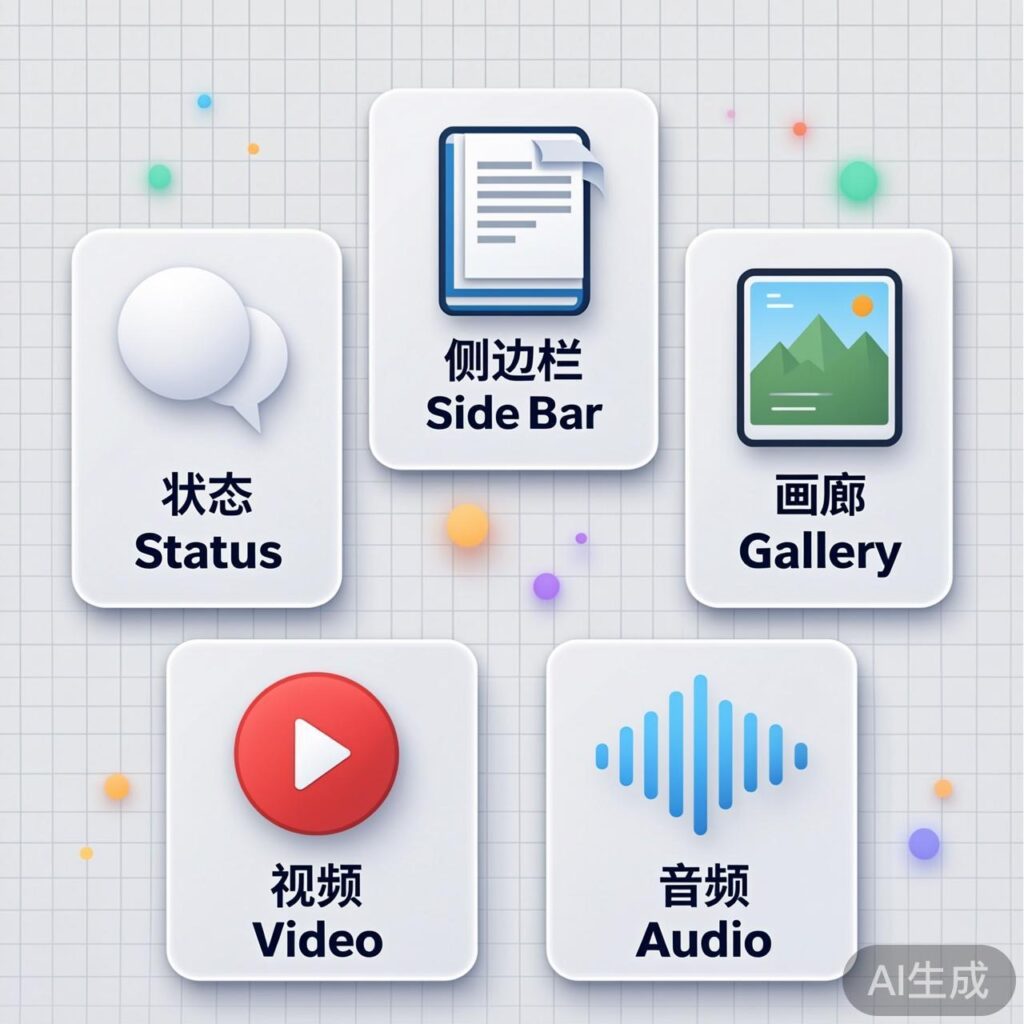
Post Formats are a WordPress feature that allows you to assign different display styles to different types of posts, such as status updates, asides, galleries, videos, and audio. In post listings, different formats can present distinct visual effects, making certain posts (like videos or status updates) more prominent and increasing engagement.
When editing a post, you can select a specific format to distinguish it from standard posts.
Adding Post Format Support
WordPress natively supports formats like status, aside, gallery, video, and audio. You can enable or customize the list of supported formats via your theme's functions.php file.
Add the following code to your theme's functions.php to see the post format options in the post editor:
// Add post format support to the theme
add_theme_support( 'post-formats', array( 'status', 'aside', 'gallery', 'video', 'audio' ) );
Checking the Post Format
In your theme template files, use the has_post_format() function to determine the current post's format and apply different styles or logic accordingly.
<?php
if ( has_post_format( 'status' ) ) {
    // Status post style
} elseif ( has_post_format( 'aside' ) ) {
    // Aside post style
} elseif ( has_post_format( 'gallery' ) ) {
    // Gallery post style
} elseif ( has_post_format( 'video' ) ) {
    // Video post style
} elseif ( has_post_format( 'audio' ) ) {
    // Audio post style
} else {
    // Standard post style
}
?>
Using Different Templates for Different Formats
A more efficient approach is to load different template files for different post formats. WordPress's get_template_part() function, combined with get_post_format(), can automatically match the corresponding template.
Implementation steps:
- Enable Post Formats: Add support in your theme's
functions.php. For example, to enable video and audio formats:
add_theme_support( 'post-formats', array( 'video', 'audio' ) );- Modify the Main Loop: In template files like
index.php,archive.php, orsingle.php, locate the post loop code and replace it.
The original loop might look like:
<?php while ( have_posts() ) : the_post(); ?>
    <!-- Post content -->
<?php endwhile; ?>
Replace it with:
<?php while ( have_posts() ) : the_post(); ?>
    <?php get_template_part( 'content', get_post_format() ); ?>
<?php endwhile; ?>- Create Template Files: In your theme's root directory, create the corresponding template files. The system will automatically load the matching file based on the post format, falling back to
content.phpif no match is found.
content.php– Default post template (for standard posts or undefined formats).content-video.php– Template for video post format.content-audio.php– Template for audio post format.content-{format}.php– Template for other post formats (replace{format}with the format name, e.g.,content-status.php).
This method allows you to easily design unique layouts and styles for each post format, achieving richer page display effects.