WordPress Editor Evolution and Choice
After completing your initial WordPress setup, the next step is to write and publish your first post. WordPress includes a default sample post titled "Hello world!" which you can keep or delete.
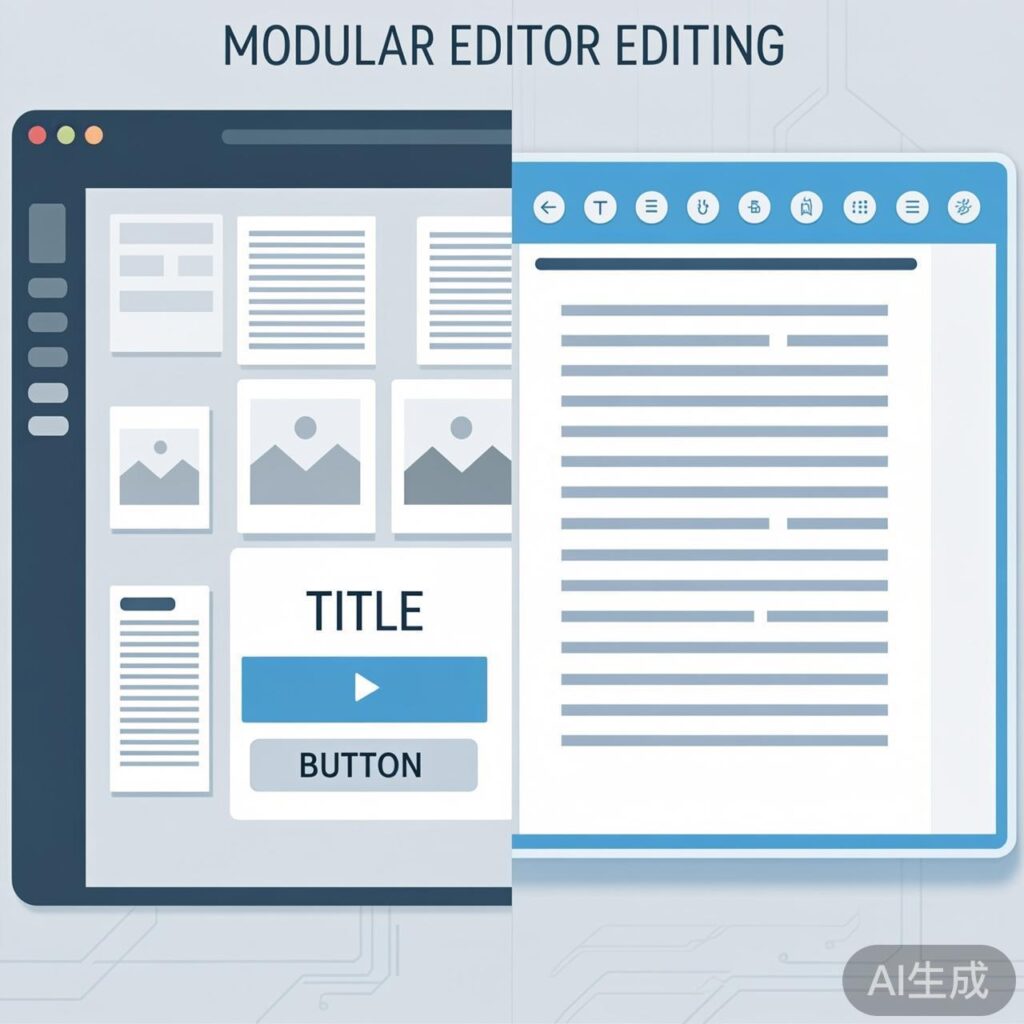
Since WordPress 5.0, the Gutenberg Editor has been the default block editor. It uses a modular design where you build content by adding different "blocks" (like paragraphs, images, headings, buttons, etc.), providing a more intuitive and flexible editing experience.
If you prefer the traditional editing interface, you can switch back to the Classic Editor. This typically requires installing the "Classic Editor" plugin.
Editor Interface Comparison
Both editors share the same core functionality for writing and publishing posts. The Gutenberg editor, once familiar, is more convenient for creating structured, media-rich content. The Classic Editor is better suited for users accustomed to the traditional WYSIWYG (What You See Is What You Get) editing mode.
How to Publish a New Post
The basic publishing workflow is similar regardless of which editor you use:
- Add New Post: In your WordPress dashboard, navigate to "Posts" → "Add New".
- Enter Post Title: Type your post title in the title field at the top.
- Write Content: Compose your post body in the main editor area. In Gutenberg, click the "+" button to add various content blocks. In the Classic Editor, simply type directly.
- Set Tags: In the "Tags" module in the right sidebar, enter keywords that describe your post's content.
- Set Featured Image: In the "Featured Image" module, upload or select an image to serve as the post thumbnail. This image typically appears in post listings and social media shares.
- Choose Categories: In the "Categories" module, assign your post to one or more appropriate categories. WordPress starts with only an "Uncategorized" category; it's recommended to create new categories based on your content themes for better organization.
- Publish Post: Click the "Publish" button in the top-right corner to publish the post to your site.
Summary and Next Steps
This guide covered the basic WordPress post publishing process and the characteristics of the two main editors. Your choice depends on personal preference and content creation needs. Beginners are encouraged to try the Gutenberg editor to experience its modern workflow.
In a future article, we will explore how to efficiently create and manage WordPress categories to better organize your site content.