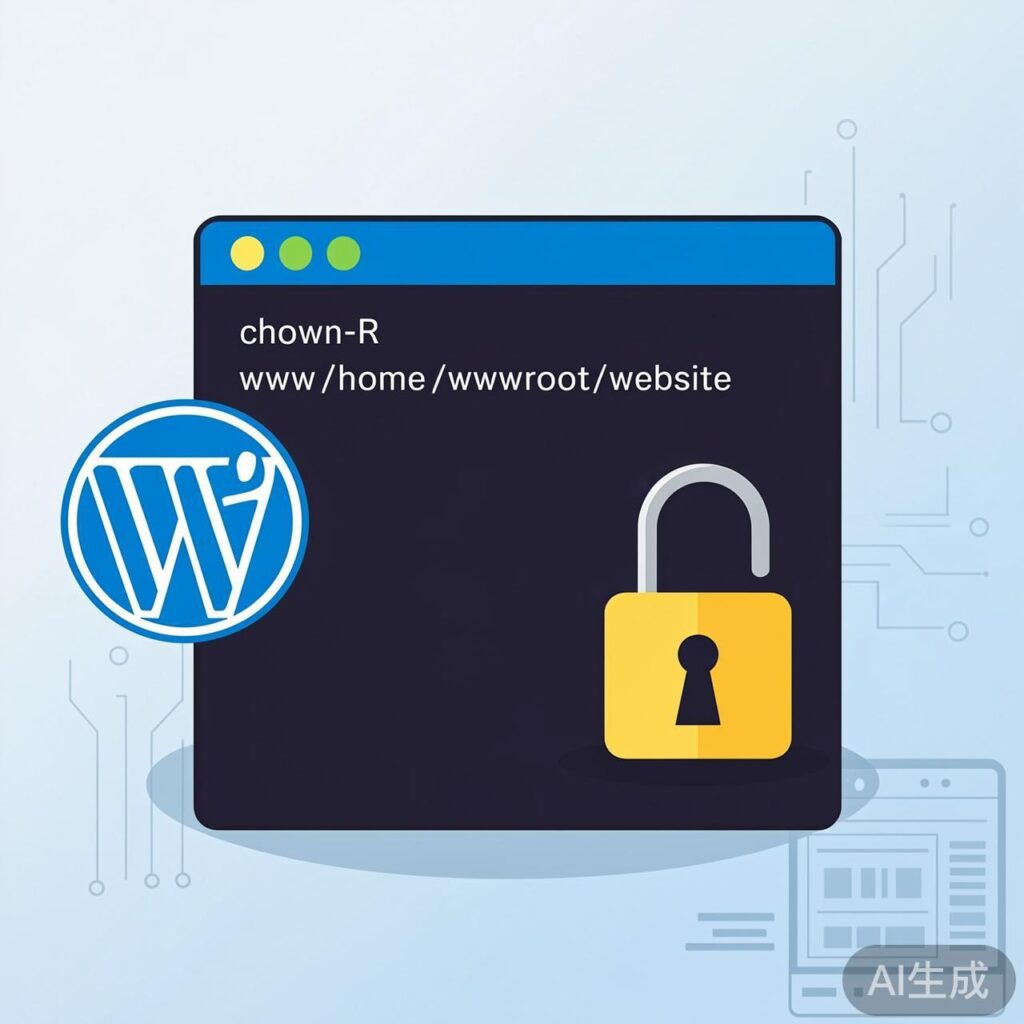
Fixing the FTP Credential Prompt When Installing WordPress Plugins/Themes in LNMP
When installing plugins or themes in WordPress on an LNMP (Linux, Nginx, MySQL/MariaDB, PHP) stack, you may encounter a prompt requesting FTP credentials. This typically occurs because the web server process (running as a user like www or nginx) lacks write permissions for the WordPress directory.
Solution: Change Directory Ownership
The most direct solution is to change the ownership of your WordPress installation directory to the web server's user via SSH.
Use the following command:
chown -R www /path/to/your/wordpressReplace /path/to/your/wordpress with your actual WordPress root directory (e.g., /home/wwwroot/example.com).
Key Considerations
- Identify the Web Server User: First, confirm the user your web server runs as. Common users are
www,nginx, orwww-data. You can check withps aux | grep nginxor by reviewing your Nginx configuration. - Use the Correct Path: Ensure the path in the command points to the WordPress root directory containing
wp-admin,wp-content, andwp-includes. - Recursive Operation: The
-Rflag applies the ownership change recursively to all subdirectories and files.
Alternative: Modify wp-config.php
If you prefer not to change file ownership, you can add the following line to your WordPress configuration file, wp-config.php (located in the root directory):
define('FS_METHOD', 'direct');This instructs WordPress to attempt direct filesystem writes, often bypassing the FTP prompt. Note that this requires the wp-content directory to already be writable by the web server user.
Summary
The core issue is insufficient write permissions for the web server process. Using the chown command to modify directory ownership is the recommended, standard solution for LNMP environments.