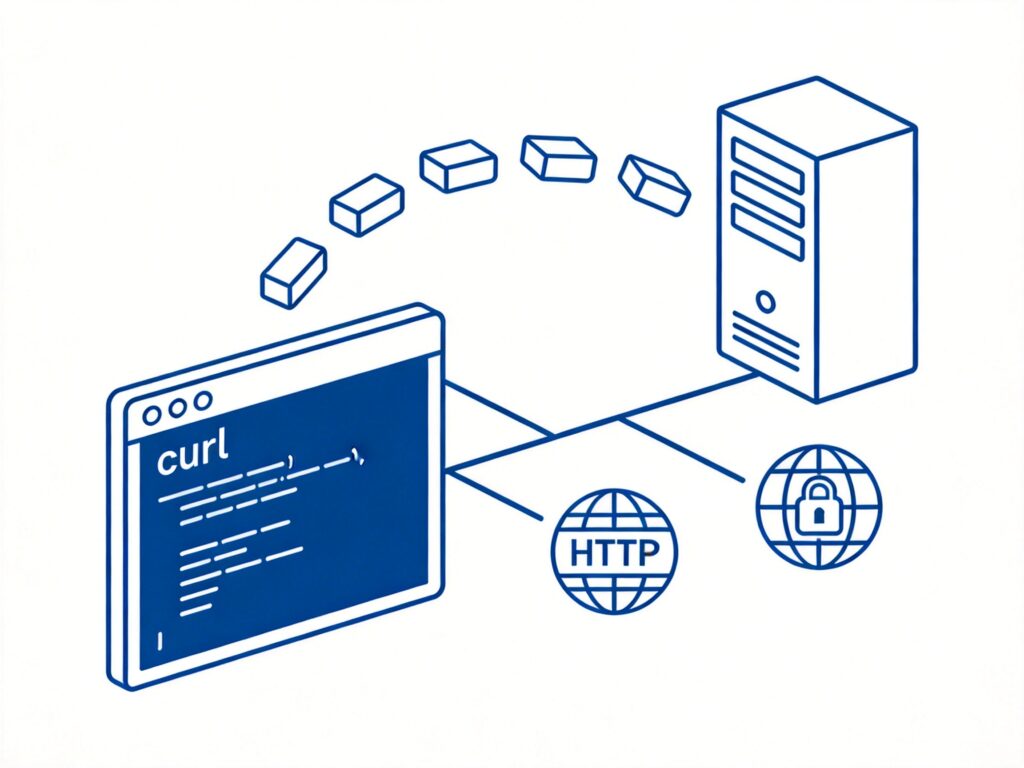
curl is a command-line tool for transferring data using URL syntax. It supports various protocols such as HTTP, HTTPS, FTP, FTPS, and TELNET. It is commonly used for fetching web content, testing API endpoints, and monitoring server status.
Linux curl Usage Examples
1. Fetch Web Content
Fetch the Baidu homepage:
curl http://www.baidu.comIf the returned content shows Chinese character corruption, you can use the iconv command to convert the encoding:
curl http://iframe.ip138.com/ic.asp | iconv -f gb2312For detailed usage of the iconv command, refer to relevant documentation on handling text file encoding issues.
2. Use a Proxy Server
Fetch a page through an HTTP proxy:
curl -x 111.95.243.36:80 http://iframe.ip138.com/ic.asp | iconv -f gb2312
curl -x 111.95.243.36:80 -U username:password http://www.baidu.com
Fetch a page through a SOCKS proxy:
curl --socks4 202.113.65.229:443 http://iframe.ip138.com/ic.asp | iconv -f gb2312
curl --socks5 202.113.65.229:443 http://iframe.ip138.com/ic.asp | iconv -f gb2312
Proxy server addresses can be obtained from reliable proxy service providers.
3. Handle Cookies
Receive and save cookies to a file:
curl -c /tmp/cookies http://www.baidu.comSend cookies:
curl -b "key1=val1;key2=val2;" http://www.baidu.com
curl -b /tmp/cookies http://www.baidu.com
The first command sends a cookie string directly; the second reads cookies from a file and sends them.
4. Send Data
Submit data using the GET method:
curl -G -d "name=value&name2=value2" http://www.baidu.comSubmit data using the POST method:
curl -d "name=value&name2=value2" http://www.baidu.com
curl -d a=b&c=d&txt@/tmp/txt http://www.baidu.com
Upload a file as a form:
curl -F file=@/tmp/me.txt http://www.aiezu.comThis is equivalent to setting the form attributes method="POST" and enctype='multipart/form-data'.
5. HTTP Header Handling
Set HTTP request headers:
curl -A "Mozilla/5.0 Firefox/21.0" http://www.baidu.com
curl -e "http://pachong.org/" http://www.baidu.com
curl -H "Connection:keep-alive\nUser-Agent: Mozilla/5.0" http://www.aiezu.com
Set and handle HTTP response headers:
curl -I http://www.aiezu.com
curl -D /tmp/header http://www.aiezu.com
The first command returns only the response headers; the second saves them to a specified file.
6. Authentication
Use username and password for basic authentication:
curl -u username:password http://www.aiezu.comUse a client certificate for authentication:
curl -E mycert.pem https://www.baidu.com7. Other Common Options
Display a progress bar:
curl -# http://www.baidu.comSave output to a file:
curl -o /tmp/aiezu http://www.baidu.com