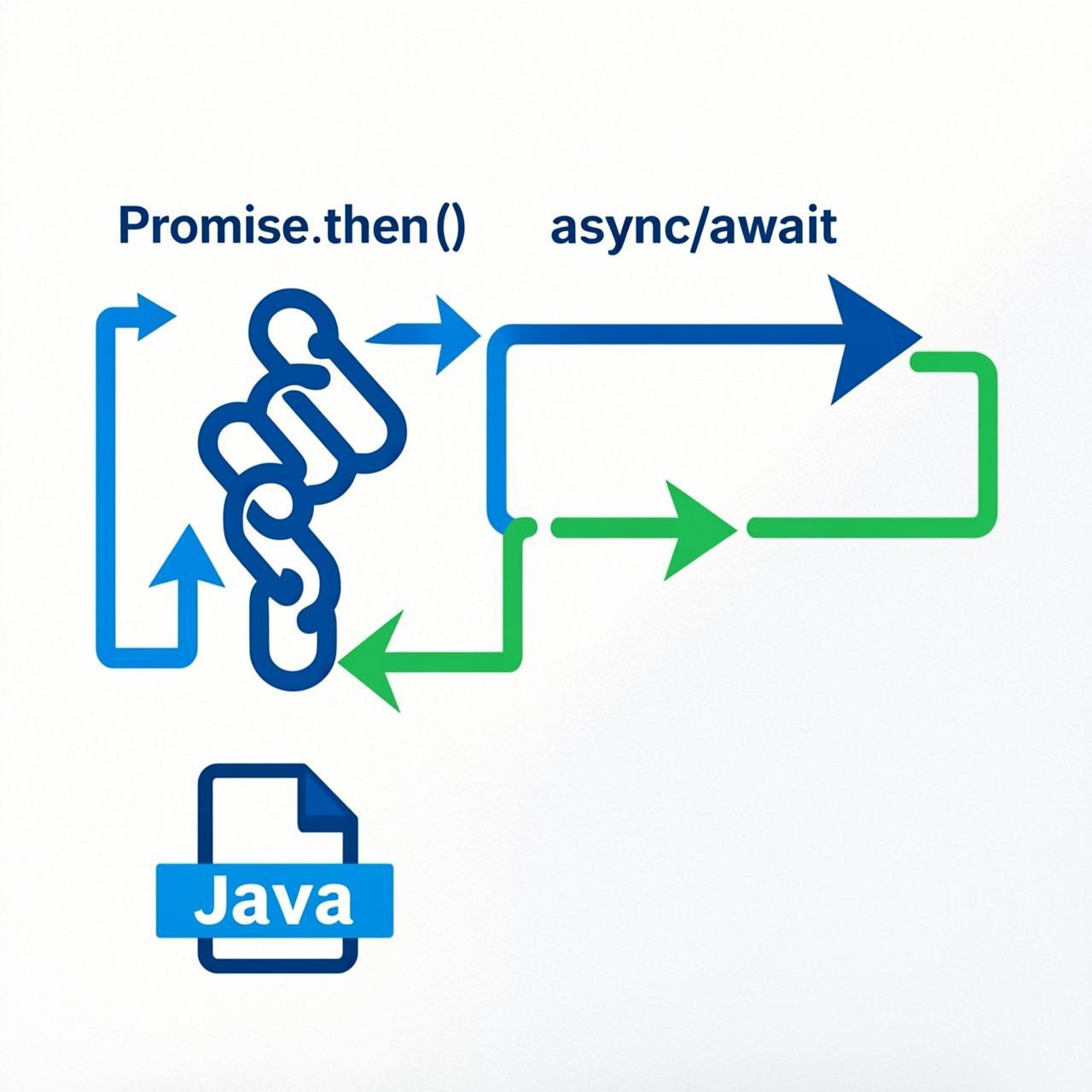
Understanding JavaScript Promise vs async/await: When to Use Each
If you have been working with JavaScript for any length of time, you have probably encountered both Promise and async/await. These are the two primary ways to handle asynchronous operations in modern JavaScript. But knowing when to use which one can make your code significantly cleaner and more maintainable.
In this guide, we will break down the differences between Promise and async/await, and help you understand which approach to use in different scenarios.
What is a Promise?
A Promise is an object representing the eventual completion or failure of an asynchronous operation. Think of it like ordering food at a restaurant — you get a receipt (the Promise) that guarantees you will eventually receive your food (the result), but you do not know exactly when.
A Promise has three states:
- Pending: The operation has not completed yet
- Fulfilled: The operation completed successfully
- Rejected: The operation failed
Here is how you create a basic Promise:
const myPromise = new Promise((resolve, reject) => {
  const success = true;

  if (success) {
    resolve("Operation successful!");
  } else {
    reject("Operation failed!");
  }
});

myPromise
  .then(result => console.log(result))
  .catch(error => console.error(error));
What is async/await?
async/await is syntactic sugar built on top of Promises. It makes asynchronous code look and behave more like synchronous code, which is easier to read and write.
The async keyword is used to declare an asynchronous function, and await pauses execution until a Promise resolves.
async function fetchData() {
  try {
    const result = await myPromise;
    console.log(result);
  } catch (error) {
    console.error(error);
  }
}
Promise vs async/await: Key Differences
| Feature | Promise | async/await |
|---|---|---|
| Syntax | Chain .then() and .catch() | Looks like synchronous code |
| Error Handling | .catch() method | try/catch blocks |
| Debugging | Can be tricky with long chains | Easier to debug |
| Readability | Declines with nested operations | Stays clean even with multiple awaits |
When to Use Promise
Promises are excellent in these scenarios:
1. Running Multiple Operations Simultaneously
When you need to run multiple asynchronous operations at the same time and wait for all of them:
Promise.all([fetchUsers(), fetchPosts(), fetchComments()])
  .then(([users, posts, comments]) => {
    console.log("All data loaded!");
  });
2. Handling Race Conditions
When you need to handle the first completed operation among multiple candidates:
Promise.race([fetchFastData(), fetchSlowData()])
  .then(firstResult => {
    console.log("First one to complete:", firstResult);
  });
3. Simple One-Off Operations
For simple, single asynchronous operations where the syntax overhead of async/await is not justified:
fetch("https://api.example.com/data")
  .then(response => response.json())
  .then(data => console.log(data));
When to Use async/await
Use async/await when:
1. Sequential Async Operations
When you need to perform operations one after another, where each depends on the previous result:
async function processUserData() {
  const user = await fetchUser(userId);
  const profile = await fetchProfile(user.profileId);
  const settings = await fetchSettings(profile.settingsId);

  return { user, profile, settings };
}
2. Complex Error Handling
When you need granular error handling for different operations:
async function getAccountDetails() {
  try {
    const basicInfo = await fetchBasicInfo();
  } catch (err) {
    console.error("Failed to fetch basic info:", err);
  }

  try {
    const paymentInfo = await fetchPaymentInfo();
  } catch (err) {
    console.error("Failed to fetch payment info:", err);
  }
}
3. Better Debugging Experience
When you need easier debugging and stack traces:
// With async/await, you get clear line numbers in error stack traces
async function processOrder(orderId) {
  const order = await getOrder(orderId);
  const validated = await validateOrder(order);
  const processed = await processPayment(validated);
  return processed;
}
Common Mistakes to Avoid
Mistake #1: Forgetting to await
// Wrong - this returns a Promise, not the actual data
async function getData() {
  fetchData(); // Missing await!
  return "done";
}

// Correct
async function getData() {
  await fetchData();
  return "done";
}
Mistake #2: Not Handling Errors
// Wrong - unhandled rejections
async function getData() {
  const data = await fetchData();
  return data;
}

// Correct - always use try/catch
async function getData() {
  try {
    const data = await fetchData();
    return data;
  } catch (error) {
    console.error("Fetch failed:", error);
    return null;
  }
}
Mistake #3: Using await Outside async Function
// Wrong - syntax error
const data = await fetchData();

// Correct - wrap in async IIFE
const data = await (async () => {
  return await fetchData();
})();
Summary: Making the Right Choice
Both Promises and async/await have their place in modern JavaScript. Here is a quick decision guide:
- Use Promise.all() when running operations in parallel
- Use async/await for sequential operations that depend on each other
- Use Promises for simple, one-liner async operations
- Use async/await when you need complex error handling
The good news is that you can freely mix both approaches in the same codebase. Many developers prefer async/await for its readability, while Promises remain essential for parallel operations and certain API patterns.
Remember: async/await is just syntactic sugar over Promises. Under the hood, everything is still a Promise. Choose the approach that makes your code clearest and most maintainable.