1. Preparation
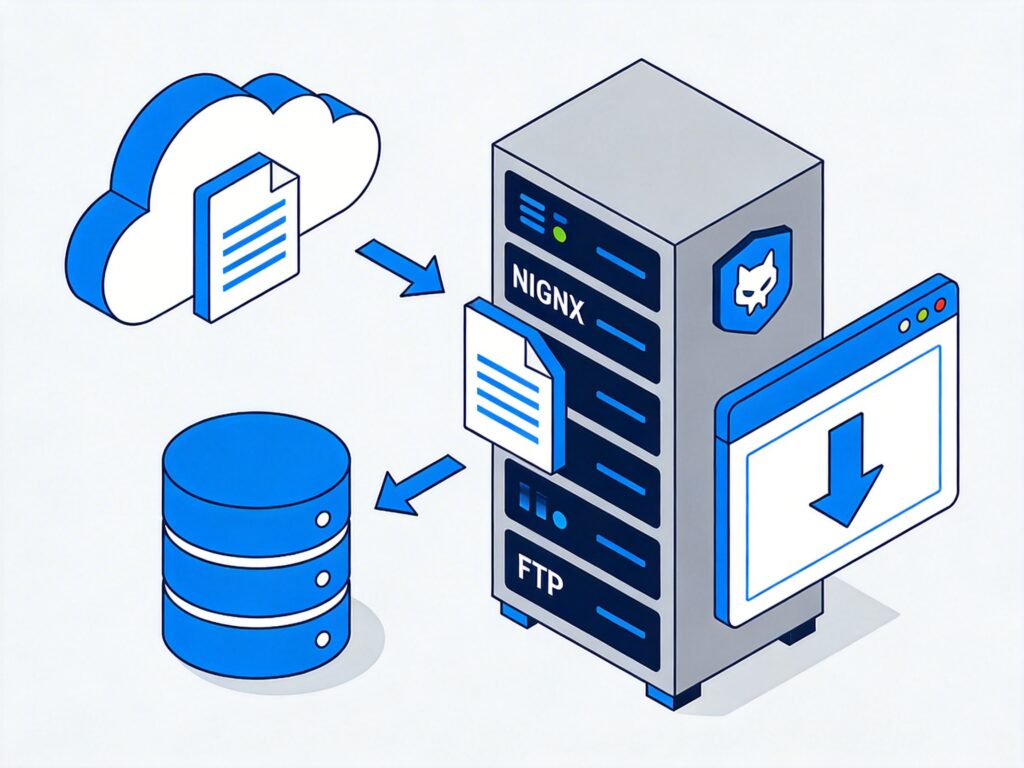
This guide uses CentOS 7 64-bit to configure Nginx as a static file download server, integrated with an FTP service for file uploads.
1.1 Create a Screen Session
To prevent compilation failure due to network interruption, create a Screen session first.
screen1.2 Create Nginx System User
For security, create a dedicated user and group for Nginx.
/usr/sbin/groupadd -f www
/usr/sbin/useradd -g www www
1.3 Update System and Install Tools
Update packages and install dependencies for compiling Nginx.
yum -y update
yum -y install gcc gcc-c++ autoconf automake zlib zlib-devel openssl openssl-devel pcre-devel zip unzip net-snmp snmp-mibs-utils vsftpd
2. Nginx and Module Installation
2.1 Download Third-Party Modules
Create a directory for module sources.
mkdir /DLserver
cd /DLserver
Download Nginx-accesskey Module (Anti-leech)
wget http://wiki.nginx.org/images/5/51/Nginx-accesskey-2.0.3.tar.gz
tar -xzvf Nginx-accesskey-2.0.3.tar.gz
rm -f Nginx-accesskey-2.0.3.tar.gz
Edit the module's config file, change $HTTP_ACCESSKEY_MODULE to ngx_http_accesskey_module.
vi nginx-accesskey-2.0.3/configDownload Nginx-limit-traffic-rate-module (Rate Limiting)
wget https://github.com/bigplum/Nginx-limit-traffic-rate-module/archive/master.zip
unzip master.zip
rm -f master.zip
Download Nginx Upload Module
wget https://github.com/vkholodkov/nginx-upload-module/archive/2.2.zip
unzip 2.2.zip
rm -f 2.2.zip
2.2 Download and Compile Nginx
Download and extract Nginx source.
wget http://nginx.org/download/nginx-1.8.0.tar.gz
tar -xzvf nginx-1.8.0.tar.gz
rm -f nginx-1.8.0.tar.gz
cd nginx-1.8.0
Configure compilation. For a static file server, remove unnecessary modules.
./configure --prefix=/usr/local/nginx --sbin-path=/usr/local/nginx/sbin/nginx --conf-path=/usr/local/nginx/conf/nginx.conf --pid-path=/usr/local/nginx/nginx.pid --user=www --group=www --without-http_fastcgi_module --without-http_autoindex_module --without-http_ssi_module --without-http_memcached_module --without-http_scgi_module --without-http_uwsgi_module --without-mail_pop3_module --without-mail_imap_module --without-mail_smtp_module --with-http_stub_status_module --with-http_realip_module --with-threads --add-module=/DLserver/nginx-accesskey-2.0.3 --add-module=/DLserver/Nginx-limit-traffic-rate-module-master --add-module=/DLserver/nginx-upload-module-2.2.0 --with-http_secure_link_moduleKey Parameters:
--with-http_realip_module: Gets real client IP behind a proxy.--with-http_stub_status_module: Enables Nginx status page.--with-threads: Enables thread pool support for async I/O.
Compile and install.
make && make install2.3 Nginx Directory Structure and Commands
Main Directories:
- Installation:
/usr/local/nginx - Configuration:
/usr/local/nginx/conf/nginx.conf - Logs:
/usr/local/nginx/logs
Common Commands:
# View compile parameters
/usr/local/nginx/sbin/nginx -V

# Start
/usr/local/nginx/sbin/nginx

# Stop
/usr/local/nginx/sbin/nginx -s stop

# Reload config
/usr/local/nginx/sbin/nginx -s reload

# Check process
ps -ef | grep nginx
2.4 Configure Nginx as a Download Server
Edit /usr/local/nginx/conf/nginx.conf. Basic example:
user www www;
worker_processes auto;

events {
    use epoll;
    worker_connections 2048;
}

http {
    include       mime.types;
    default_type  application/octet-stream;
    sendfile on;
    tcp_nopush on;
    tcp_nodelay on;
    keepalive_timeout 65;

    # Connection limit zone
    limit_conn_zone $binary_remote_addr zone=addr:10m;
    # Request rate limit zone (1 req/sec)
    limit_req_zone $binary_remote_addr zone=one:10m rate=1r/s;

    server {
        listen 8080; # Use non-standard port
        server_name your-domain.com; # Replace with your domain
        charset utf-8;

        location / {
            root   /path/to/your/files; # Actual file storage path
            index  index.html index.htm;

            # Anti-leech
            accesskey on;
            accesskey_hashmethod md5;
            accesskey_arg "key";
            accesskey_signature "your_secret$remote_addr"; # Replace your_secret

            # Limits
            limit_conn addr 2; # Max 2 connections per IP
            limit_req zone=one burst=5 nodelay;

            # Rate limit per connection
            limit_rate 128k;

            # Optimize large file sending
            sendfile_max_chunk 512k;
            aio threads;
            directio 4m;
        }

        error_page 500 502 503 504 /50x.html;
        location = /50x.html {
            root html;
        }
    }
}
Configuration Notes:
worker_processes: Set to number of CPU cores.listen: Use a non-standard port (e.g., 8080) for a dedicated download server.accesskey_signature: Theyour_secretmust match the application generating download links.- Adjust rate limiting parameters (
limit_rate,sendfile_max_chunk) based on bandwidth.
2.5 Auto-start and Log Rotation
Add Nginx to rc.local for auto-start on boot.
echo "/usr/local/nginx/sbin/nginx -c /usr/local/nginx/conf/nginx.conf" >> /etc/rc.local
chmod +x /etc/rc.local
Configure log rotation (e.g., daily) using logrotate or a custom script.
3. FTP Service Installation and Configuration (vsftpd)
3.1 Installation and Basic Setup
Install vsftpd.
yum -y install vsftpd
systemctl start vsftpd
systemctl enable vsftpd
Edit /etc/vsftpd/vsftpd.conf. Ensure these key settings:
anonymous_enable=NO
local_enable=YES
write_enable=YES
local_umask=022
dirmessage_enable=YES
xferlog_enable=YES
connect_from_port_20=YES
xferlog_std_format=YES
listen=YES
pam_service_name=vsftpd
userlist_enable=YES
userlist_deny=NO # Only allow users in user_list
chroot_local_user=YES # Restrict users to home directory
allow_writeable_chroot=YES # Allow write in chroot
3.2 Create FTP User
Create a system user for uploads, set home directory to the file server root.
useradd -d /path/to/your/files -s /sbin/nologin ftpuser
passwd ftpuser
Add the username to the allowed list.
echo "ftpuser" >> /etc/vsftpd/user_listRestart vsftpd.
systemctl restart vsftpd3.3 Firewall Configuration
If using a firewall (firewalld/iptables), open FTP port (21) and passive mode range.
# For firewalld
firewall-cmd --permanent --add-service=ftp
firewall-cmd --permanent --add-port=30000-31000/tcp # Passive port range
firewall-cmd --reload

# Or specify in vsftpd.conf
pasv_min_port=30000
pasv_max_port=31000
4. Security and Optimization
4.1 Server Security
- Change SSH Port: Avoid default port 22.
- Use Key Authentication: Disable SSH password login.
- Configure Firewall: Restrict inbound ports to only necessary services.
- Regular Updates: Keep system and software updated.
4.2 Nginx Anti-leech and Rate Limiting
The configuration enables the accesskey module for anti-leech. Rate limiting uses limit_conn, limit_req, and limit_rate to prevent bandwidth exhaustion.
4.3 Chinese Filename Support
If Chinese filenames appear garbled, force UTF-8 in vsftpd.
# Add to /etc/vsftpd/vsftpd.conf
utf8_filesystem=YES
5. Troubleshooting
5.1 Nginx Startup Errors
- “Address already in use”: Port is occupied. Use
netstat -ntplto find the process. - “open() "/usr/local/nginx/nginx.pid" failed”: PID file missing. Start with
nginx -c /path/to/nginx.conf.
5.2 FTP Connection Issues
- 530 Login incorrect: Check
/etc/vsftpd/user_listand/etc/vsftpd/ftpusers. Verify PAM config. - Passive mode failure: Ensure firewall allows the passive port range (e.g., 30000-31000).
Following these steps, you can set up an Nginx static file download server with FTP upload, security features (anti-leech, rate limiting), and basic monitoring. Tune parameters for your production environment.